

 To Next Page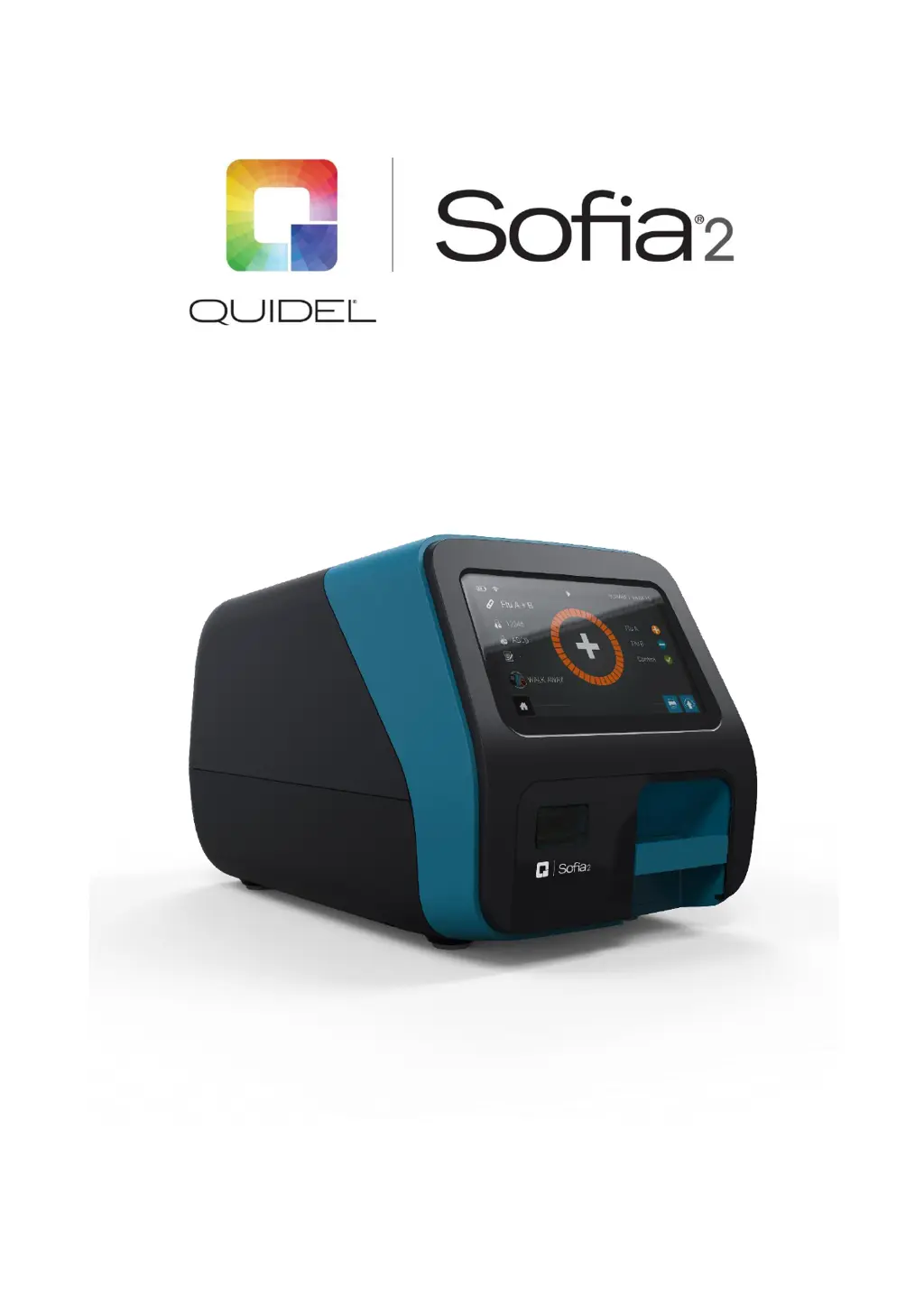


R
Ronald PatrickAug 27, 2025
What to do if Quidel Sofia 2 Measuring Instruments shows 'INVALID_OPERATOR_NUMBER'?
- RRicky RobertsAug 27, 2025
If the Quidel Measuring Instruments displays 'INVALID_OPERATOR_NUMBER', enter a valid Operator number.

What to do if Quidel Sofia 2 Measuring Instruments shows 'INVALID_OPERATOR_NUMBER'?
If the Quidel Measuring Instruments displays 'INVALID_OPERATOR_NUMBER', enter a valid Operator number.
What to do if Quidel Laboratory Equipment displays 'Data could not be successfully exported'?
If the Quidel Laboratory Equipment displays 'Data could not be successfully exported', confirm the correct USB flash drive was used and inserted correctly.
What to do if I get a 'PRINTING_ERROR' on my Quidel Sofia 2 Measuring Instruments?
If the Quidel Measuring Instruments shows 'PRINTING_ERROR', check the connection to the printer.
What to do if Quidel Sofia 2 Measuring Instruments displays 'WRITE_FAILED'?
If the Quidel Measuring Instruments displays 'WRITE_FAILED', replace the USB flash drive.
What to do if Quidel Laboratory Equipment displays 'Assay Method File unavailable for supplied Cassette'?
If the Quidel Laboratory Equipment displays 'Assay Method File unavailable for supplied Cassette', only test with approved Sofia 2 assays.
What to do if Quidel Laboratory Equipment displays 'Invalid Operator Number'?
If the Quidel Laboratory Equipment displays 'Invalid Operator Number', enter a valid Operator number (i.e., is not a duplicate or longer than 20 digits).
What to do if Quidel Laboratory Equipment displays 'Invalid study code'?
If the Quidel Laboratory Equipment displays 'Invalid study code', enter a study code containing 1-2 numeric characters.
What to do if Quidel Laboratory Equipment displays 'Cassette barcode is invalid, missing or unreadable'?
If the Quidel Laboratory Equipment displays 'Cassette barcode is invalid, missing or unreadable', retest using a Cassette with a valid barcode.
What should I do if my Quidel Sofia 2 shows 'EXPIRED_BARCODE'?
If the Quidel Measuring Instruments displays 'EXPIRED_BARCODE', retest with a non-expired Cassette.
What to do if Quidel Sofia 2 Measuring Instruments shows 'CASSETTE_ERROR'?
If the Quidel Measuring Instruments displays 'CASSETTE_ERROR', retest using a Cassette with a valid barcode.
Outlines essential safety measures and guidelines to ensure safe operation and prevent hazards.
Explains the necessity and frequency of Calibration Checks and External Quality Control tests.
Guides users through the physical placement and initial setup of the Sofia 2 unit.
Guides configuration of wired Ethernet or Wi-Fi connections for instrument connectivity.
Explains how to download and install software updates for the Sofia 2 system.
Guides on exporting Sofia 2 system settings to a USB drive for backup or transfer.
Explains how to input or scan the User ID before running a test.
Details the process of entering or scanning the patient's unique identification.
 General
| Product Name | Quidel Sofia 2 |
|---|---|
| Category | Measuring Instruments |
| Type | Fluorescent Immunoassay Analyzer |
| Technology | Fluorescent Immunoassay |
| Connectivity | USB, Ethernet |
| Display | Touchscreen LCD |
| Operating Temperature | 15°C to 30°C |
| Sample Types | Nasopharyngeal swabs, nasal swabs |
| Results | Qualitative |
| Read Time | 15 minutes |
| Power Requirements | 100-240V AC, 50/60 Hz |
| Humidity Range | 10% to 90% non-condensing |
