EasyManua.ls Logo

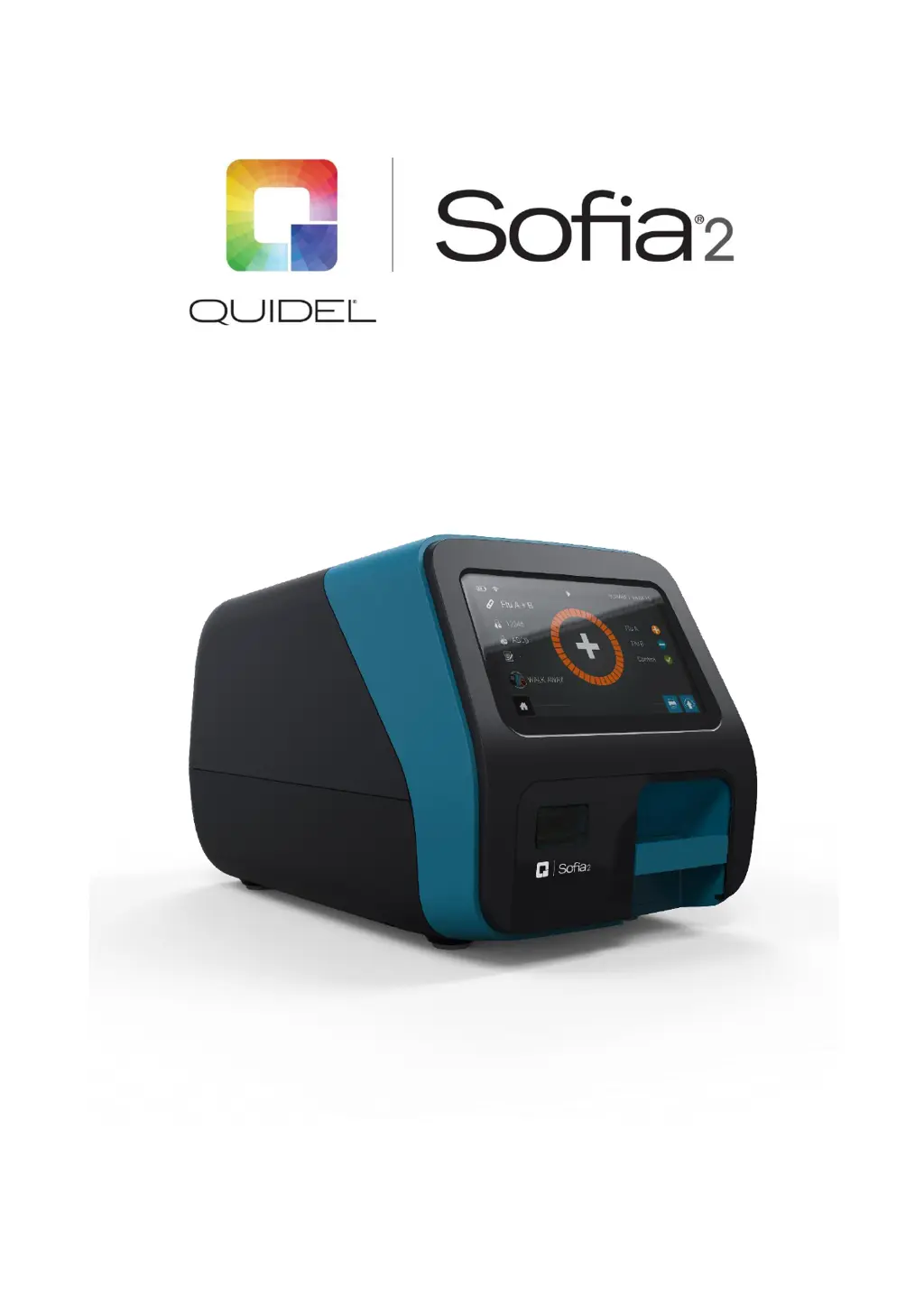
Quidel Sofia 2 - User Manual

Quidel Sofia 2
49 pages
Print Icon
To Next Page IconTo Next Page
Loading...
User Manual

Table of Contents

Other manuals for Quidel Sofia 2

Questions and Answers

  • W
    webbjimAug 27, 2025
    How to fix 'INVALID_USER_NAME' error on Quidel Measuring Instruments?
    • J
      johngonzalezAug 27, 2025
      If the Quidel Measuring Instruments displays 'INVALID_USER_NAME', enter a User Name containing 20 characters or less. The User Name contains invalid characters.
  • C
    Christian JohnsonAug 27, 2025
    How to resolve 'DUPLICATE_USER_ID_ERROR' on Quidel Measuring Instruments?
    • H
      Heather TranAug 27, 2025
      If the Quidel Measuring Instruments displays 'DUPLICATE_USER_ID_ERROR', choose another User ID.
  • H
    hannah88Aug 27, 2025
    How do I fix the 'INVALID_QC_CARD_BARCODE' error on Quidel Sofia 2?
    • S
      Susan MitchellAug 27, 2025
      If the Quidel Measuring Instruments displays 'INVALID_QC_CARD_BARCODE', check or rescan the QC Card.
  • J
    James HughesAug 26, 2025
    What to do if Quidel Sofia 2 Measuring Instruments shows 'DATA_IMPORT_ERROR'?
    • S
      Scott MillerAug 27, 2025
      If the Quidel Measuring Instruments displays 'DATA_IMPORT_ERROR', confirm that the correct USB flash drive was used and inserted correctly.
  • L
    Laurie WigginsAug 26, 2025
    How to troubleshoot 'DATA_EXPORT_ERROR' on Quidel Sofia 2?
    • M
      Michael RamirezAug 26, 2025
      If the Quidel Measuring Instruments displays 'DATA_EXPORT_ERROR', confirm that the correct USB flash drive was used and inserted correctly.
  • C
    Christopher GonzalezAug 26, 2025
    How to fix 'UNREADABLE_CASSETTE' error on Quidel Sofia 2 Measuring Instruments?
    • T
      Tyler RiceAug 26, 2025
      If the Quidel Measuring Instruments is showing 'UNREADABLE_CASSETTE', make sure the Cassette is correctly inserted and that the barcode has no markings.
  • D
    davidhendrixAug 25, 2025
    How to resolve 'INVALID_USER_ID' error on Quidel Measuring Instruments?
    • K
      Kristen GutierrezAug 26, 2025
      If the Quidel Measuring Instruments shows 'INVALID_USER_ID', you should enter a valid User ID to proceed.
  • D
    davisjonathanAug 25, 2025
    What does 'NO_REMOVABLE_STORAGE' mean on Quidel Measuring Instruments?
    • S
      Sara RandallAug 25, 2025
      If the Quidel Measuring Instruments displays 'NO_REMOVABLE_STORAGE', it means that removable storage is either missing or unwritable. Install a USB flash drive.
  • D
    Dustin NelsonSep 4, 2025
    What to do if Quidel Sofia 2 Measuring Instruments displays 'USER_ID_MUST_BE_ENTERED'?
    • D
      dixonaaronSep 4, 2025
      If the Quidel Measuring Instruments displays 'USER_ID_MUST_BE_ENTERED', enter a valid User ID to proceed.
  • A
    Amanda DurhamSep 7, 2025
    What to do if Quidel Laboratory Equipment displays 'Current temperature out of range of assay or system'?
    • R
      Robert MitchellSep 7, 2025
      If the Quidel Laboratory Equipment shows 'Current temperature out of range of assay or system', ensure the temperature is within the allowed range of 15°C to 30°C / 59°F to 86°F.

Summary

Warnings and Precautions

Safety Precautions

Outlines essential safety measures and guidelines to ensure safe operation and prevent hazards.

Introduction

Calibration and Quality Control

Explains the necessity and frequency of Calibration Checks and External Quality Control tests.

Development Modes

Installation, Setup, and Operation

Sofia 2 Setup

Guides users through the physical placement and initial setup of the Sofia 2 unit.

Calibration Check

Supervisor Menu

Entry Requirements and Timeout

Calibration and QC

Data Security

Other Settings

Set Time and Date

Network Settings

Network Interface

Guides configuration of wired Ethernet or Wi-Fi connections for instrument connectivity.

LIS Settings

Virena Settings

Test Virena Connection

Connect to Quidel

Software Updates

Explains how to download and install software updates for the Sofia 2 system.

Managing Users

Edit User

Delete User

Export, Import, Delete

Export Settings to USB Flash Drive

Guides on exporting Sofia 2 system settings to a USB drive for backup or transfer.

Export Patient Data to USB Flash Drive

Sofia 2 Firmware and Assay Methods

Import Assay Methods from USB Flash Drive

Run Test (Patient Specimens)

Enter the User ID

Explains how to input or scan the User ID before running a test.

Enter the Patient ID

Details the process of entering or scanning the patient's unique identification.

Test Procedure

Patient Test Results

Review Data

Review QC Results

Review Calibration Results

Run QC

QC Results

Run Calibration

Calibration Results

Send Data

Shutdown

Maintenance and Cleaning

Cleaning

Appendix B Optimizing Analyzer Placement

Appendix C System Troubleshooting

Quidel Sofia 2 Specifications

General IconGeneral
Product NameQuidel Sofia 2
CategoryMeasuring Instruments
TypeFluorescent Immunoassay Analyzer
TechnologyFluorescent Immunoassay
ConnectivityUSB, Ethernet
DisplayTouchscreen LCD
Operating Temperature15°C to 30°C
Sample TypesNasopharyngeal swabs, nasal swabs
ResultsQualitative
Read Time15 minutes
Power Requirements100-240V AC, 50/60 Hz
Humidity Range10% to 90% non-condensing

Related product manuals