9
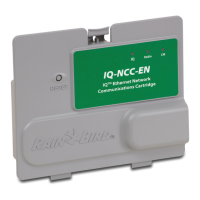
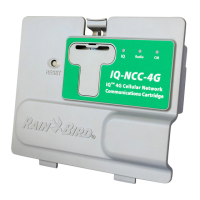
IQ Network Communication Cartridge
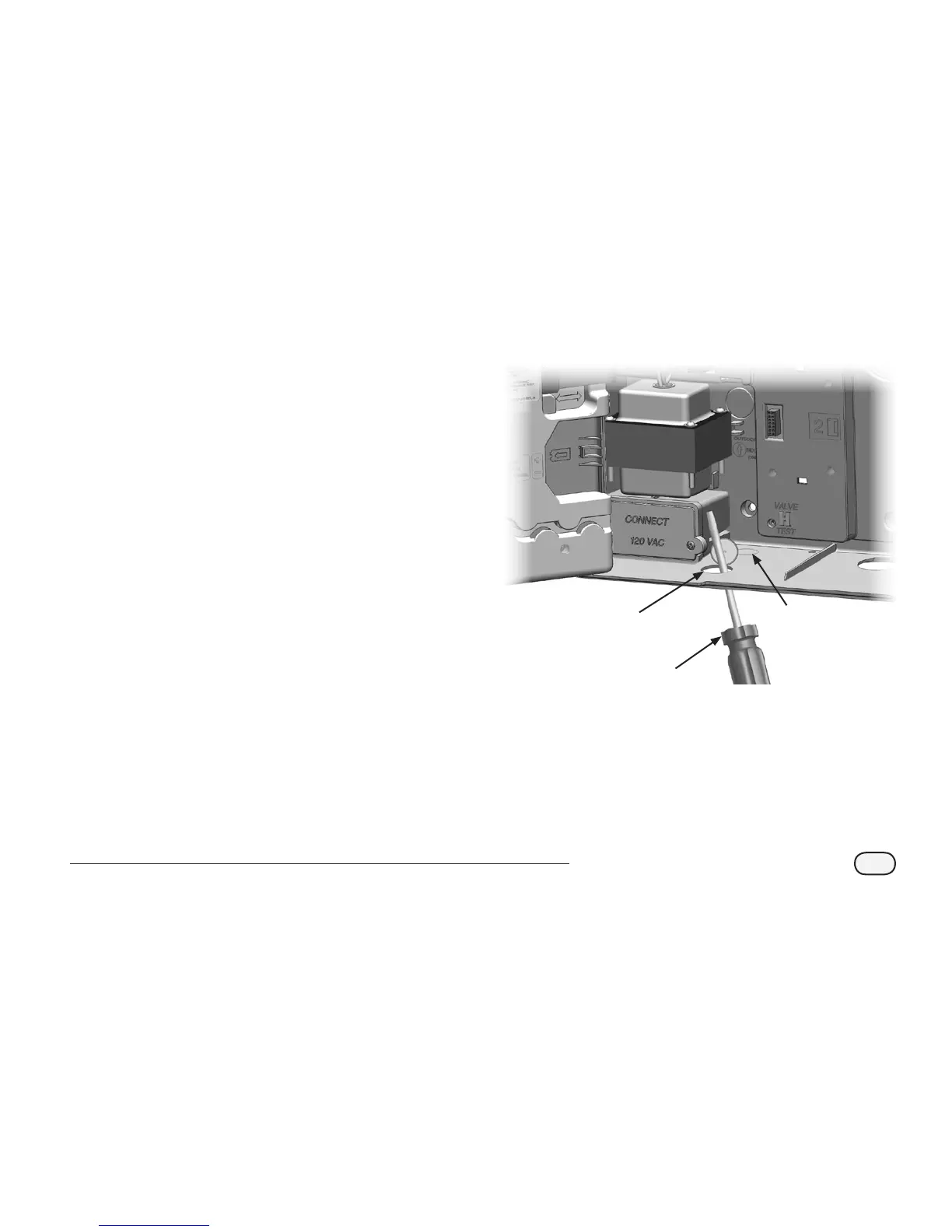
Remove the Communication Cable Knock-out
A
Locate the IQ Port communication cable knock-out
on the bottom left of the controller case, next to the
transformer junction box.
B
If a CM connection module will be installed for IQNet
communication, locate the rear knock-out for the IQNet
communication cable.
C
Using a screwdriver or other pointed tool, center the
point of tool on the “dimple” in the center of the knock-
out, punch through and remove the cable knock-out(s).
d
CAUTION: Always wear eye protection when using
tools or power equipment.
1
2
3


 To Next Page