26
IQ Network Communication Cartridge
Operation
This section provides LED indications and front panel
menu options that can be used to verify proper cartridge
installation, operation, and conguration.
Controls and Indicators
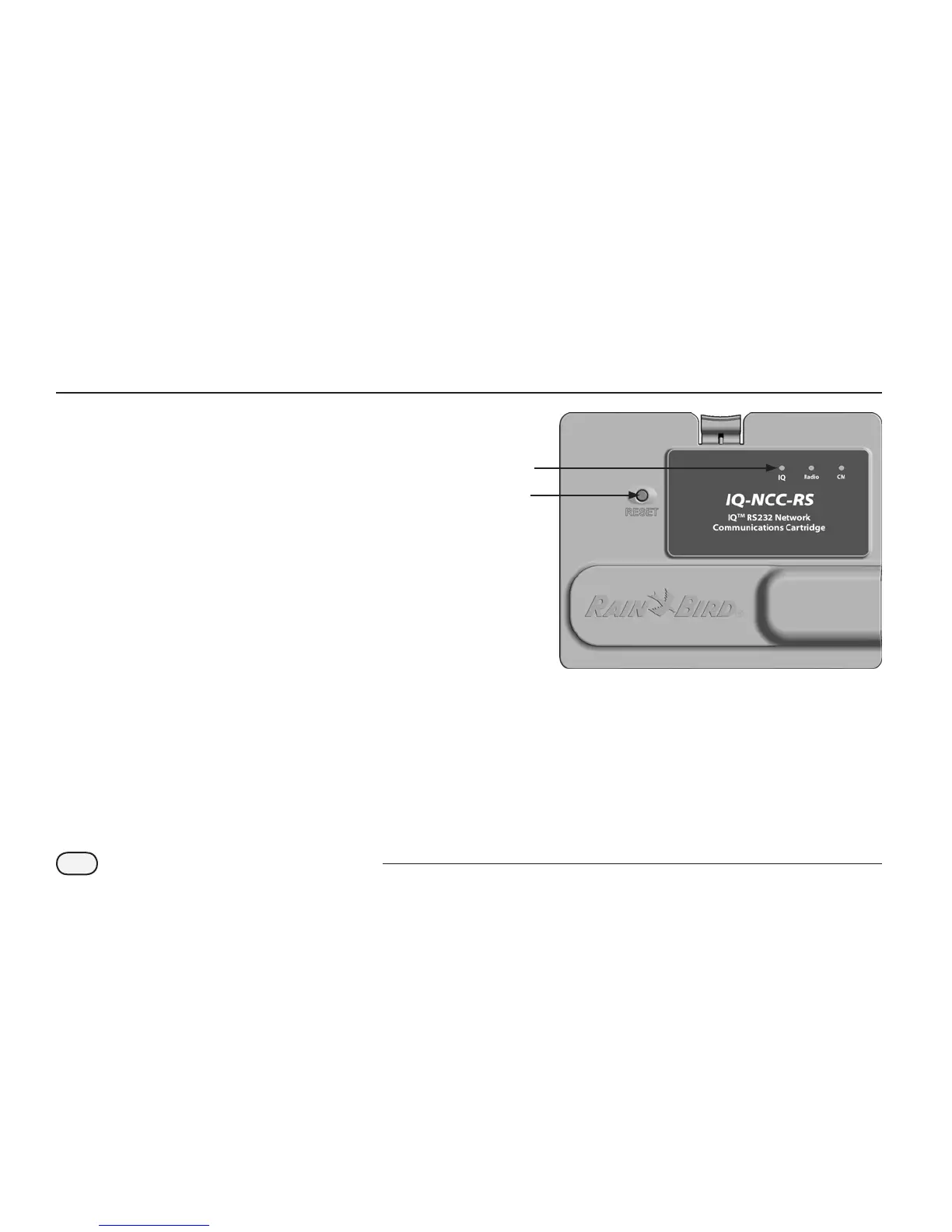
Reset Button
The cartridge Reset button restarts the internal
programming and re-enables communications with the IQ
Central Computer without aecting conguration settings.
LED Indicators
The three LED lights on the front of each cartridge indicate
the status of each communication port on any satellite
controller. The meaning of each LED state is provided in the
following tables.
Reset
Button
LED
Lights
IQ Network Communication
Cartridge (IQ-NCC-RS shown)


 To Next Page