I
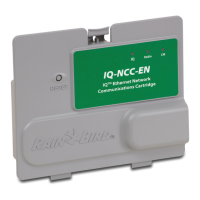
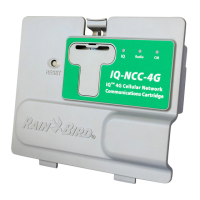
IQ Network Communication Cartridge
Contents
Introduction .................................................. 1
Welcome to Rain Bird ........................................... 1
About This Manual ................................................................. 1
ESP-LX Series Controllers .................................................... 1
IQ
™
Central Control System .................................. 1
IQ™ Network Communication Cartridge .................... 1
Types of IQ
™
Satellite Controllers .................................... 2
Direct Satellite ..................................................................... 2
Server Satellite ..................................................................... 2
Client Satellite ...................................................................... 2
Products Covered in this Manual ........................ 2
Figure 1 - IQ™ Network Communication
Cartridge ................................................................................ 3
Installation .................................................... 4
IQ
™
Network Communication Cartridge
Components ......................................................... 4
Network Communication Cartridge ............................. 4
IQ Port Cable or Antenna ................................................... 4
Connection Module (CM) ................................................... 4
Connection Module (CM) Port Cable............................ 4
Radio Modem Cable ............................................................. 4
Configuration Options ......................................... 4
Figure 2 - Installation Overview .................................. 5
Box Contents ........................................................ 6
Figure 3 - Box Contents ................................................... 7
Cartridge Installation .......................................... 8
Access Controller Cabinet .................................................. 8
Remove the Communication Cable Knock-out ...... 9
Install an External Antenna for LXMM ........................10
Install the Cartridge.............................................................12
Figure 4 - Installation/ Cable Options ....................13
Complete Cable Connections ........................................15
Internal Antenna Installation ..........................................18
IQ-NCC Configuration ........................................ 20
Direct Satellite Setup Wizard ..........................................20
Server Satellite Setup Wizard ..........................................22
Client Satellite Setup Wizard ...........................................24
NCC Configurator Software ............................... 25
Operation .................................................... 26
Controls and Indicators ..................................... 26
Reset Button ...........................................................................26
LED Indicators ........................................................................26
Table 1 - IQ Port LED Indicators .................................27
Table 2 - CM Port LED Indicators ..............................28
Table 3 - Radio Port LED Indicators .........................28


 To Next Page