16
IQ Network Communication Cartridge
C
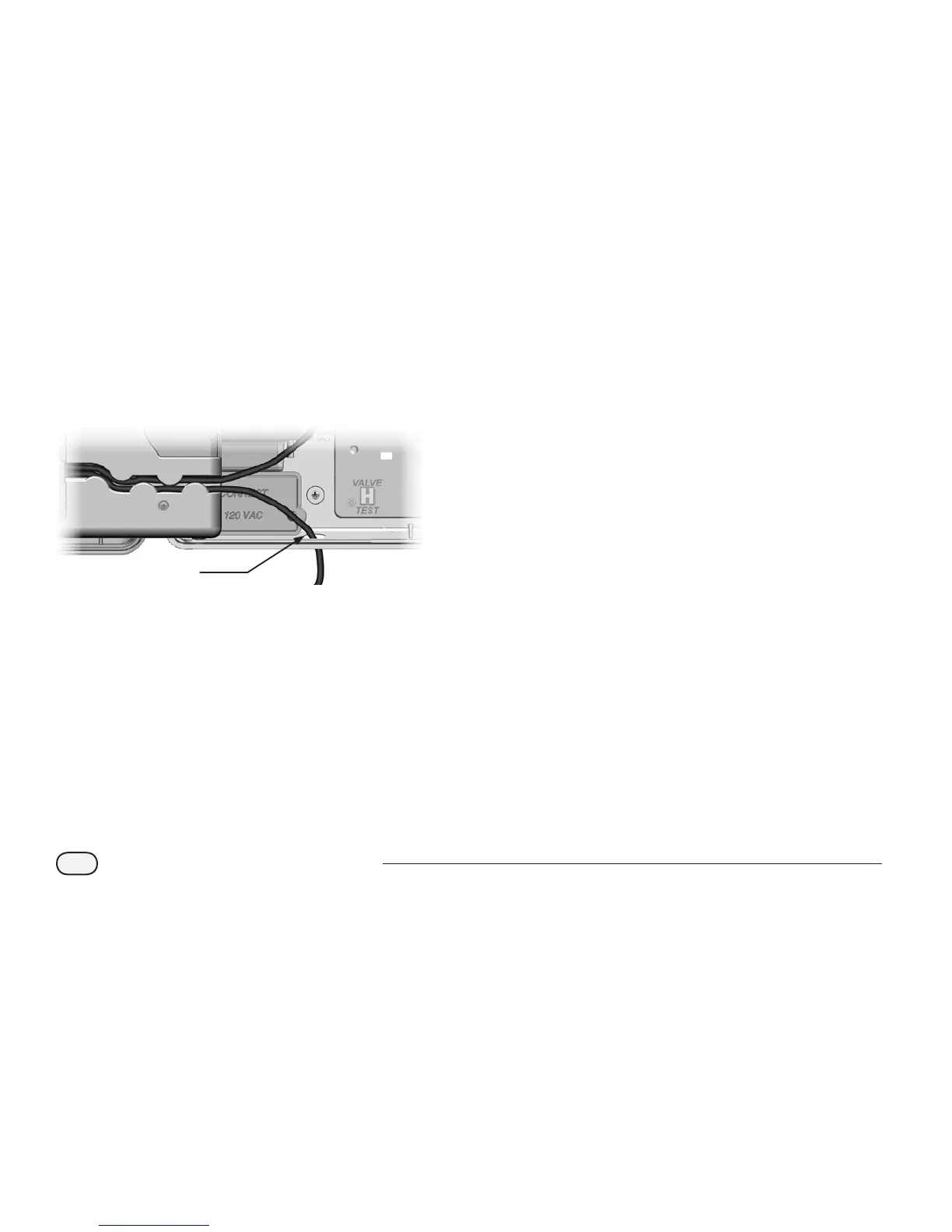
For NCC-PH and NCC-EN cartridges, route the IQ
computer connection cable through the knockout in
the lower left of the unit.
3
b
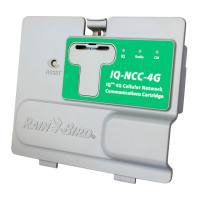
NOTE: The NCC-RS cartridge has three connection
options to the IQ computer- External Modem, Direct
Connect or IQSSRADIO. The RS-232 External Modem
cable that ships with the cartridge has a male DB9
connector that plugs directly into an external modem.
If the Direct Connect or IQSSRADIO option is required,
use the black direct connect cable provided with the
IQ software package and sold separately to make the
connection to the IQ computer or IQSSRADIO.
d
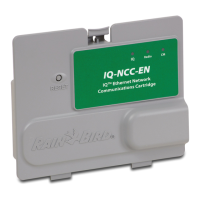
CAUTION: Do not plug a phone cable into the NCC-
EN Ethernet cartridge. This will damage the internal
Ethernet modem.
D
If required, install the type of Connection Module in
Slot 0 that is necessary for the intended conguration.
b
NOTE: If the satellite is being congured as a
Server or a Client with a wired connection (IQNet PE
Communication Cable) to another satellite, either
an IQ-FSCM-LXME (for the ESP-LXME) or an IQ-CM-
LXD (for the ESP-LXD) connection module must be
installed before proceeding. Refer to the Connection
Modules section of the Appendix for details. If no
wired connection is required, retain the base module
that was shipped with the controller. (The ESP-LXD
does not ship with a base module.)
E
If a CM Port cable (Y-cable or straight) is installed,
connect the keyed mating connector to the FSCM/CM
connection module as shown.
b
NOTE: The Y-cable may be used for a radio modem
wireless connection only. If a connection module is not
used, secure the unused cable end inside the satellite
controller.
F
To establish a wired connection with another satellite,
route one end of an IQNet PE Communication Cable
through the knock-out on the bottom of the controller,
and attach the conductors to the blue terminals on the
FSCM/CM connection module as shown.


 To Next Page