23
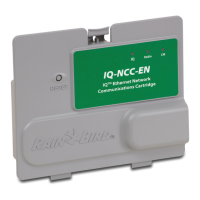
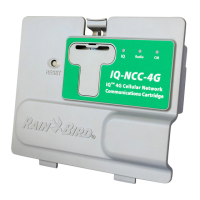
IQ Network Communication Cartridge
b
NOTE: If the Y-cable is installed
for connection to a radio modem
for wireless communication with
other satellites, choose Radio
Installed.
F
The Setup – Satellite CM Port
screen is displayed. Use + or
- to select a CM Port option
(No Module Installed, Module
Installed); press Next.
b
NOTE: The RS Cartridge
has three options, External
Modem, IQ Direct Connect, and
IQSSRADIO. All other cartridges
have only one option, either
Phone, GPRS/Cellular, Ethernet,
or WiFi modem depending on
the cartridge that is installed.
E
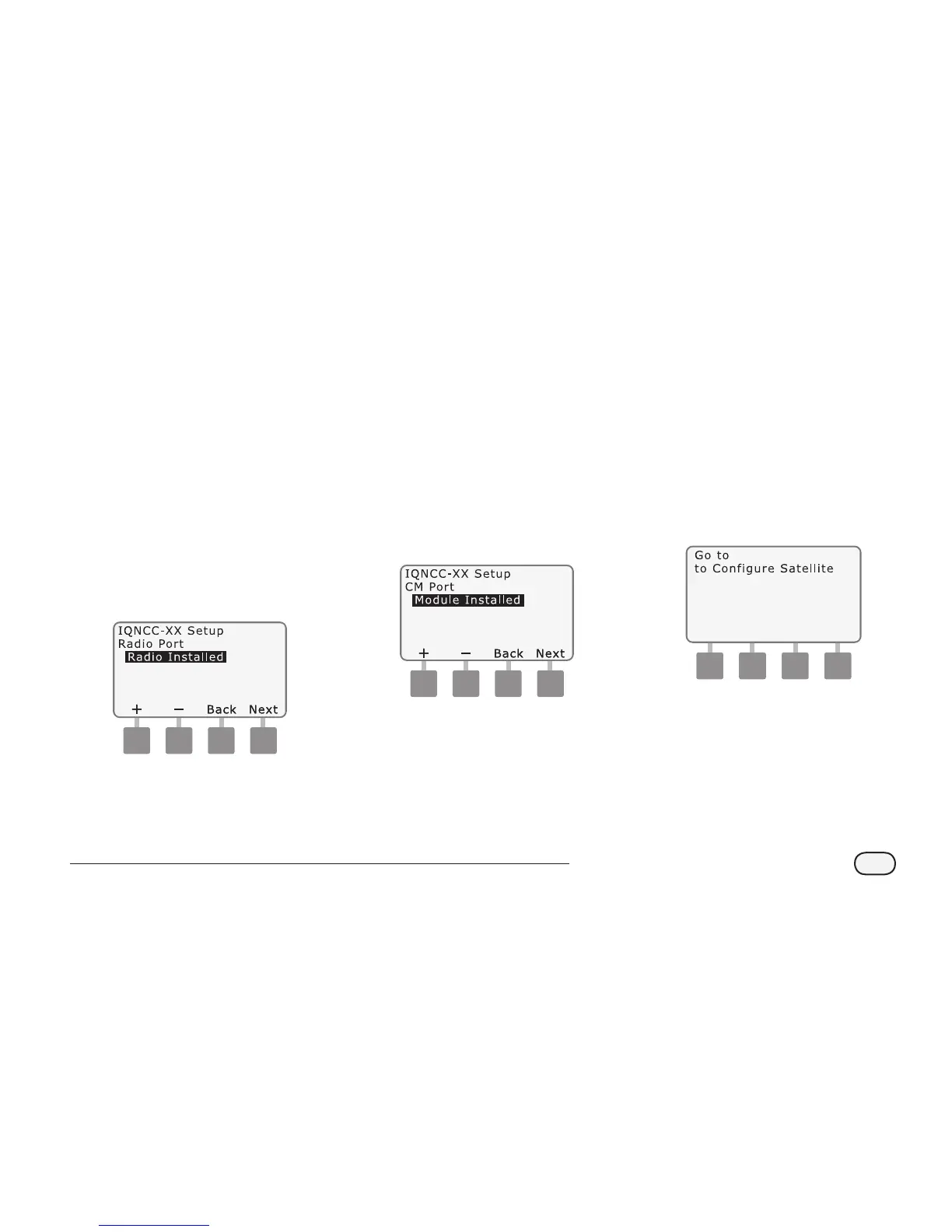
The Setup – Satellite Radio Port
screen is displayed. Use + or - to
select a radio port option (No
Radio Installed, Radio Installed);
press Next.
b
NOTE: If an IQ-FSCM-LXME
or an IQ-CM-LXD connection
module is installed for wired
communications with other
satellites, choose Module
Installed.
G
The following message will be
displayed. Press Dismiss to exit
screen.
Dismiss
NCC Configurator
The Satellite is now ready to be
congured by the NCC Congurator
software.


 To Next Page