28
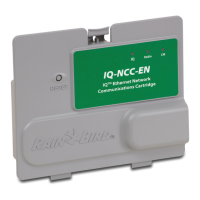
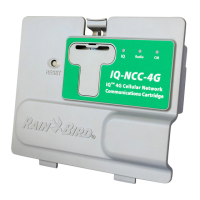
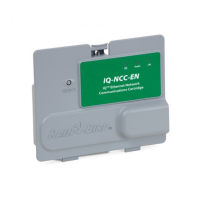
IQ Network Communication Cartridge
LED State
Connection Module Status
(CM or FSCM)
Dark Port disabled (also dark if configured
as Client or No Module Installed option
selected in Setup Wizard)
Solid Red N/A
Blinking Red N/A
Solid Yellow N/A
Blinking Yellow Attempting to auto-BAUD or auto-polarity
Solid Green Valid BAUD and polarity, but no data is
being sent/received
Blinking Green Data is being sent/received
Blinking Red/Yellow
(sync all 3 LED’s)
Reflash or Reset
Table 2 - CM Port LED Indicators
LED State Radio Modem Status
Dark Port disabled (also dark if configured
as Client or No Radio Installed option
selected in Setup Wizard)
Solid Red N/A
Blinking Red No radio modem detected
Solid Yellow N/A
Blinking Yellow N/A
Solid Green Radio modem detected, but no data is
being sent/received
Blinking Green Radio modem detected, data is being
sent/received
Blinking Red/Yellow
(sync all 3 LED’s)
Reflash or Reset
Table 3 - Radio Port LED Indicators
b
NOTE: The CM Port LED on Server Satellites and
Client Satellites with both an IQNET Radio and CM
Connection Module installed will continue to ash
green as it searches for Client Satellites.
b
NOTE: The Radio Port LED on Server Satellites and
Client Satellites with both an IQNET Radio and CM
Connection Module installed will continue to ash
green as it searches for Client Satellites.


 To Next Page