XC3000Series Motion Control System of Laser Cutting - User Manual
V1.0 Raytools AG © Copyright 66 |87
www.raytools.ch
When selecting workpiece coordinate 1 to 9, the workpiece zero point is set manually by the user by clicking on Mark,
and once set saved for a long time until the next setting. The workpiece coordinate system is suitable for batch
production for the workpiece position is generally determined by a fixed fixture. Keep the processing in the same position
each time by using workpiece coordinate 1 to 9 .
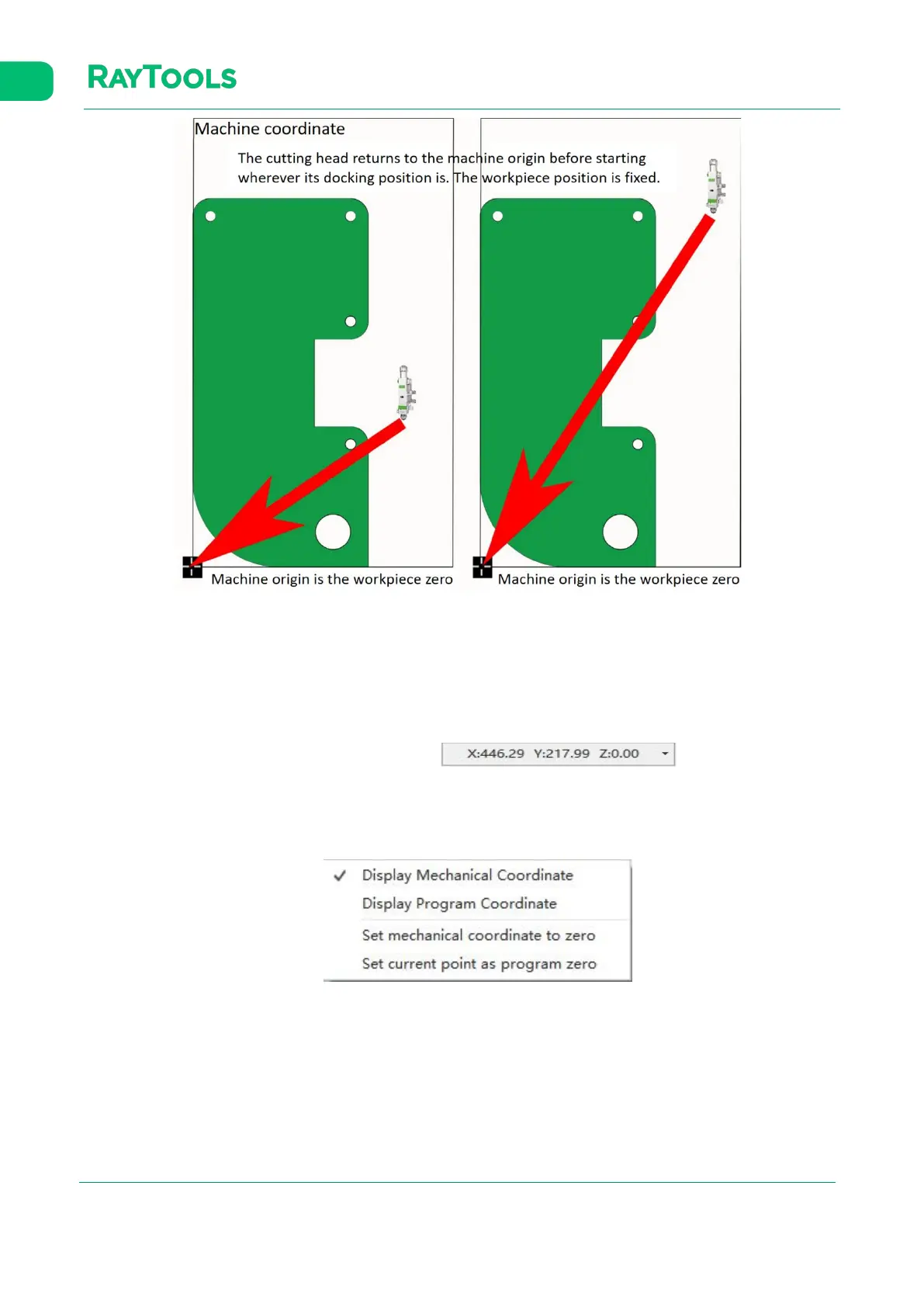
Click on the status bar at the bottom which is shown like .
You can choose to display either machine (mechanical) or program coordinate and set the origin for both coordinate
systems. Select "Set current point as program zero" to position the cutting head at the specified coordinates.


 To Next Page
 Loading...