16
SERVICE STG
Parameter >
Maintenance >
Functions >
Operation mode >
Learning System >
MAINTENANCE
Reset maintenance >
Setup maintenance >
Cycles1000 ACTUAL 0
Cycles1000 TARGET 0
Weeks ACTUAL 0
Weeks TARGET 0
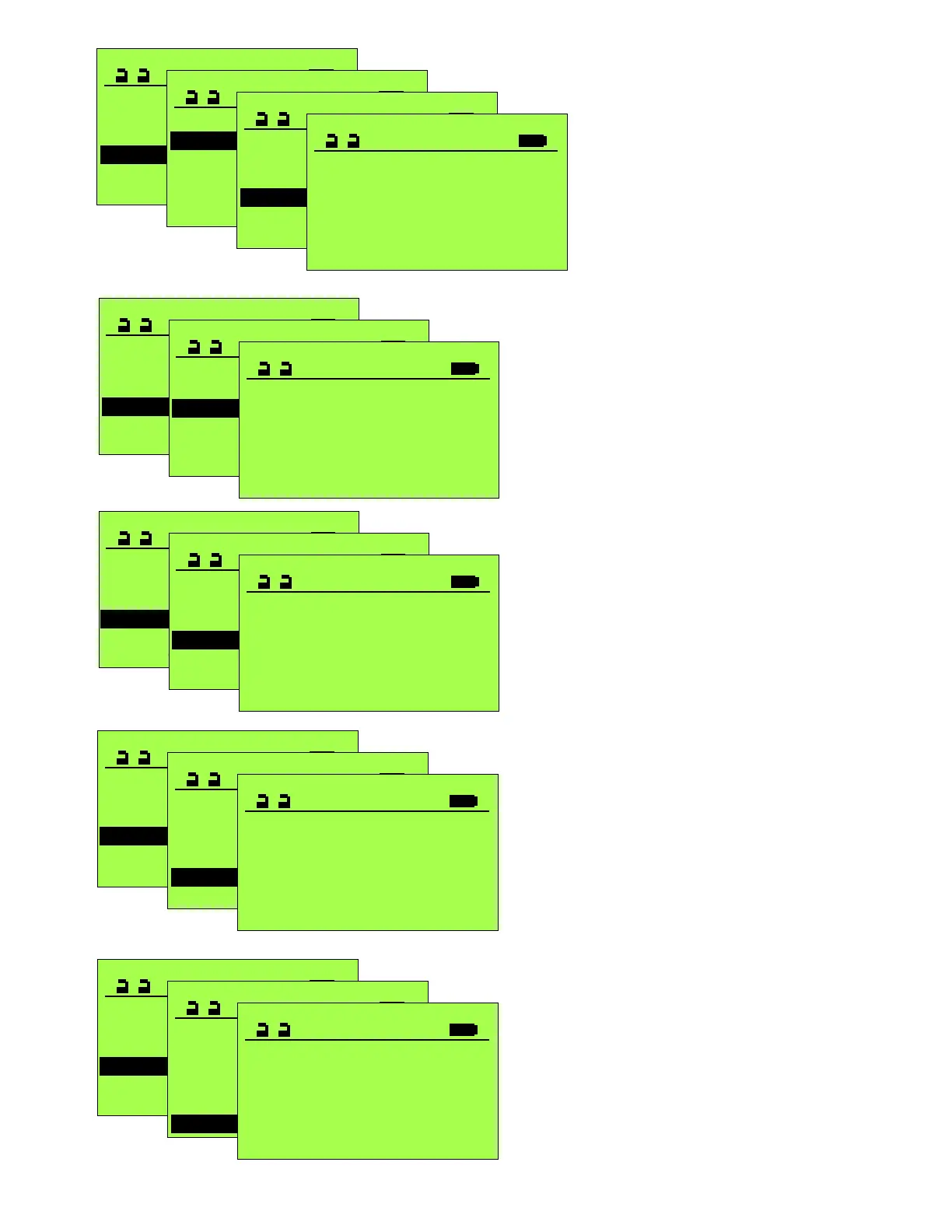
CYCLES1000 ACTUAL
0
SERVICE STG
Parameter >
Maintenance >
Functions >
Operation mode >
Learning System >
MAINTENANCE
Reset maintenance >
Setup maintenance >
Cycles1000 ACTUAL 0
Cycles1000 TARGET 0
Weeks ACTUAL 0
Weeks TARGET 0
CYCLES1000 TARGET
0
Useful in setting up a maintenance schedule.
Useful in setting up a maintenance schedule.
SERVICE STG
Parameter >
Maintenance >
Functions >
Operation mode >
Learning System >
MAINTENANCE
Reset maintenance >
Setup maintenance >
Cycles1000 ACTUAL 0
Cycles1000 TARGET 0
Weeks ACTUAL 0
Weeks TARGET 0
WEEKS ACTUAL
0
SERVICE STG
Parameter >
Maintenance >
Functions >
Operation mode >
Learning System >
MAINTENANCE
Reset maintenance >
Setup maintenance >
Cycles1000 ACTUAL 0
Cycles1000 TARGET 0
Weeks ACTUAL 0
Weeks TARGET 0
WEEKS TARGET
0
Useful in setting up a maintenance schedule.
Useful in setting up a maintenance schedule.
Configu
Configu
Configu
Configu
Displays realtime cycle count
Displays realtime week total
Set to 0 if you do not want a maintenance
notification
Set to 0 if you do not want a maintenance
notification.
SERVICE STG
Parameter >
Maintenance >
Functions >
Operation mode >
Learning System >
MAINTENANCE
Reset maintenance >
Setup maintenance >
Cycles1000 ACTUAL 0
Cycles1000 TARGET 0
Weeks ACTUAL 0
Weeks TARGET 0
SETUP MAINTENANCE
Save in the STG >
Cycles1000 TARGET 0
Weeks TARGET 0
Phone 8004381937
PHONE
800-438-1937
If a Display Control Panel is
connected to the operator, this
telephone number will momentarily
display when the unit it turned on,
and if an error display occurs, will
alternately display with the Error
Screen. If no number is entered,
the unit defaults to the factory’s 800
number. To store the number in the
control, use”Save in the STG” at the
bottom of the previous page.
Configu


 To Next Page
 Loading...