SERVICE STG
Parameter >
Maintenance >
Functions >
Operation mode >
Diagnostics >
Learning System
FUNCTIONS
Default settings >
Factory settings >
Release AKI >
Learning parameter >
Rotate + lubricate >
17
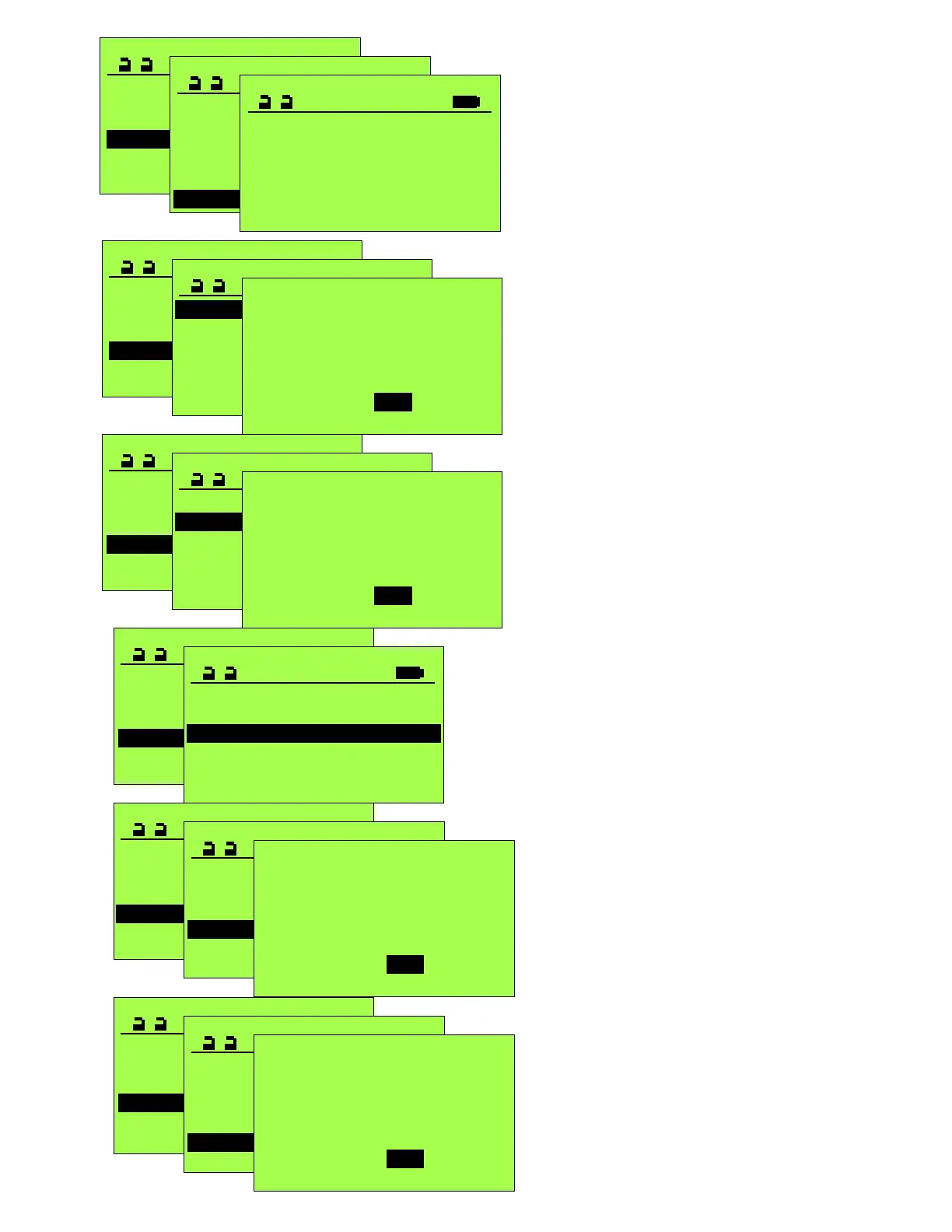
Selecting “Release AKI” will send an actuate signal
to the operator, similar to a contact closure
between terminals 1 and 2.
Initiates a calibration run, similar to pressing
and holding the Control Button for 3 flashes
of the Control LED.
SERVICE STG
Parameter >
Maintenance >
Functions >
Operation mode >
Diagnostics >
Learning System >
FUNCTIONS
Default settings >
Factory settings >
Release AKI >
Learning parameter >
Rotate + lubricate >
Default settings
Are you sure?
Yes No
SERVICE STG
Parameter >
Maintenance >
Functions >
Operation mode >
Diagnostics >
Learning System
FUNCTIONS
Default settings >
Factory settings >
Release AKI >
Learning parameter >
Rotate + lubricate >
Factory settings
Are you sure?
Yes No
SERVICE STG
Parameter >
Maintenance >
Functions >
Operation mode >
Diagnostics >
Learning System
FUNCTIONS
Default settings >
Factory settings >
Release AKI >
Learning parameter >
Rotate + lubricate >
Learning parameter
Are you sure?
Yes No
SERVICE STG
Parameter >
Maintenance >
Functions >
Operation mode >
Diagnostics >
Learning System
FUNCTIONS
Default settings >
Factory settings >
Release AKI >
Learning parameter >
Rotate + lubricate >
Rotate + lubricate
Are you sure?
Yes No
Before initiating this cycle, the drive arm
must be removed from the operator output
shaft and the open stop must be removed
from the top of the operator. The operator
output shaft will rotate 360°.
Performing this function will reset most of the
adjustable parameters to their default settings.
It will not reset the Entrance / Door Type.
After a Factory Settings is initiated, press “OK”
button to return to “Status page” to read “109
Factory Settings”. Immediately (within 5
seconds or it will time out and return to
Errorless on the Status page and not perform
the request.) press ‘Reset” button on
programmer and select yes for a reset to “Basic
Operator”. This will require a complete
reconfiguring of the operator.
SERVICE STG
Parameter >
Maintenance >
Functions >
Operation mode >
Learning System >
MAINTENANCE
Setup maintenance >
Cycles1000 ACTUAL 0
Cycles1000 TARGET 0
Weeks ACTUAL 0
Weeks TARGET 0
Phone 8004381937
PHONE
800-438-1937
An alternate location for setting a custom
telephone number. If a Display Control Panel
is connected to the operator, this telephone
number will momentarily display when the unit
it turned on, and if an error display occurs, will
alternately display with the Error Screen. If no
number is entered, the unit defaults to the
factory’s 800 number. (It is not necessary to
use “Save in the STG” from this screen.)
Configu


 To Next Page
 Loading...