COPYRIGHT © 2012 RED Digital Cinema 955-0003_v3.2, Rev-A1
100
MAGNIFY
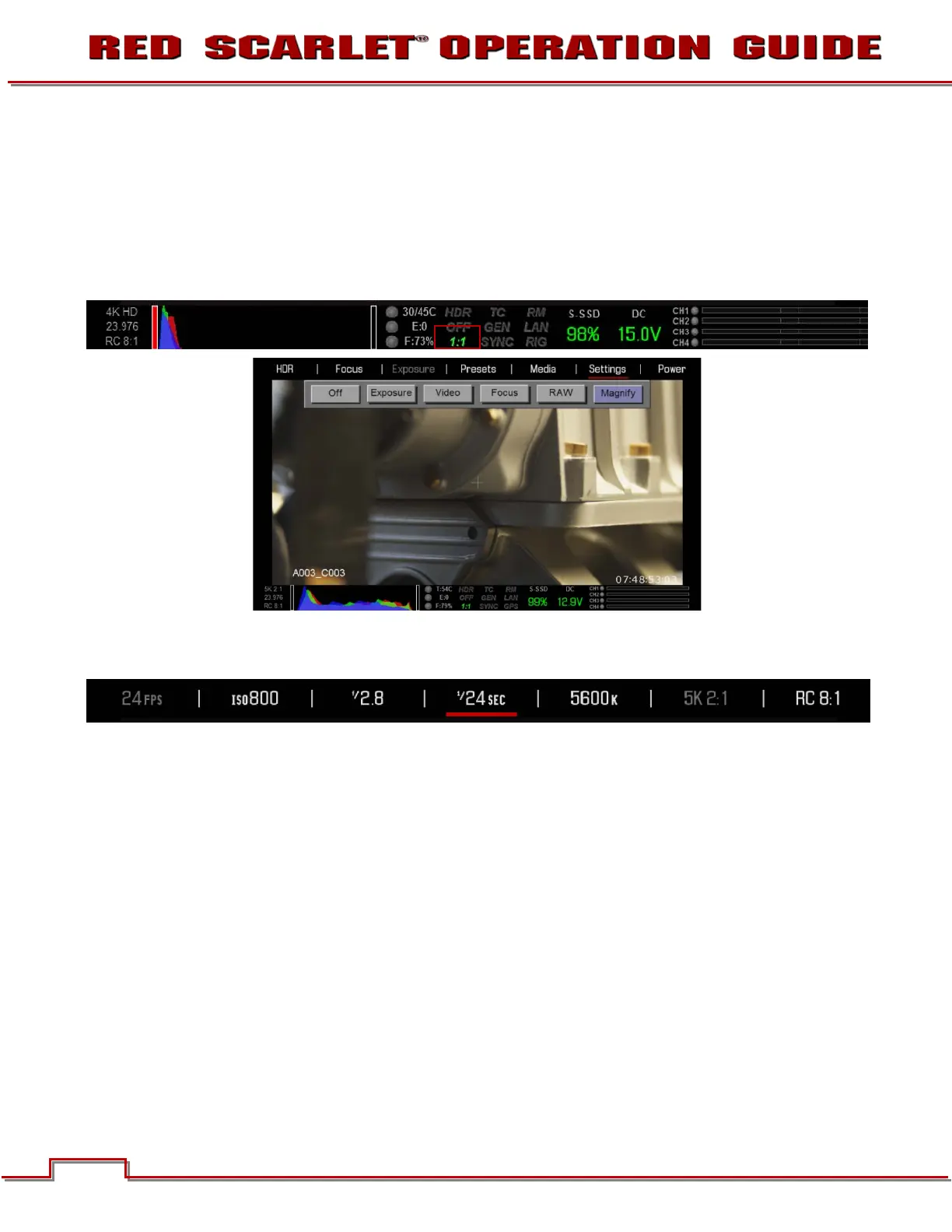
Magnify displays the central region of the sensor in 1:1 pixel resolution. When enabled, the 1:1 text in the
Lower Status Group will change to Green. If in Magnify mode, when the Record button is pressed, the
system will automatically exit this mode. When using a touchscreen you can also perform this function
by pinching your fingers together and apart.
NOTE: HDR mode cannot be modified when in Magnify 1:1 mode.
NOTE: When in magnify mode, you will not be able to adjust frame rate or resolution. These
options will be Grayed out.



 To Next Page