COPYRIGHT © 2012 RED Digital Cinema 955-0003_v3.2, Rev-A1
88
EXPOSURE MENU
Not implemented at this time.
PRESETS MENU
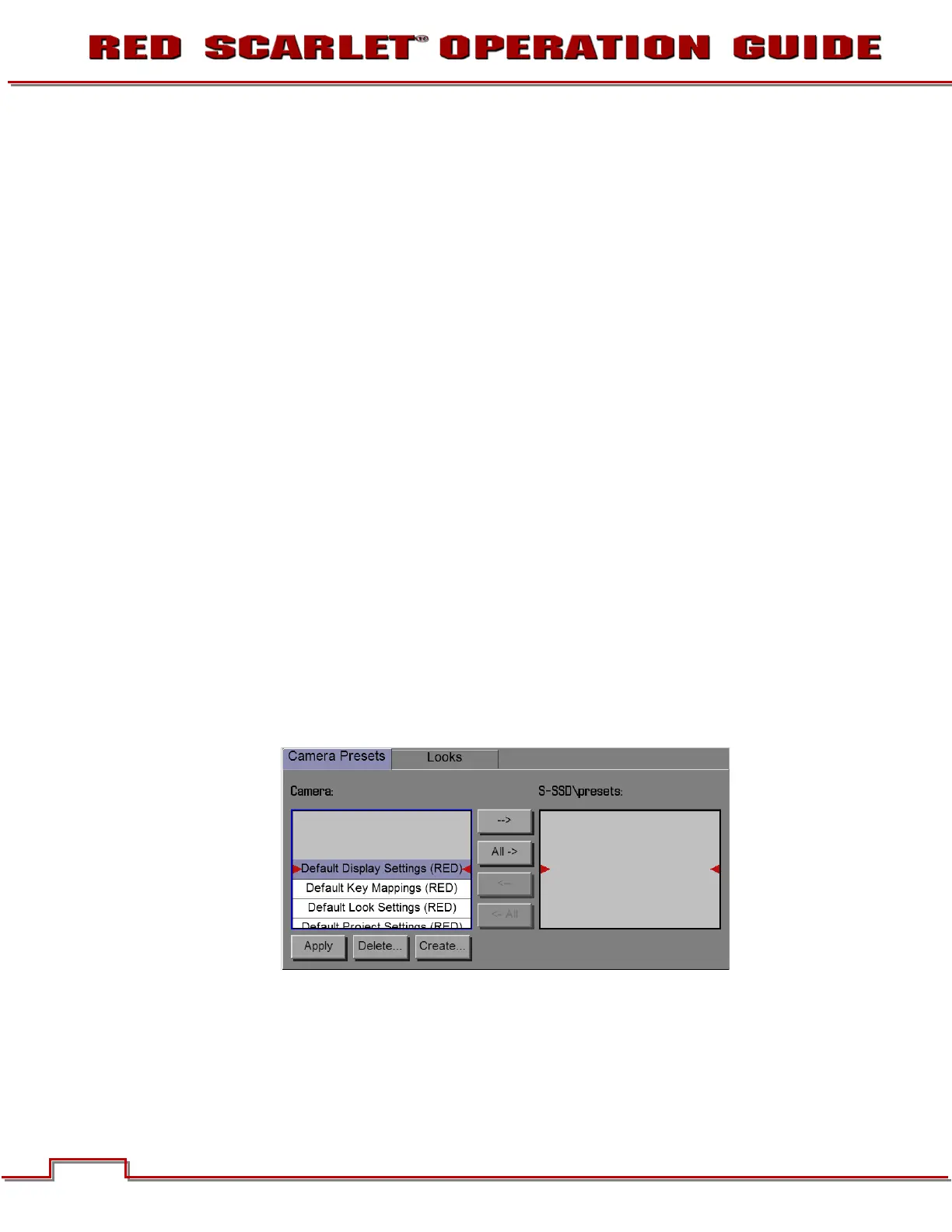
CAMERA PRESETS
Camera Presets are used to store and recall camera setup information such as LOOKs, key mappings,
I/O configuration, etc.
Your RED DSMC camera has a number of factory-installed settings.
APPLYING A PRESET
• Select
Presets
from the secondary menus
• Select the desired preset from the selection ribbon
• Press APPLY button
• Use the selection ribbon to selcet
Custom presets may be created to store groups of camera settings. For example; White Balance and
ISO settings for a particular shooting location can be captured and as a preset and easily recalled later.
Presets can also be saved on an SSD and applied to other RED DSMC cameras.
CREATING A PRESET
• Select
Presets
from the secondary menus



 To Next Page