955-0003_v3.2, Rev- A1 COPYRIGHT © 2012 RED Digital Cinema
89
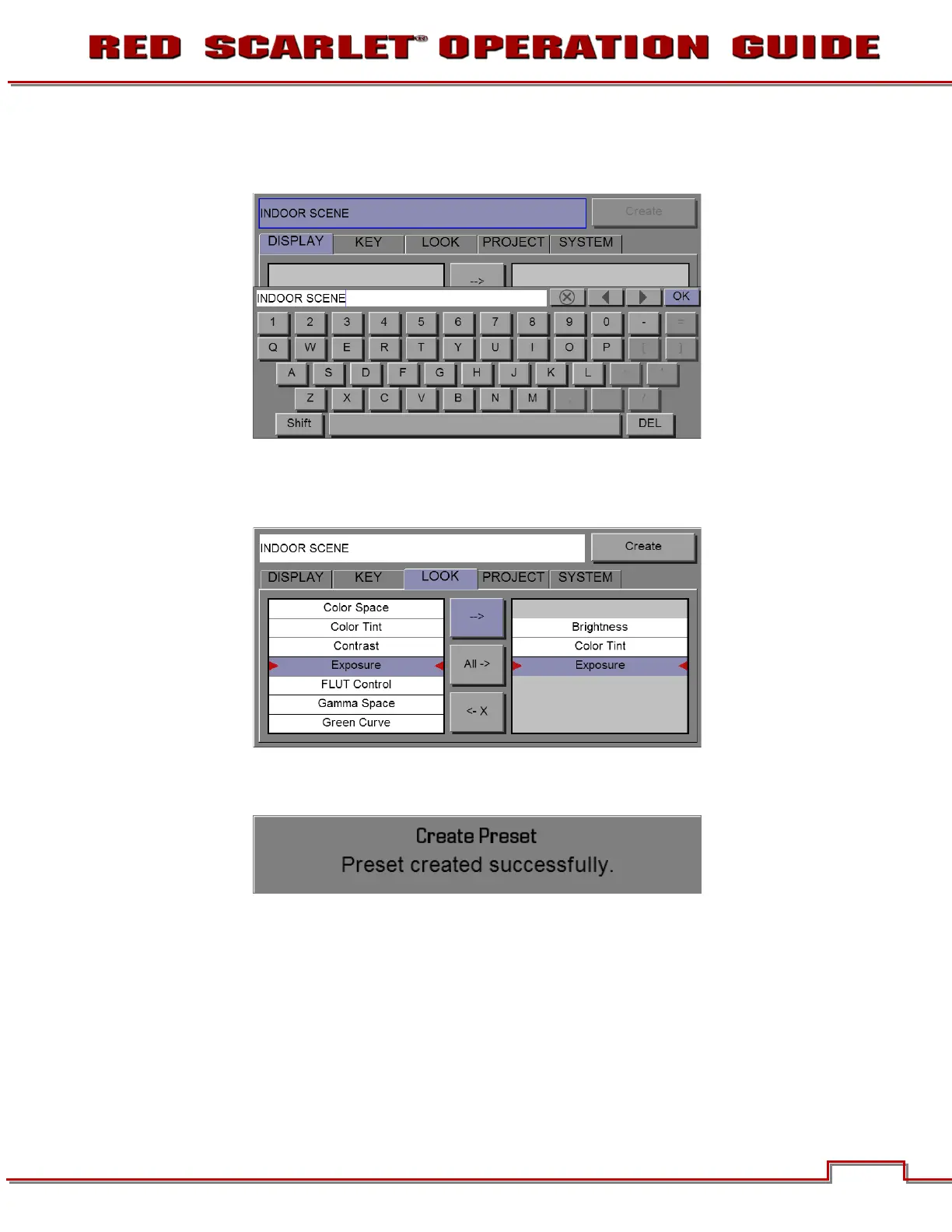
• Select
Create
and enter a name for the new preset using the QWERTY keyboard
• Press OK on keyboard to save the preset name
• Copy the desired settings from the left box of the interface to the right box using the
select one
(-->)
or
select all
button
• Select and press
Create
button (upper right corner of the screen)
The preset has been created and is now stored on the camera.



 To Next Page