COPYRIGHT © 2012 RED Digital Cinema 955-0003_v3.2, Rev-A1
134
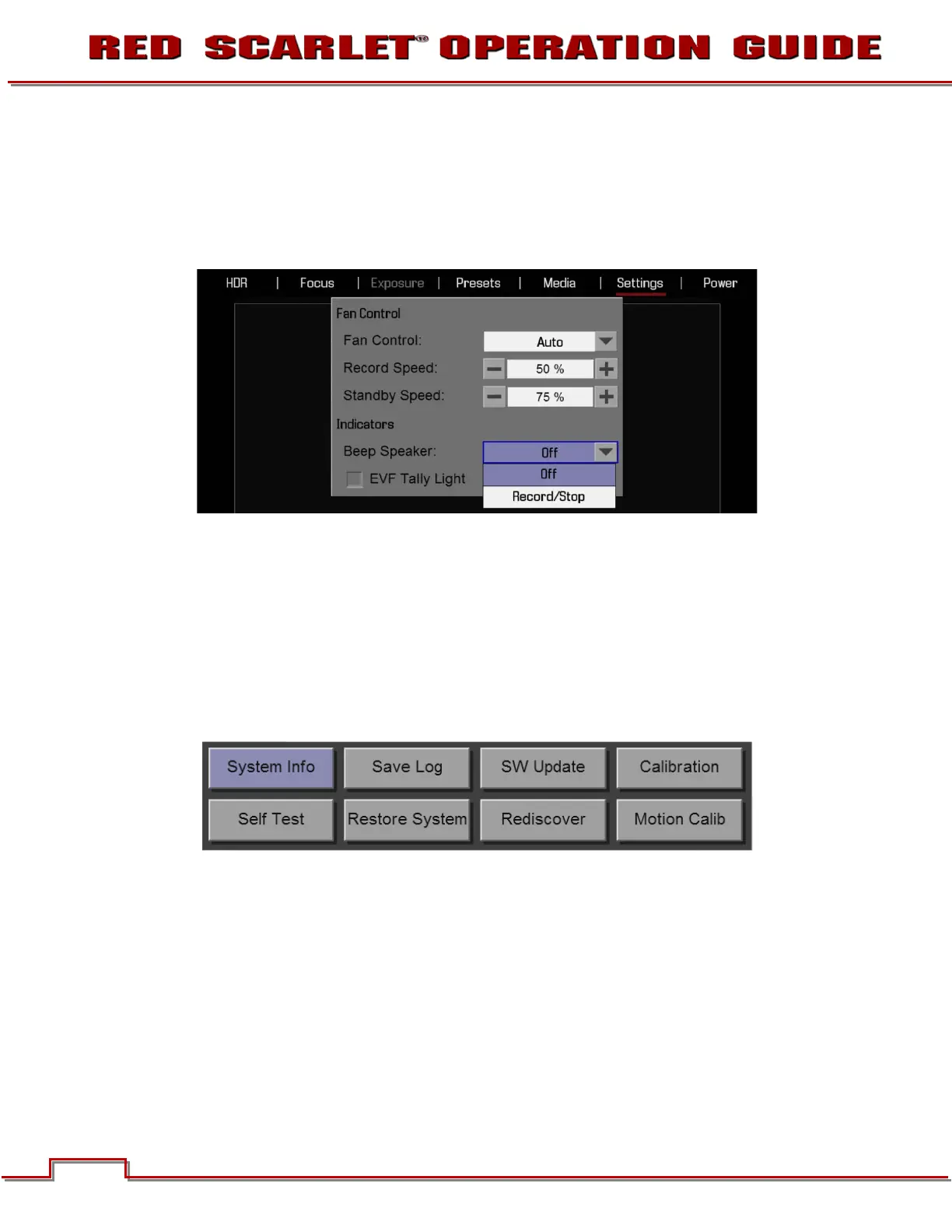
INDICATORS
Beep Speaker
Available options are OFF and RECORD/STOP. When RECORD/STOP is selected, an audible beep will
be heard when record is started and another when record is stopped.
EVF Tally Light
When checked, enables the Record Tally Red LED on the front of the EVF.
MAINTENANCE
The maintenance menu allows the user to check system status and information, save the camera
diagnostic LOG to attached media, perform a software update, calibrate the sensor, perform a camera
self test, and reset system settings to factory defaults.



 To Next Page