955-0003_v3.2, Rev- A1 COPYRIGHT © 2012 RED Digital Cinema
123
SETUP
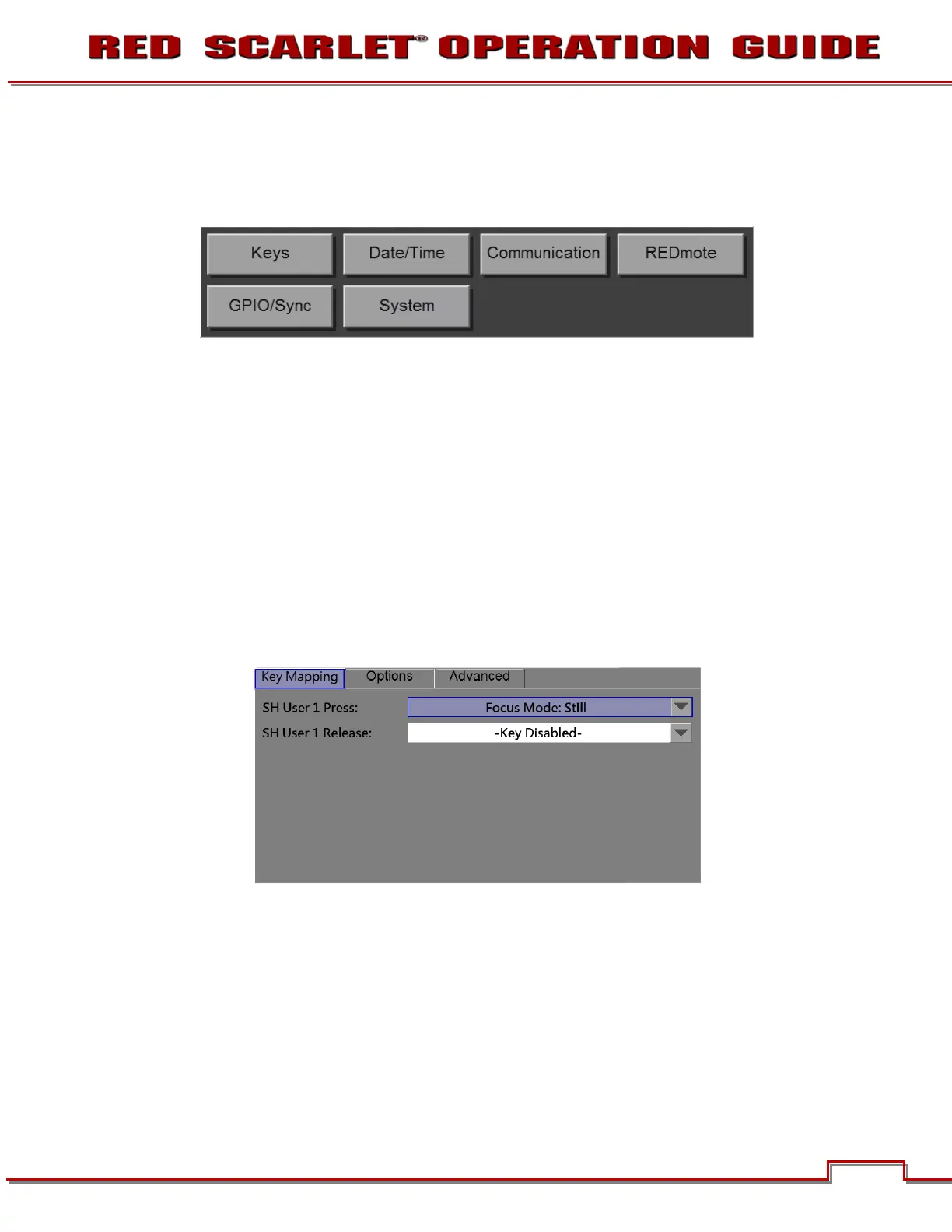
This menu permits a variety of system setup tasks to be accomplished. Options available are KEYS /
SHORTCUTS, DATE / TIME, NETWORK, SERIAL, REMOTE, GPIO, and SYSTEM.
KEYS
Use Keys function to customize the assignment of DSMC camera controls.
KEY MAPPING
With Key Mapping, you press the button you want to change and follow on-screen instructions to
complete the change.
When the Key Mapping tab is highlighted:
• Press the camera key you want to change.
• Use the pull down to select the desired function
• Press menu or a blank area of the touchscreen to save the setting



 To Next Page