955-0003_v3.2, Rev- A1 COPYRIGHT © 2012 RED Digital Cinema
53
USING TOUCHSCREEN LCD
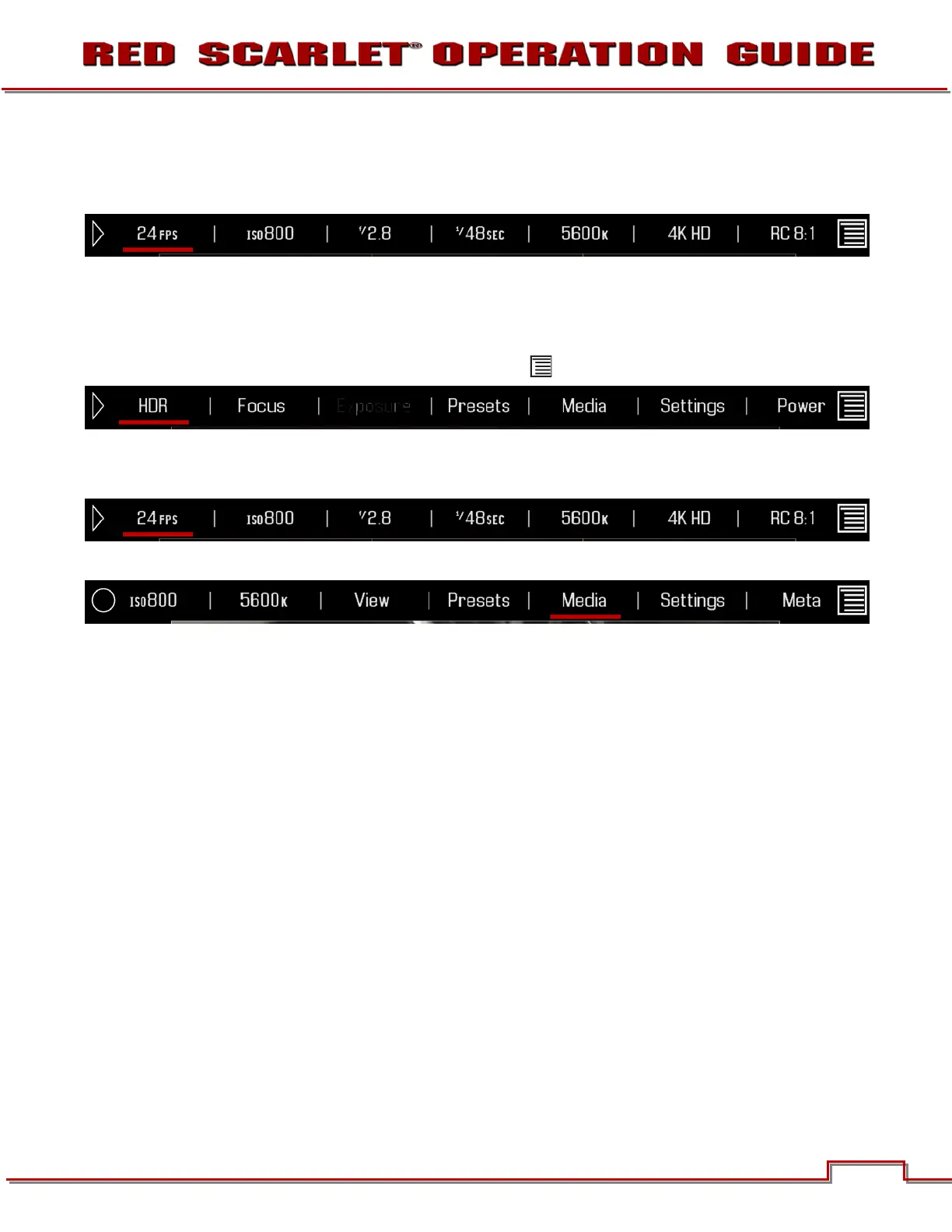
If operating a Touchscreen LCD, camera menu navigation may be made through finger gestures.
• To adjust a parameter value, simply touch it, and then swipe the finger left / right to adjust its value.
• To access an advanced parameter settings display, press and hold down on the parameter icon.
• Touch anywhere outside the overlay windows to enter the value changes and to hide the sub-menus.
• To enter the Secondary Menus, touch the MENU icon.
• To return to the Main Menus, touch the MENU icon again.
• To access the Playback function, touch the arrow.
• To exit the Playback function, touch the circle.



 To Next Page