COPYRIGHT © 2012 RED Digital Cinema 955-0003_v3.2, Rev-A1
96
SETTINGS MENU
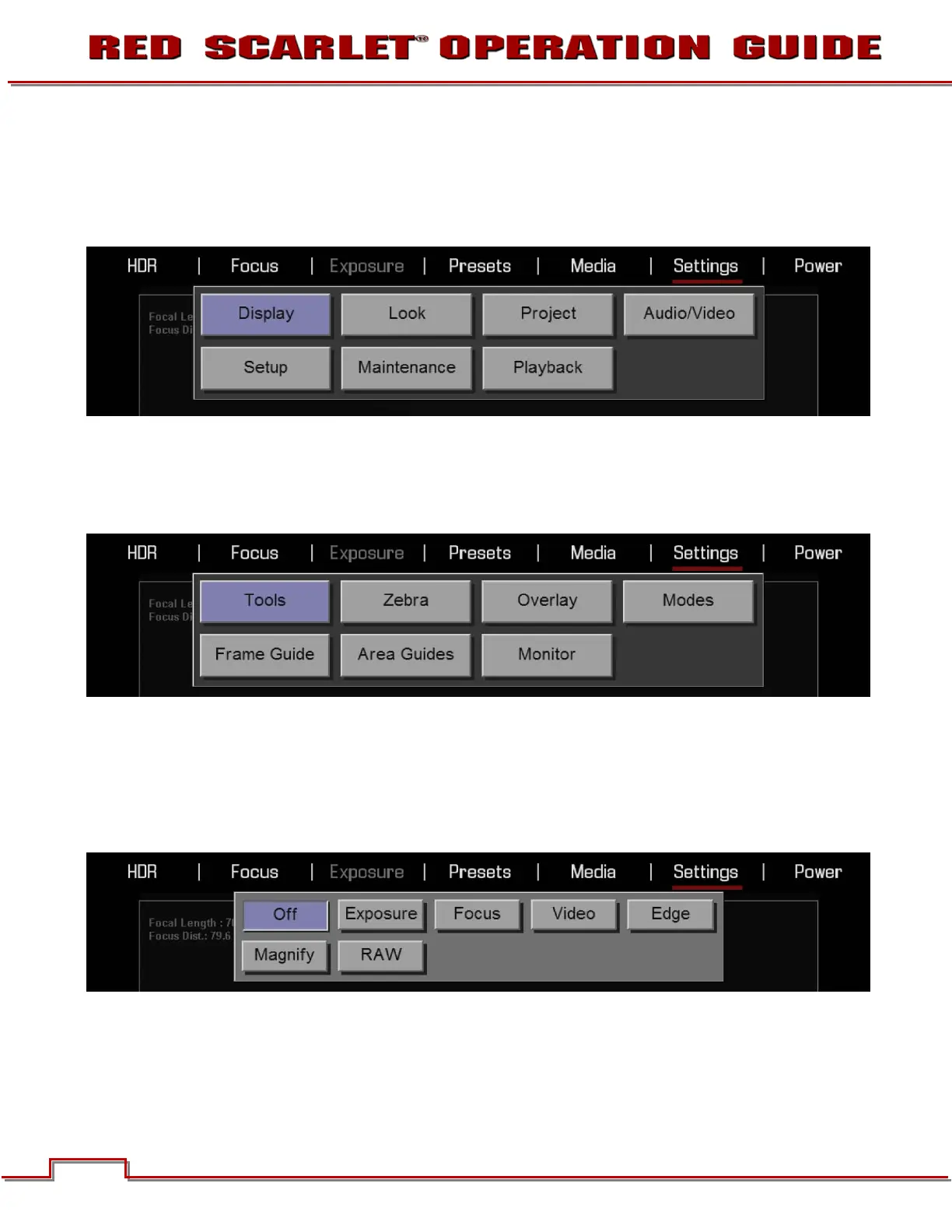
This section describes the various secondary controls available to configure the camera. Menu options
are DISPLAY, LOOK, SENSOR, PROJECT, MODES, AUDIO/VIDEO, SETUP, MAINTENANCE, and
PLAYBACK.
DISPLAY
Available options are TOOLS, ZEBRA, OVERLAY, MODES, FRAME GUIDE, AREA GUIDES, and
MONITOR.
TOOLS
The Tools menu permits the operator to adjust the GUI elements displayed on the Viewfinder output(s)
Available options are OFF, EXPOSURE, FOCUS, VIDEO, EDGE, MAGNIFY, and RAW. The Dialog is
available by either going to SETTINGS > DISPLAY > TOOLS or simply clicking on the histogram in the
lower left.
OFF
Turns off any of the display modes in the first line.



 To Next Page