COPYRIGHT © 2012 RED Digital Cinema 955-0003_v3.2, Rev-A1
84
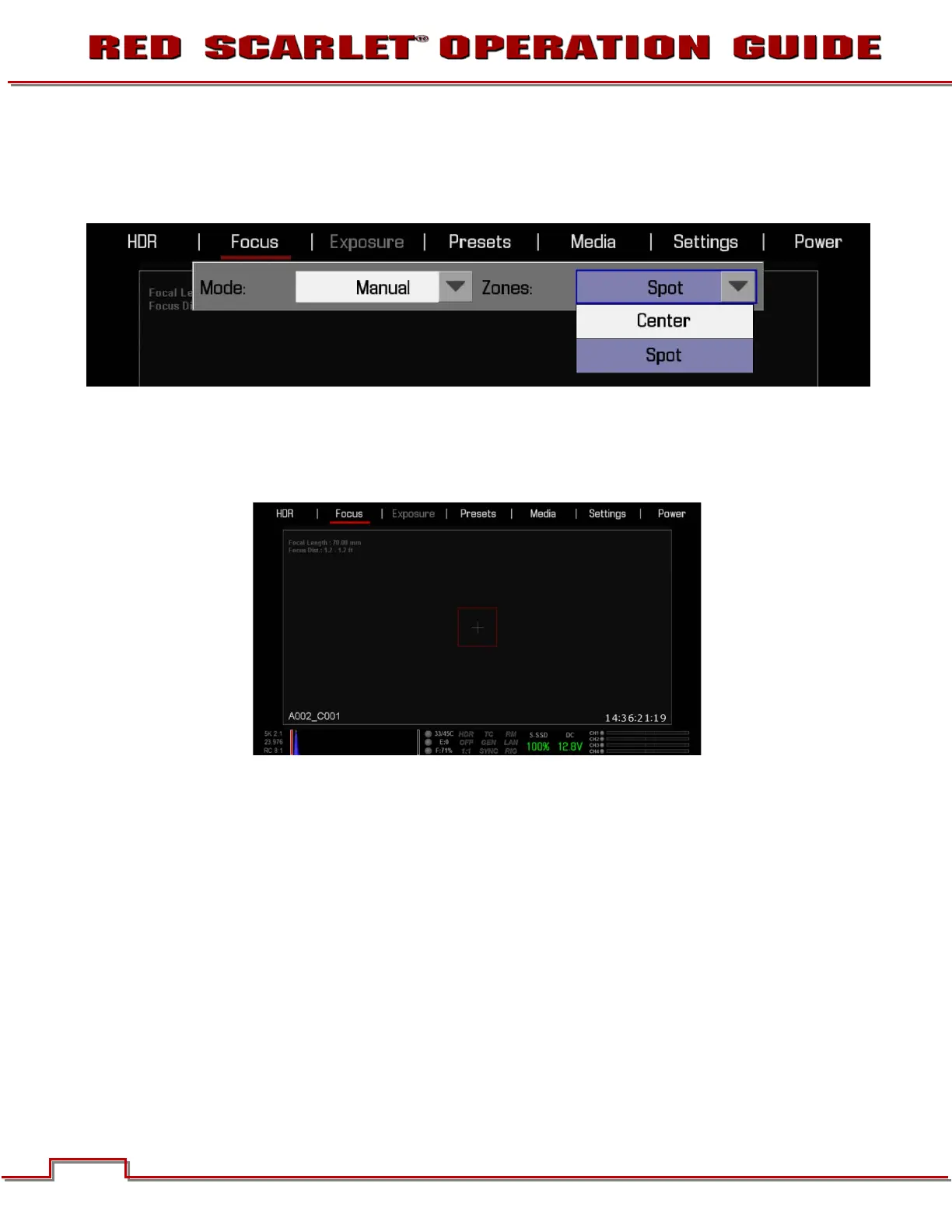
ZONES
Available options are CENTER and SPOT. Default is CENTER. This control allows selection of the boxes
used to indicate objects in/out of focus.
CENTER
Provides a large, square target for focus. When objects located in the circle are in focus, the square will
be Yellow or Green. When objects located in the square are out of focus, the square will be Red.



 To Next Page