COPYRIGHT © 2012 RED Digital Cinema 955-0003_v3.2, Rev-A1
64
- If using a BOMB-EVF, the LED on the front will illuminate Red if Tally is enabled
- SMPTE-RP188 timecode VITC-2 HANC metadata record flag will be enabled on HD-SDI outputs.
- If enabled in the USER KEYS menu, the GPO trigger output in the CNTL connector will pulse.
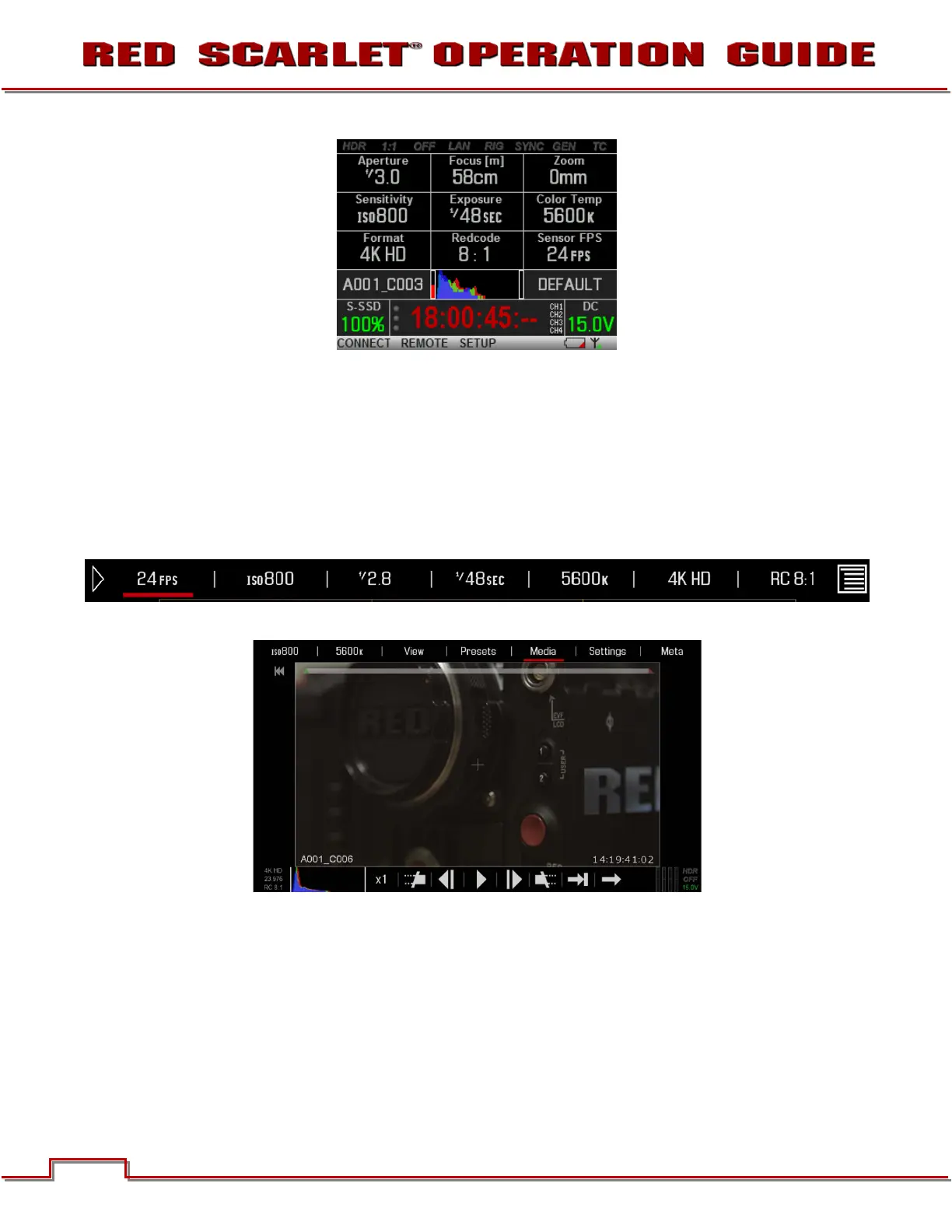
PLAYBACK
Playback is available on the RED DSMC Camera by going to SECONDARY MENUS > SETTINGS >
PLAYBACK or by touching the Playback arrow icon in the upper Left corner of the GUI.
The Playback function will display.
For complete details, go to SECONDARY MENUS > SETTINGS > PLAYBACK.



 To Next Page