COPYRIGHT © 2012 RED Digital Cinema 955-0003_v3.2, Rev-A1
154
SHUTDOWN
Power OFF controls are interlocked to prevent accidental powering down of the camera. For details on
the different ways to power down your RED DSMC Camera, refer to BASIC OPERATION > POWER
DOWN.
1. Enter the Secondary Menu using the touch screen, REDMOTE or Side Handle.
2. Select POWER.
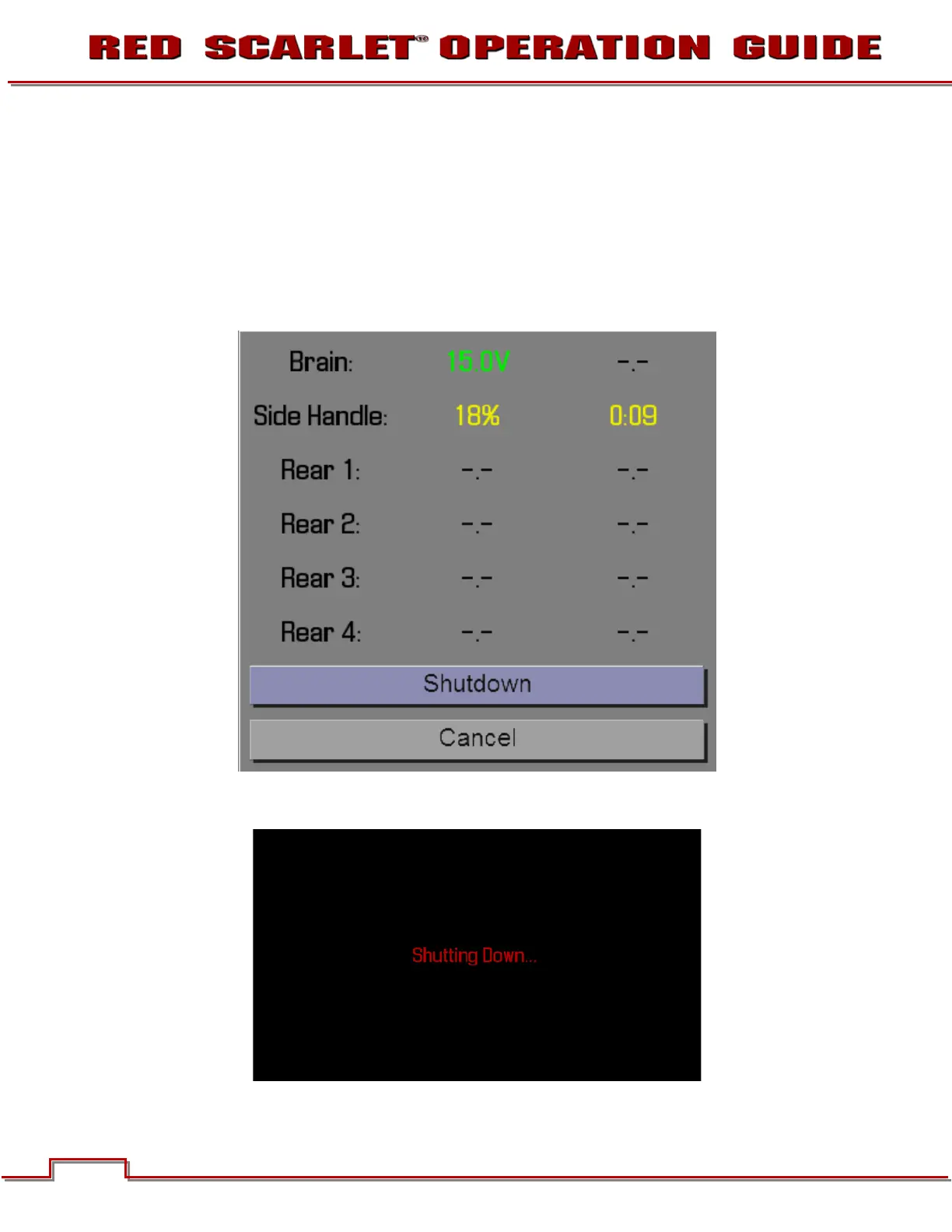
3. Select SHUTDOWN.
4. The camera will immediately power down displaying SHUTTING DOWN…. If a REDMOTE is
connected, the same message will display.



 To Next Page