COPYRIGHT © 2012 RED Digital Cinema 955-0003_v3.2, Rev-A1
56
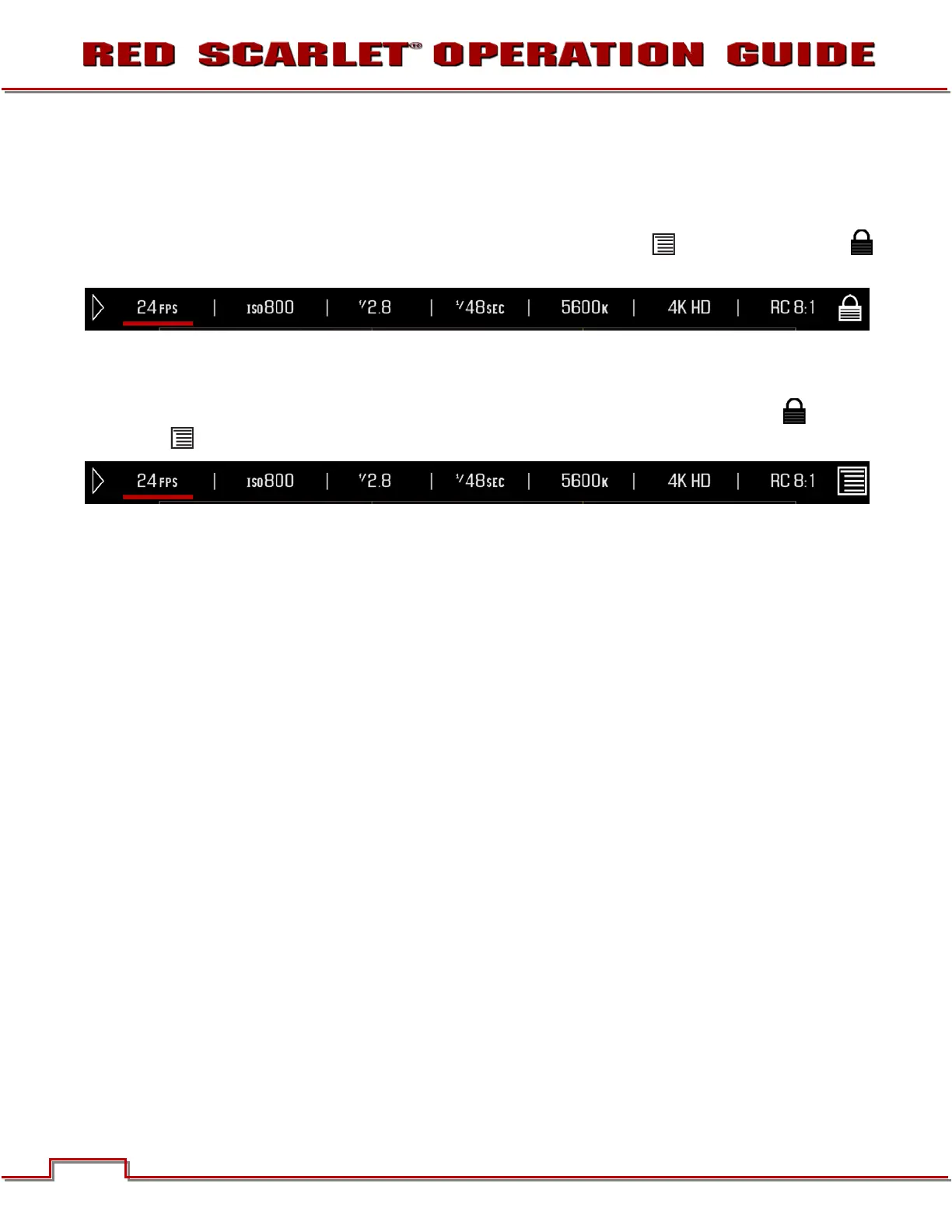
LOCK / UNLOCK TOUCHSCREEN OPRERATION
LOCK
To lock out the touchscreen operation, touch and hold the MENU icon until the LOCK icon
displays; indicating the touchscreen has been locked out. When locked, the main menu will be displayed.
UNLOCK
To unlock out the touchscreen and allow normal operation, touch and hold the LOCK icon until the
MENU icon displays; indicating the touchscreen has been unlocked.



 To Next Page