COPYRIGHT © 2012 RED Digital Cinema 955-0003_v3.2, Rev-A1
58
REMOVE
1. Press the battery door release button (A).
2. Open battery door (B).
3. Press upwards on retainer (C) to release battery.
4. Remove battery from side handle.
QUAD BATTERY MODULE
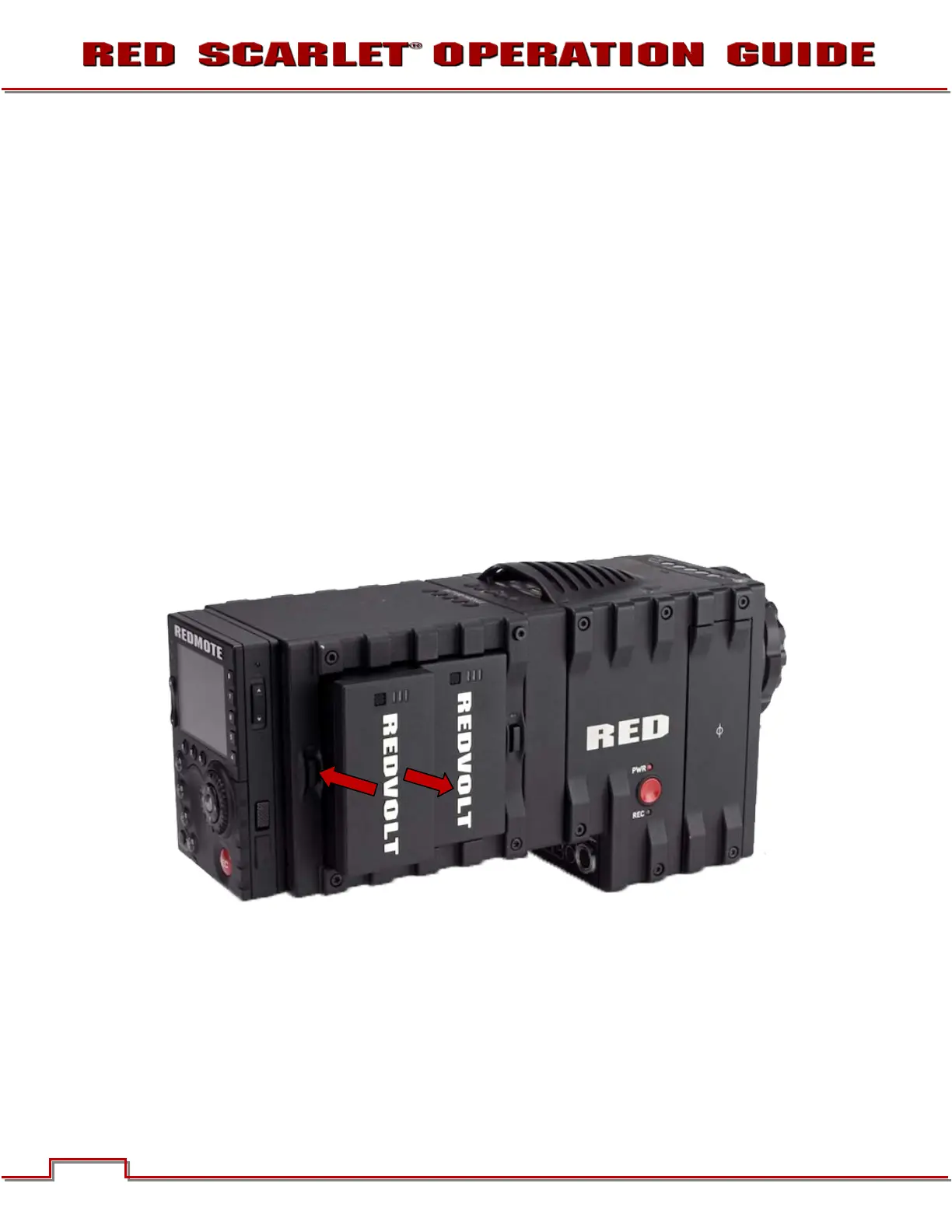
Attach a Quad Battery Module and insert one or more REDVOLT batteries.
INSTALL
Insert battery into desired location and press until a click is heard and battery is seated.
REMOVE
1. Press the battery eject button (A) for desired battery.
2. When battery pops out, remove battery from battery module (B).
B
A
B



 To Next Page