955-0003_v3.2, Rev- A1 COPYRIGHT © 2012 RED Digital Cinema
29
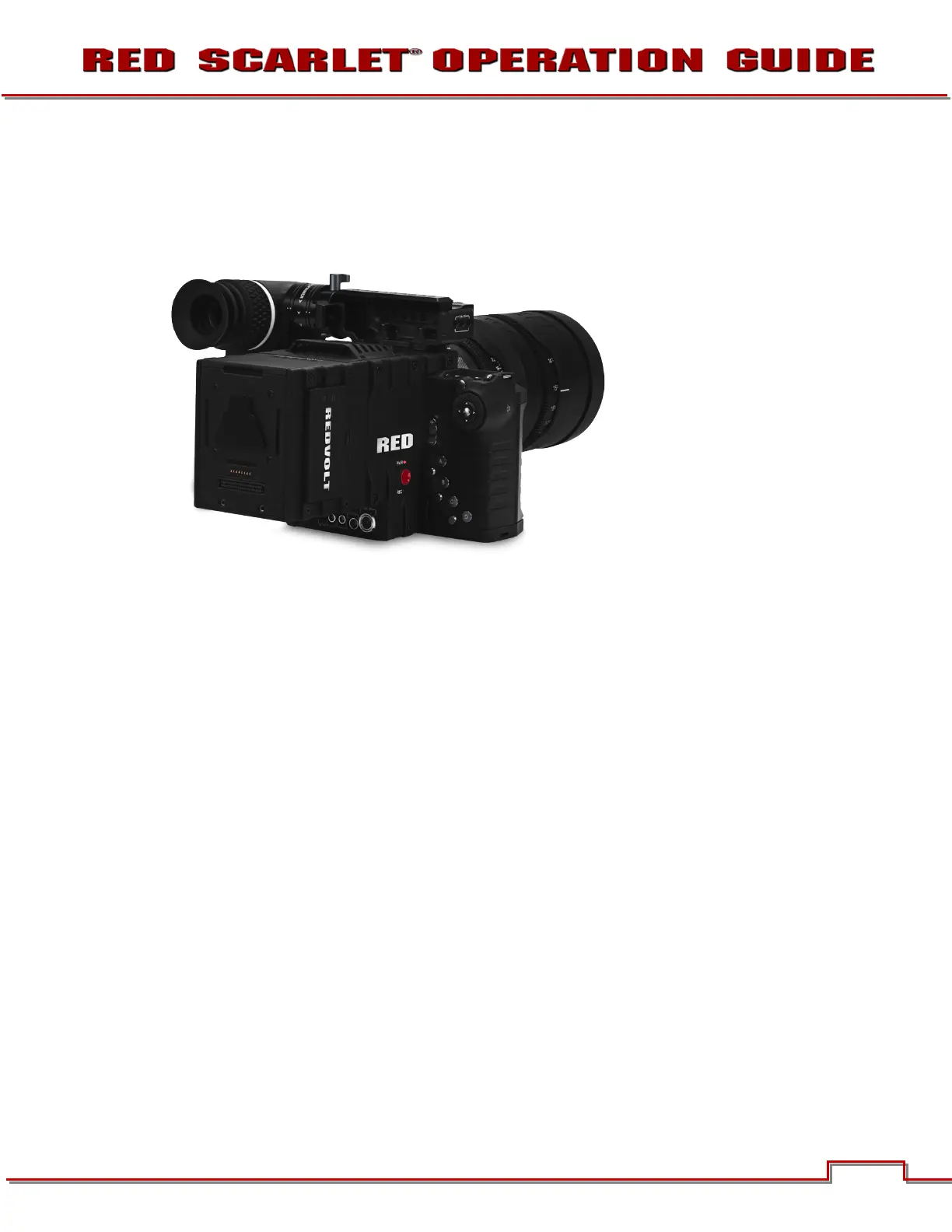
DUAL BATTERY MODULE
• The DUAL BATTERY MODULE holds up to 2 REDVOLTs
• Batteries may be hot swapped
Dual Battery Module – Shown with REDVOLT batteries Installed
MODULE INSTALLATION / REMOVAL
To install a DSCM Module to the camera, an Adaptor Plate must be purchased separately. The following
procedure details installation of the Adaptor Plate and DSMC Module.
Install the Adapter Plate
1. Power down the camera.
2. Remove the REDMOTE.
3. Place the adapter plate over the v-mount on the rear of the camera brain.



 To Next Page