COPYRIGHT © 2012 RED Digital Cinema 955-0003_v3.2, Rev-A1
144
PLAYBACK
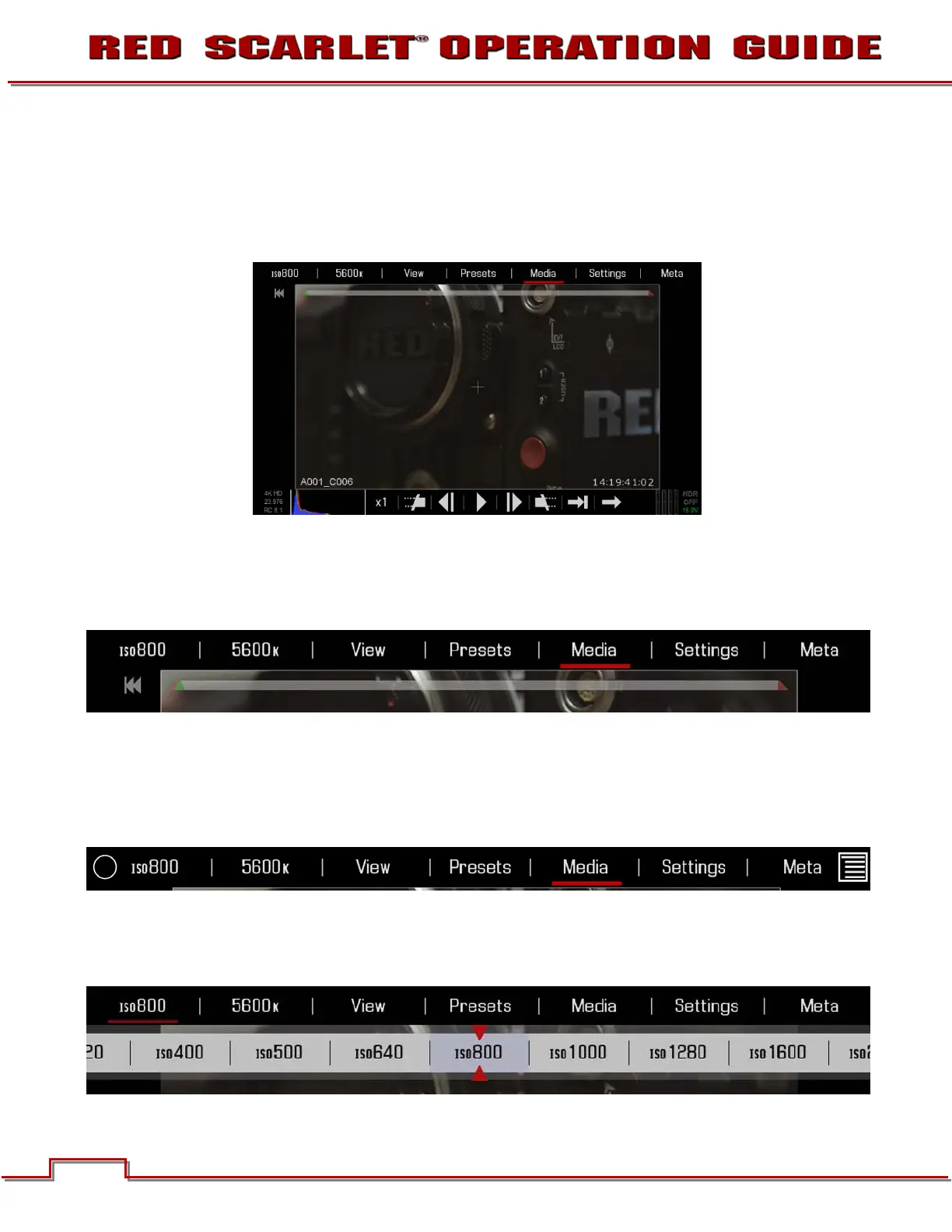
Playback allows you to view clips on media currently attached to the camera. It also allows you to
change the look of the playback clips be changing settings available when in playback mode.
NOTE: SCARLET-X™ menus shown, EPIC menus similar.
UPPER CONTROLS
From Left to Right are ISO, WHITE BALANCE, VIEW, PRESETS, MEDIA, SEETINGS, and META. Below
the settings is the clip playback status bar.
Exit Playback ICON (Touchscreen)
Select the O on the Left to exit Playback mode.
NOTE: The Menu ICON on the Right does not respond to commands when in Playback mode.
ISO
Allows you to change the ISO in the clip during playback.



 To Next Page