COPYRIGHT © 2012 RED Digital Cinema 955-0003_v3.2, Rev-A1
180
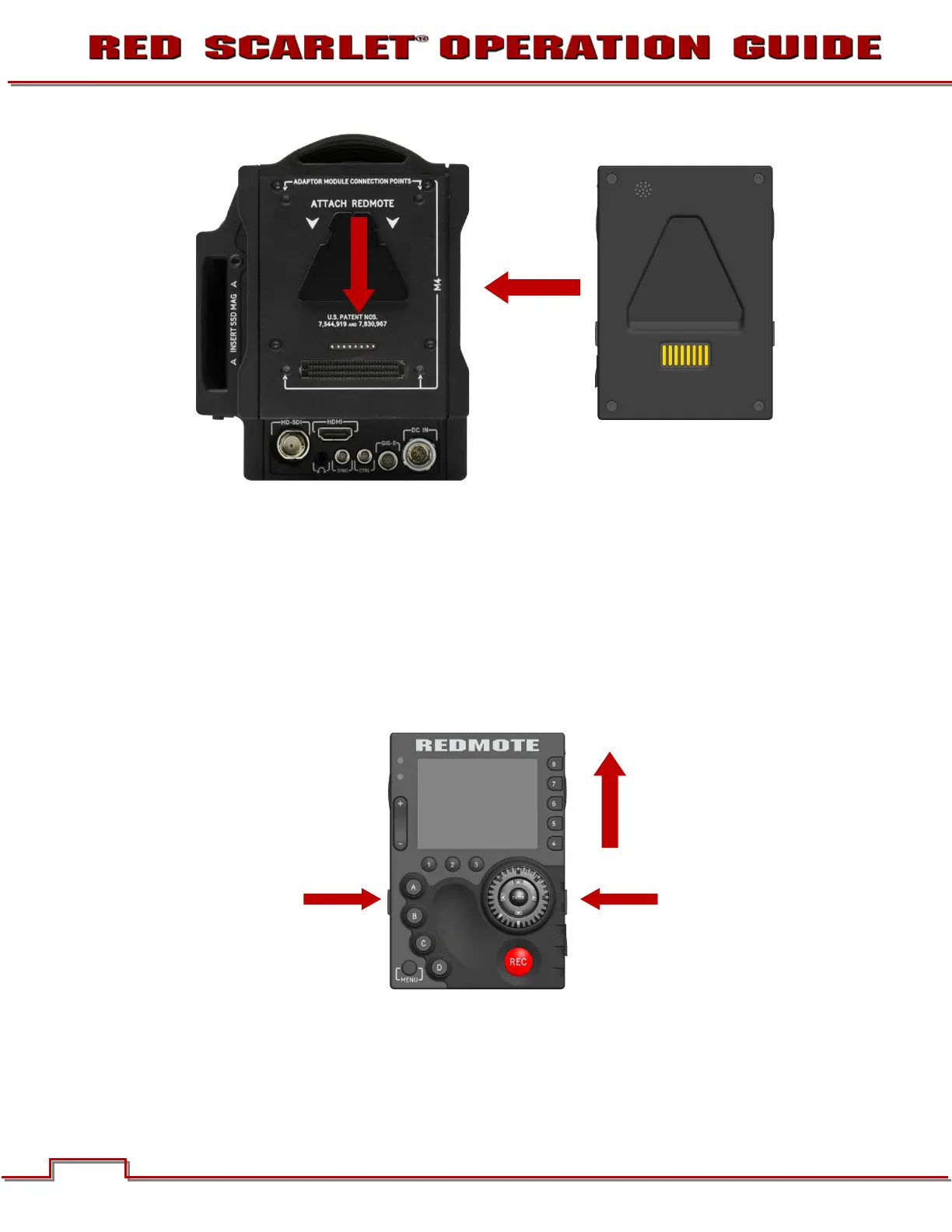
Note: For illustration only: rear surface of REDMOTE should face towards camera
2. Slide the REDMOTE down until a click is heard which indicates the REDMOTE is securely attached.
UNDOCKING
1. Depress the two latch release buttons located on each side of the REDMOTE.
2. Slide the REDMOTE upward to release from the V-Mount of the camera Brain / rear most module.
3. Remove the REDMOTE.
POWER UP / DOWN
Located on the upper right side of the REDMOTE is the Power / Key Lock Switch (refer to CONTROLS).



 To Next Page