COPYRIGHT © 2012 RED Digital Cinema 955-0003_v3.2, Rev-A1
102
ZEBRA 1
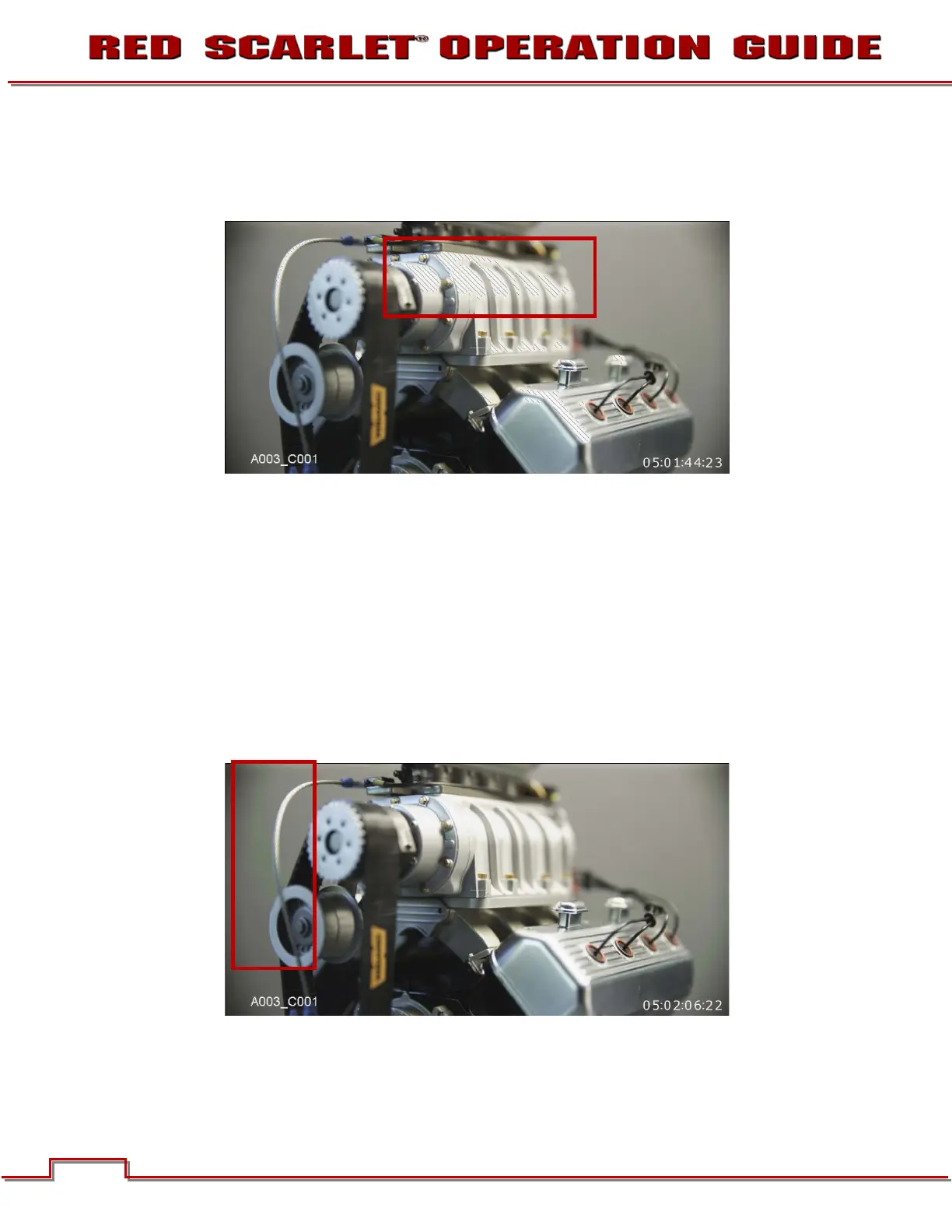
To enable, select ZEBRA 1 check box. Areas of the image exposed within these ranges will be indicated
by crosshatched overlays at - 45 degrees relative to vertical. Zebra 1 is shown in the image below.
High IRE
Change the desired setting between 93 and 109 (default is 108).
Low IRE
Change the desired setting between 75 and 107 (default is 99).
ZEBRA 2
To enable, select ZEBRA 2 check box. Areas of the image exposed within these ranges will be indicated
by crosshatched overlays at + 45 degrees relative to vertical. Zebra 2 is shown in the image below.
High IRE
Change the desired setting between 1 and 99 (default is 47).



 To Next Page