955-0003_v3.2, Rev- A1 COPYRIGHT © 2012 RED Digital Cinema
117
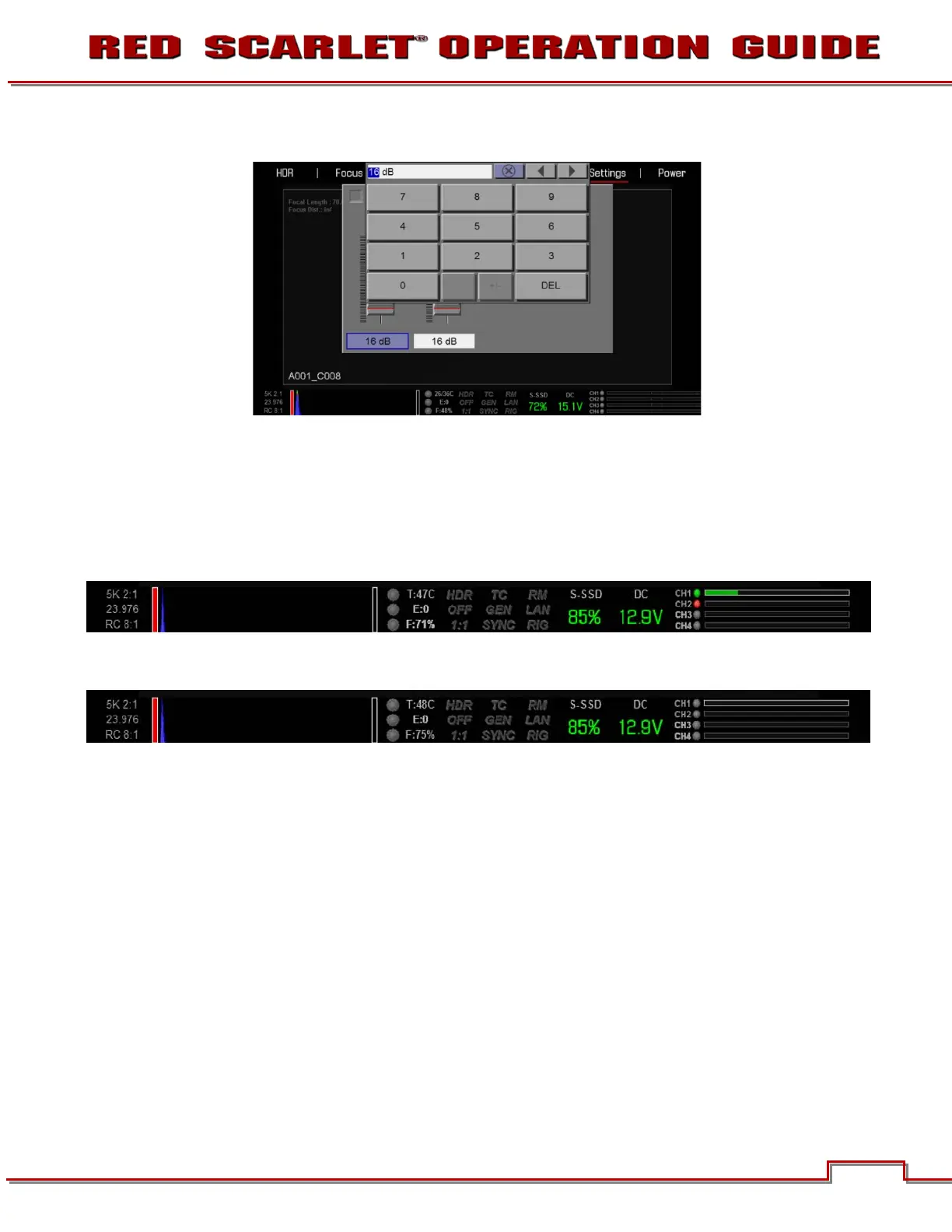
You can also directly input your desired audio levels.
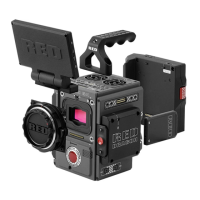
Audio channel level inputs are displayed in the lower section of the UI.
When audio is enabled and an audio jack is plugged in (detected by the camera), the circle next to CH1,
CH2 etc… will be Green and the box around the signal will be highlighted.
When audio is enabled and an audio jack is not plugged in (not detected by the camera), the circle will
be Red.
Also, when audio is disabled and an audio jack is plugged in, the circle will remain Gray but the box
around the signal will be highlighted (jack is detected by the camera).


 To Next Page