955-0003_v3.2, Rev- A1 COPYRIGHT © 2012 RED Digital Cinema
147
Touchscreen
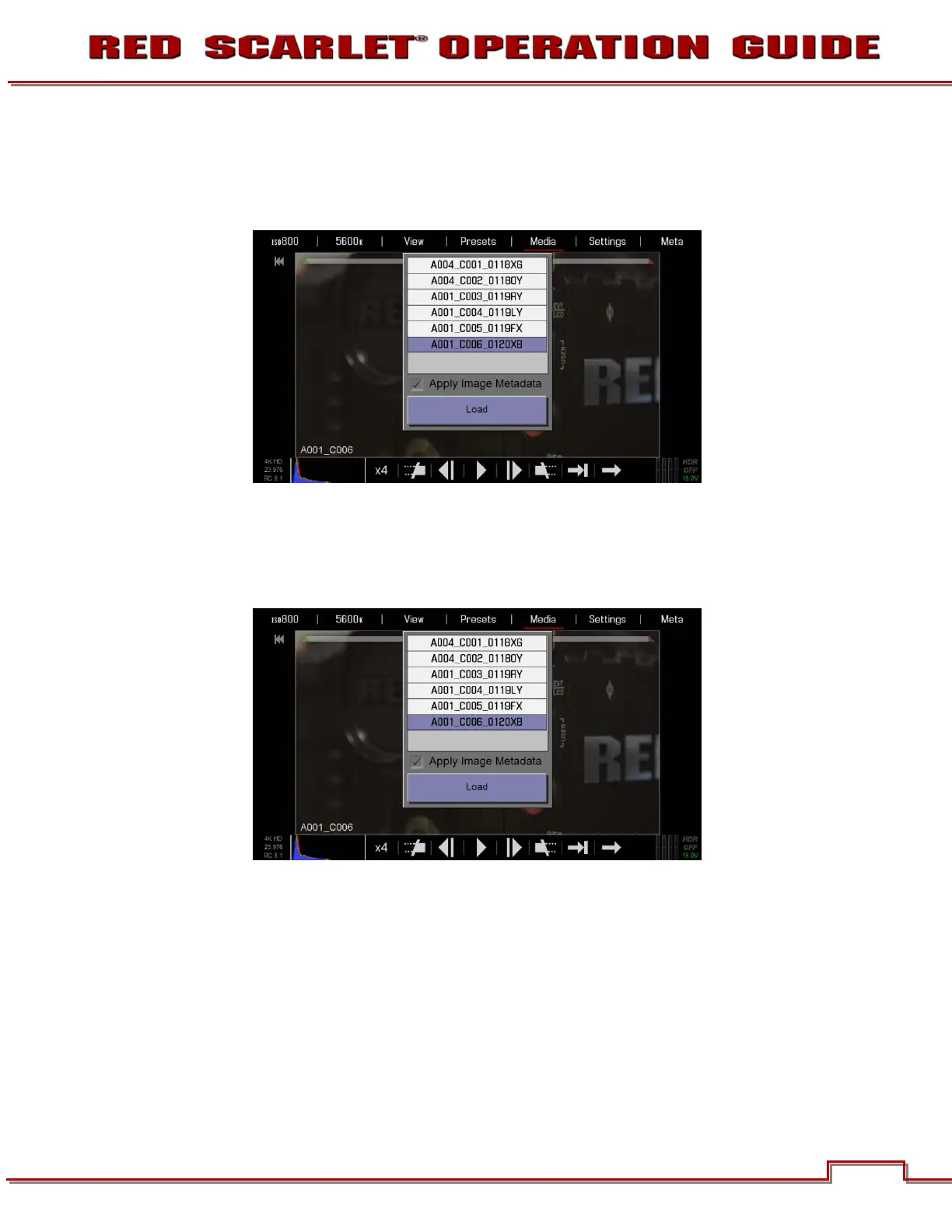
1. Double-Tap the desired clip to open in the playback window.
2. Load will also highlight. You can also select LOAD to load the clip in the player and allow playback.
Side Handle / REDMOTE
1. Select the desired clip to playback and press the ENTER button.
2. Load will highlight. Select LOAD to load the clip in the player and allow playback.



 To Next Page