955-0003_v3.2, Rev- A1 COPYRIGHT © 2012 RED Digital Cinema
149
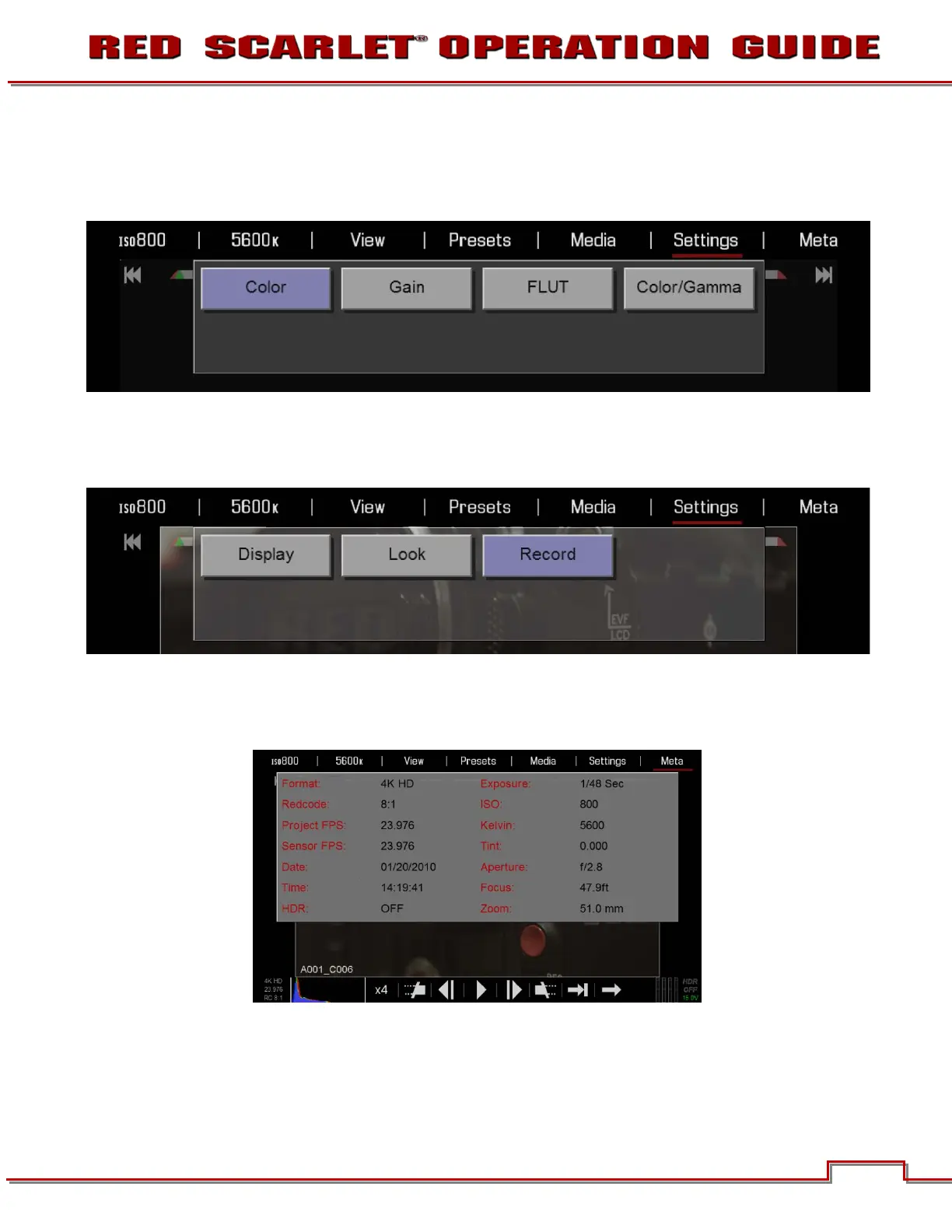
Look
Allows you to adjust the Color, Gain, FUT, and Curve of the image during playback. Refer to SETTTINGS
MENU > DISPLAY > LOOK for complete details about these options.
Record (Exit)
When selected will exit playback to the main menu.
META
Displays current clip META information.



 To Next Page