COPYRIGHT © 2012 RED Digital Cinema 955-0003_v3.2, Rev-A1
204
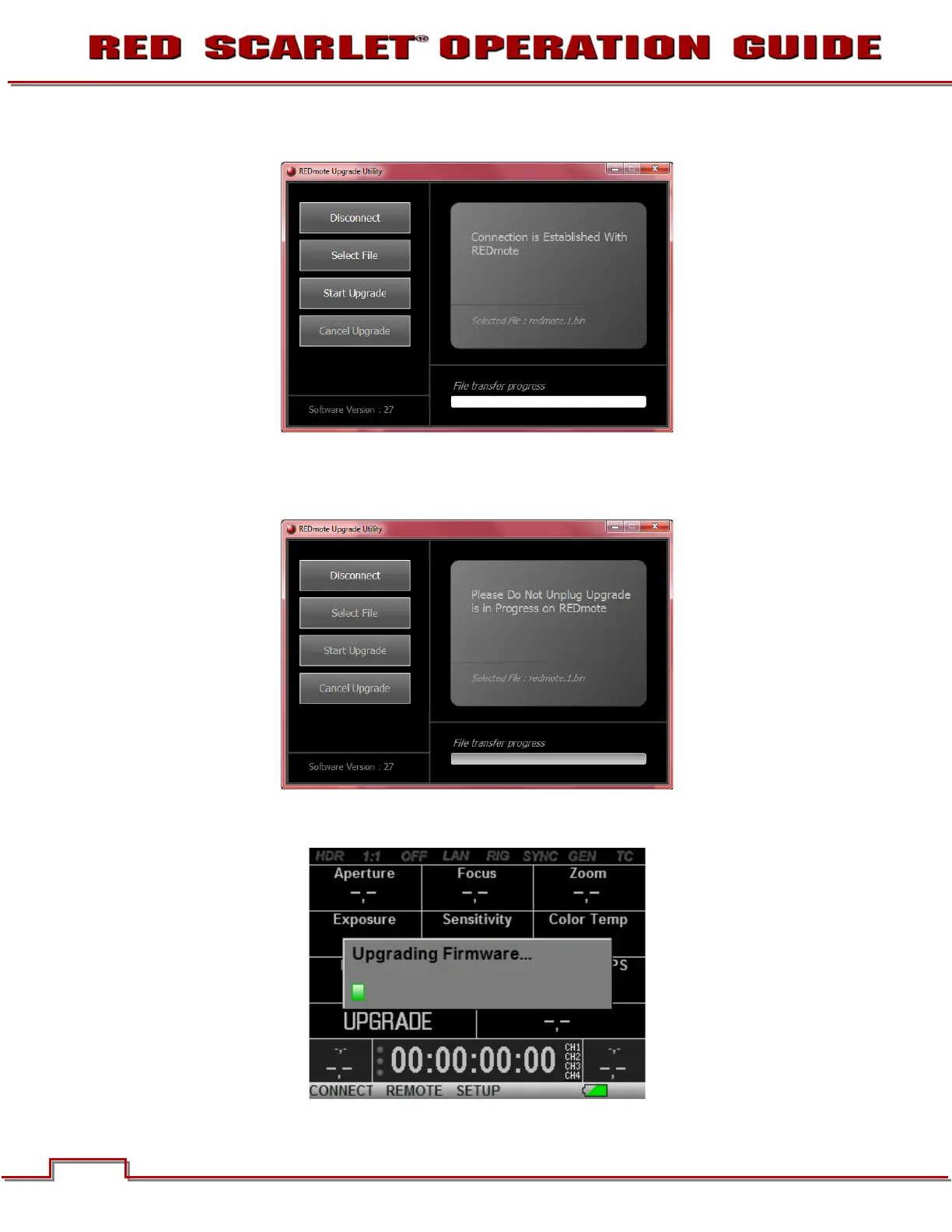
9. The selected file is shown in the window. In this case the selected file is: REDmote.1.bin.
10. After selecting and verifying the correct file for upgrading the REDMOTE, select “Start Upgrade”.
11. During the upgrade, the REDMOTE Software Wizard will display “Please Do Not Unplug” as well as a
status bar showing “File transfer progress.”
12. During the upgrade, the REDMOTE will display “Upgrading Firmware” as well as a status bar
showing upgrade progress.



 To Next Page