955-0003_v3.2, Rev- A1 COPYRIGHT © 2012 RED Digital Cinema
31
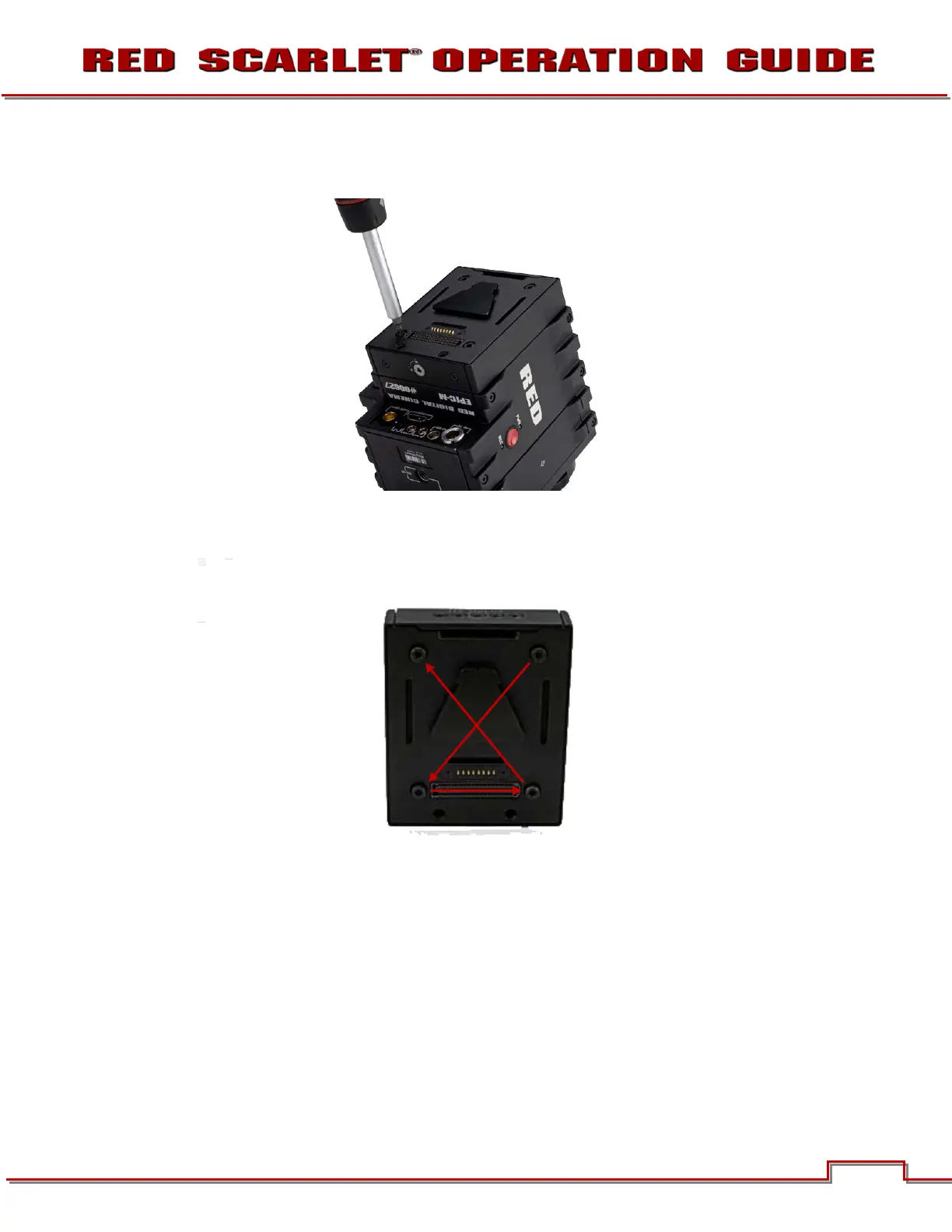
4. Using a T-20 Torx, lightly tighten the four screws. Do not over tighten.
5. Tighten the screws again in a cross pattern until tight.
ATTACHING THE DSMC MODULE
WARNING: DSMC Modules are NOT hot swappable - meaning you cannot remove or install while
the camera is powered on. Before installing or removing a Module, you MUST power down the
camera. Failure to do so may result in damage to the Module and / or camera brain that is not
covered by warranty.
Quad Battery Module shown.
1. Insert the lip at the top of the module into the recess at the top of the adaptor plate.
1
2 3
4



 To Next Page