COPYRIGHT © 2012 RED Digital Cinema 955-0003_v3.2, Rev-A1
86
Side Handle / REDMOTE
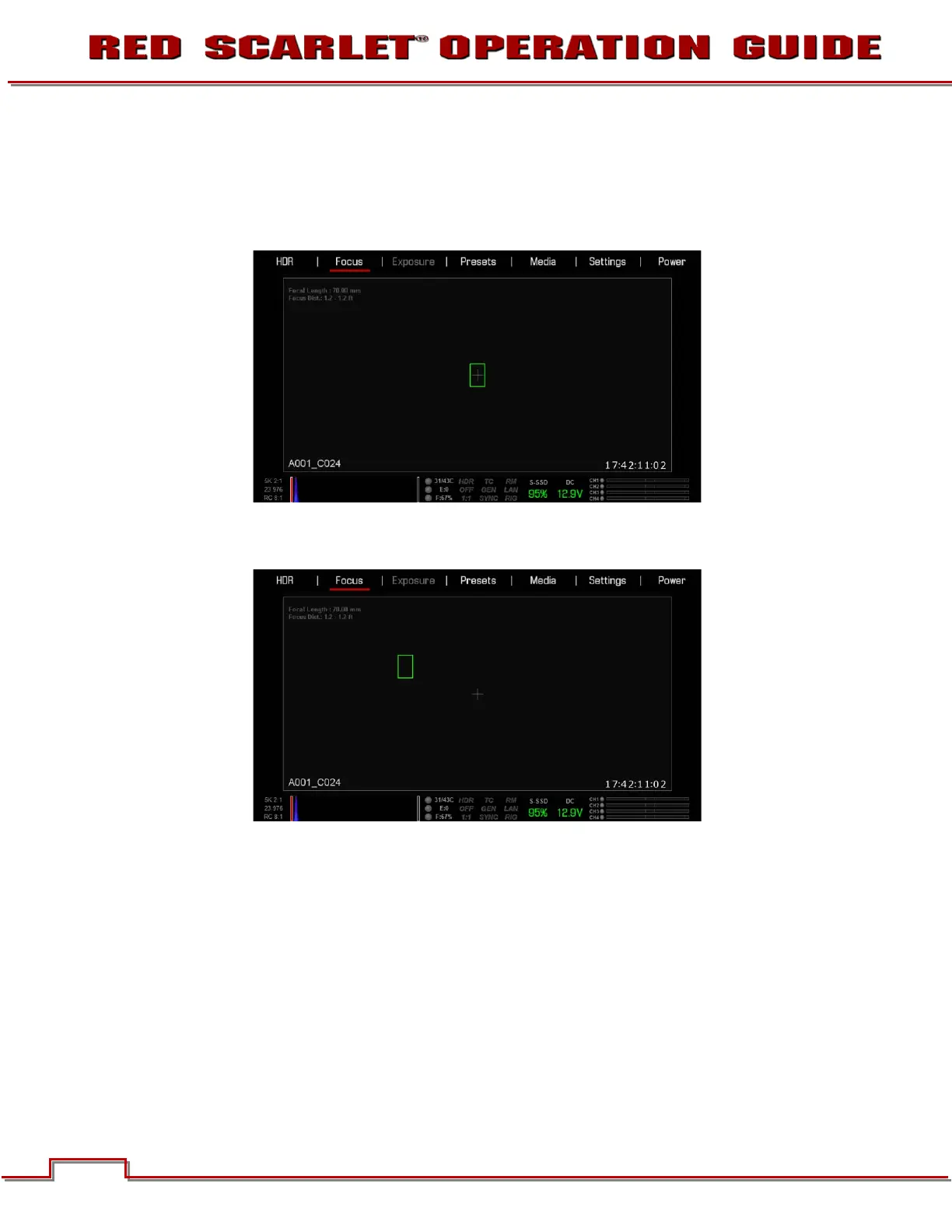
1. Navigate to the focus menu.
2. Press the down arrow on the Navigation Group.
3. The spot focus square line weight will increase and the Red cursor under FOCUS will dim slightly.
4. Press the ENTER button.
5. Use the directional arrows to move the Spot Focus square to the desired location.
6. To exit:
- Press the ENTER button, the spot focus square line weight will increase, then press the UP arrow
to go back to the FOCUS menu.
- Press the MENU button.
Resizing
The spot focus square can be resized using the Navigational Wheel or the Touchscreen.
Touchscreen
Tap two times on the square directly on the touchscreen to increase size. You can increase the size 3
times. After that, when you double-tap the spot focus square, it will decrease in size.



 To Next Page