955-0003_v3.2, Rev- A1 COPYRIGHT © 2012 RED Digital Cinema
91
COPY PRESETS FROM CAMERA TO SSD
• Use scroll ribbon to select desired preset in camera box
• Use --> button to move the preset to the SSD box
COPY PRESETS FROM SSD TO CAMERA
• Use scroll ribbon to select desired preset in SSD box
• Use --> button to move the preset to the Camera box
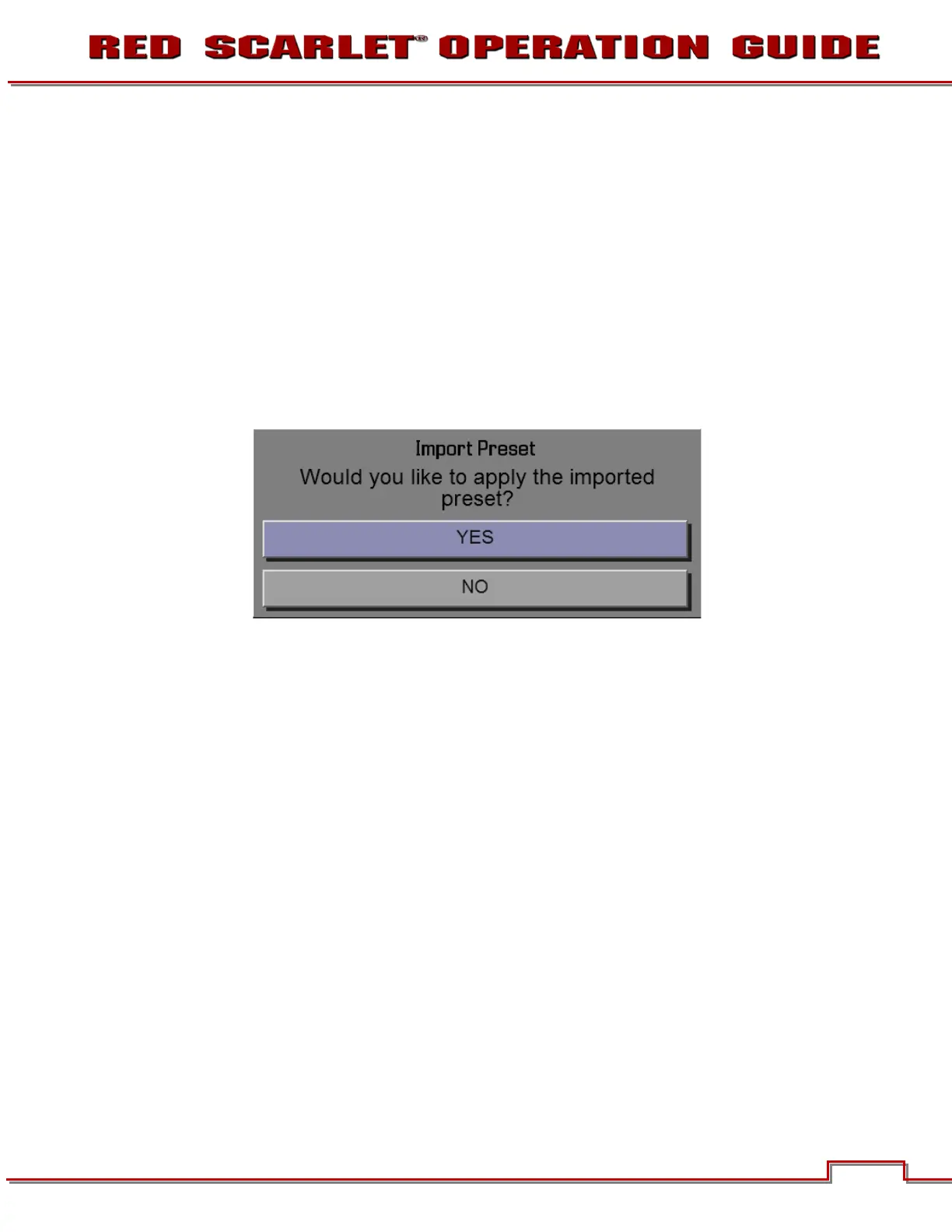
• The following window will appear
• Select
Yes
to copy the preset to the camera and apply the setting
• Select No to copy the preset to the camera without applying the settings
MANAGING PRESET FILES
• The APPLY, DELETE, and CREATE buttons are only affect the camera box. Presets on the SSD will
remain there until the media is reformatted.
• Copy the desired settings from the
S-SSD\Presets
side of the interface to the
Camera
side using
the
select one
(-->) or
select all
button



 To Next Page