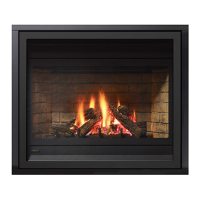
Grandview® G800EC Gas Fireplace | 41
installation
Conversion to top vent
Note: This conversion must be done prior to the unit being
placed in position.
The unit comes equipped as a rear vent unit. These
instructions are to be used, only if the unit is going to
be top vented.
Loosen
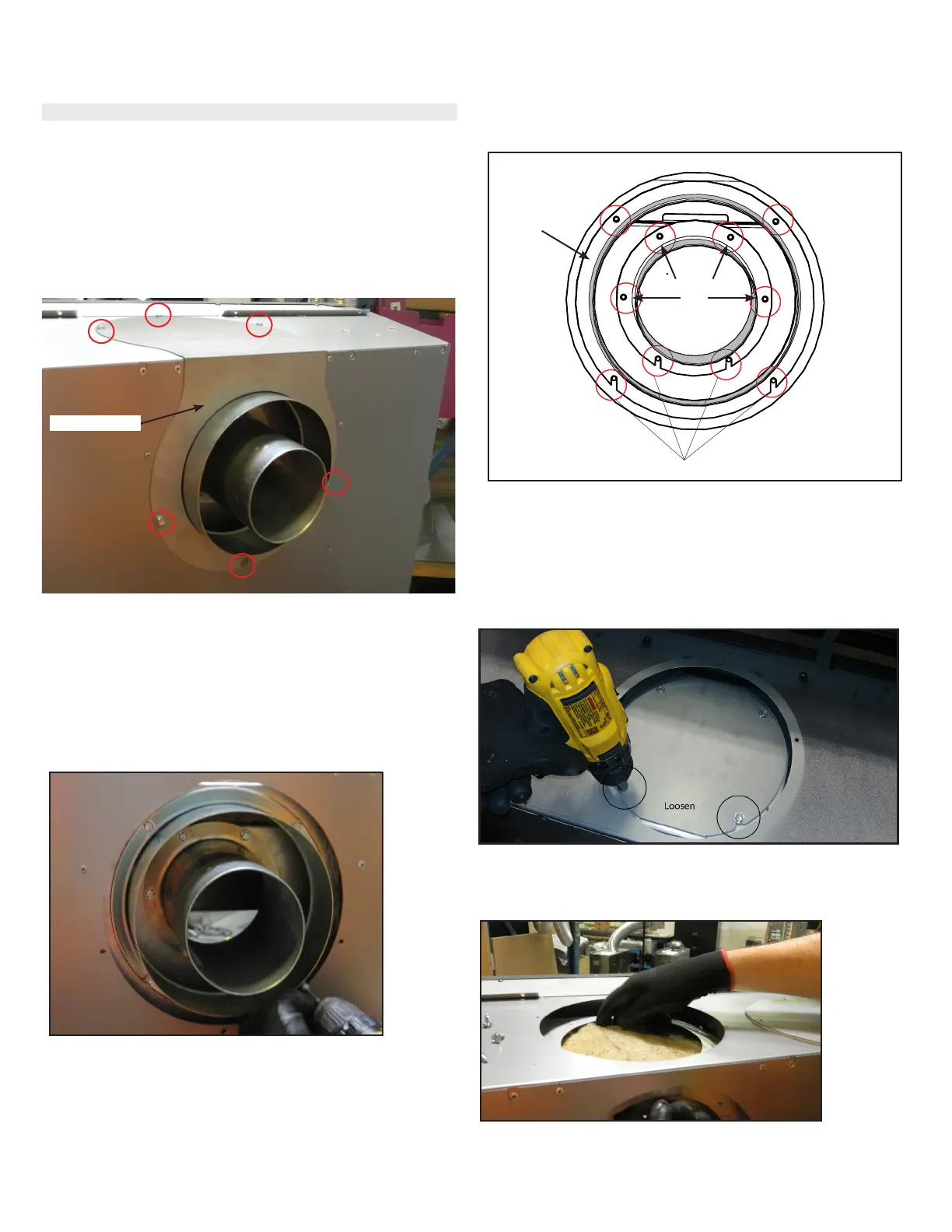
1. Remove six (6) screws in locations shown below to remove vent cover plate.
Vent cover plate
2. Using a magnetic drill bit—remove the two (2) top screws and loosen
two(2) bottom screws to remove outside collar from the back of the unit.
See Diagram 3.
3. Remove the four (4) top screws and loosen the two (2) bottom screws to
remove in the inner collar from the back of the unit. See Diagram 3.
Important: Loosen bottom screws only and slide inner and outer collar up
and off unit.
Diagram 1
Diagram 3
Diagram 4 - Top of Unit
Diagram 2 - Back of Unit
4. From the top of the unit—remove the top cover plate by removing the two
(2) top screws and loosening the two (2) bottom screws. Slide cover plate
up and off to remove.
Remove
outer collar
Remove
screws
Diagram 5
5. Remove the insulation from the top of the unit as shown and discard.



 To Next Page