5.21
ENG_UD69263_2
Services en ligne (XNX - Renault)
Once you have created and activated
your account using the email that you
received, save your vehicle information
in your “MY Renault” account. To do
this, please use the information on your
vehicle registration certificate to identify
the vehicle.
Renewing a service
To renew one of your services upon
expiry, access the “Renault CONNECT”
tab, then select “My services”.
Then click “Renew” and follow the step-
by-step instructions.
Online services
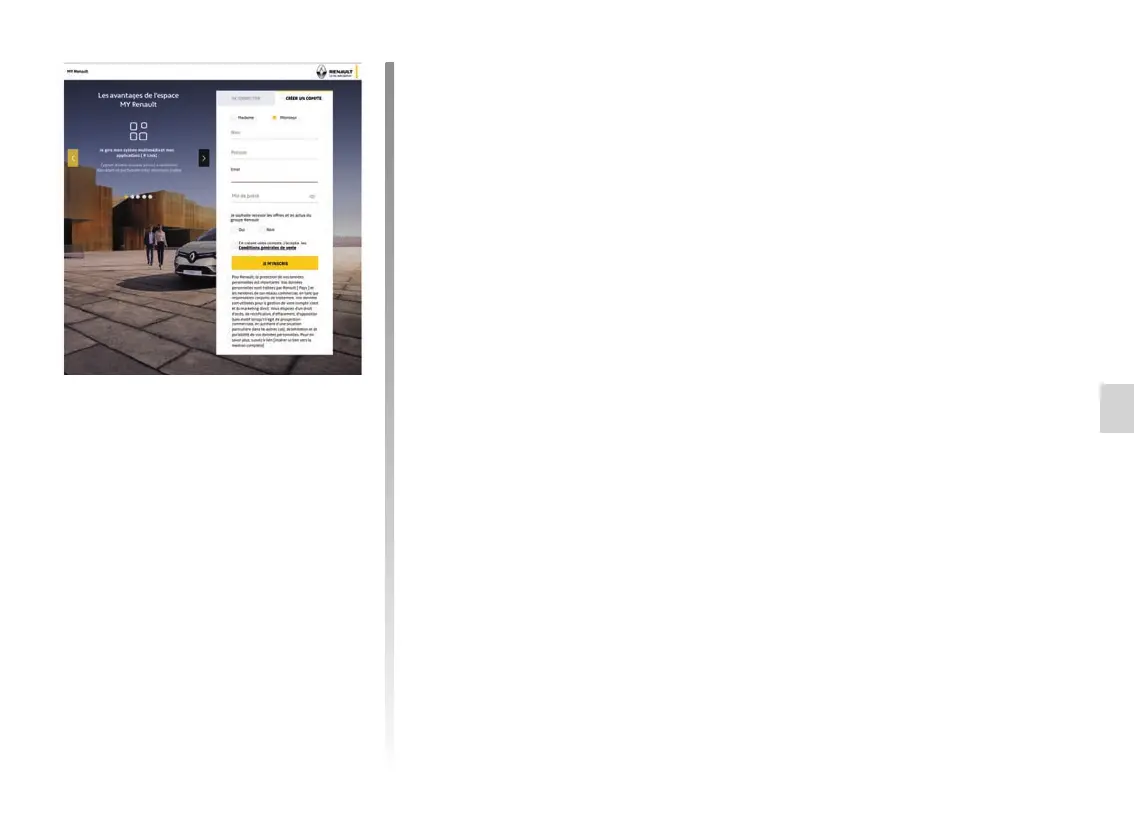
Create an account on the
“MY Renault” website
To purchase and renew services using
a connected computer or smartphone,
you must first create a “MY Renault” ac-
count.
Using a computer connected to the
internet or your smartphone, go to
myrenault.com and select your country.
Click “Join” and follow the step-by-step
instructions.
ONLINE SERVICES



 To Next Page