Multi-Sense................................................
(up to the end of the DU)
6.11
ENG_UD68873_5
Multi-Sense (XNX - Renault)
MULTI-SENSE
MULTI-SENSE (1/9)
Mode configuration
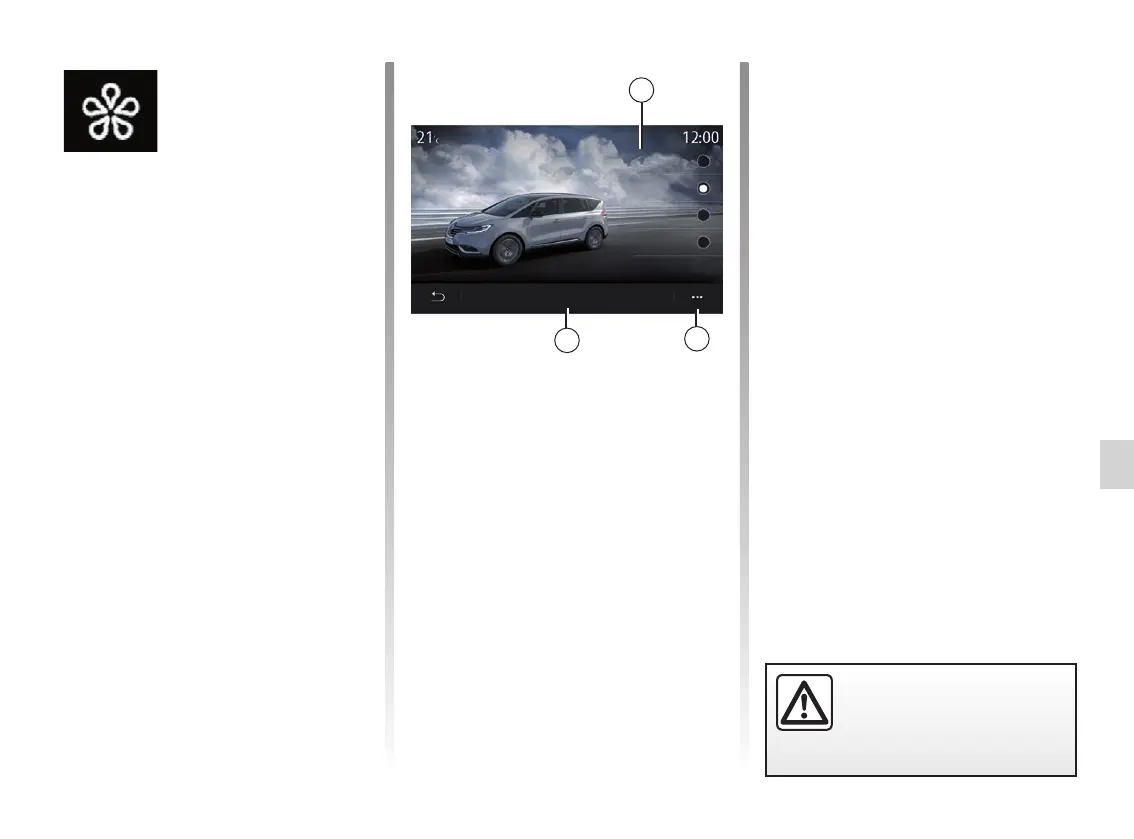
Press “Mode configuration” 3 to cus-
tomise the different parameters of the
following vehicle systems:
– “Steering”;
– “4CONTROL”;
– “Damping”;
– “Climate”;
– “Display”;
– “Engine sound design”;
– “Ambient lighting”;
– ...
Note:
– some “MULTI-SENSE“ configura-
tion menus are restricted according
to the category and equipment level
of your vehicle. These menus remain
visible on the multimedia screen but
are unavailable;
– you can also access the various
modes by pressing your vehicle’s
“MULTI-SENSE” control repeat-
edly. Please refer to the vehicle user
manual for further information.
Pop-up menu
From the 2 pop-up menu, you can reset
the default values for the current mode.
Menu
« MULTI-SENSE »
From the main menu, press “Settings”
then the “Vehicle” tab to access
“MULTI-SENSE”. This menu lets you
customise the behaviour of some on-
board systems.
Selecting mode
Available modes may vary according to
the vehicle and equipment level. From
the “MULTI-SENSE” menu, select the 1
mode desired:
– “My Sense”;
– “Sport”;
– “Comfort“;
– “Race”;
– “Save“;
– “Eco”;
– ...
Note: the last active mode is not mem-
orised when restarting the vehicle.
By default, the vehicle restarts in “My
Sense" mode. To find out more about
each of these modes, please see your
vehicle user manual.
1
2
3
For safety reasons, carry
out these operations when
the vehicle is stationary.
Mode config.
My Sense
MULTI-SENSE
Sport
Comfort
Eco



 To Next Page