seats ..........................................................
(up to the end of the DU)
front seats
adjustment ...........................................
(current page)
6.21
ENG_UD68545_2
Sièges (XNX - A-IVI - Renault)
Seats
SEATS (1/3)
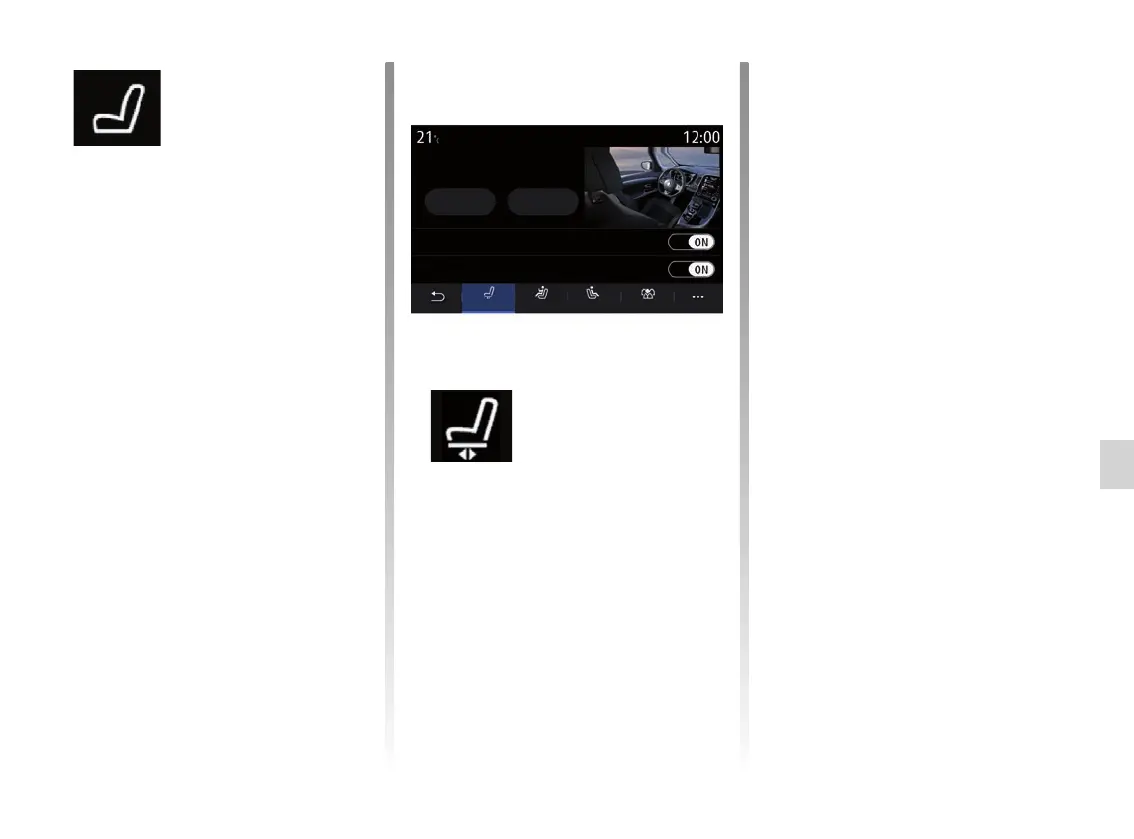
“Seats” menu
From the main menu, select “Settings”
> “Seats” to access the functions and
settings of your vehicle seats:
– “Position”;
– “Massage”;
– “One-touch Modularity”.
“Position”
From the “Position” tab, press “ON” or
“OFF” to activate or deactivate the set-
tings:
– “Visual feedback”;
– “Easy driver access”;
– “Easy passenger access”;
– “Passenger seat courtesy”.
“Visual feedback”
If this function is activated, a pop-up
settings window is displayed on the
screen when the driver or passenger
adjusts the position of their seat.
“Easy driver access”/“Easy
passenger access”
When it is activated, the seat goes
backwards automatically as the driver
and/or passenger gets out of the vehi-
cle, and returns to its position when the
driver and/or passenger gets back in
the vehicle.
“Passenger seat courtesy”
When it is activated, driver can con-
trol passenger seat from the switches
by the driver’s seat. Please refer to the
vehicle user manual for further informa-
tion.
Position D. massage One-touchP. massage
Save Call back
Visual feedback
Easy driver access
Driver seat position
Seats



 To Next Page