customised vehicle settings .......................
(up to the end of the DU)
7.2
ENG_UD61059_4
Réglages utilisateur (XNX - Renault)
User settings
USER SETTINGS (1/2)
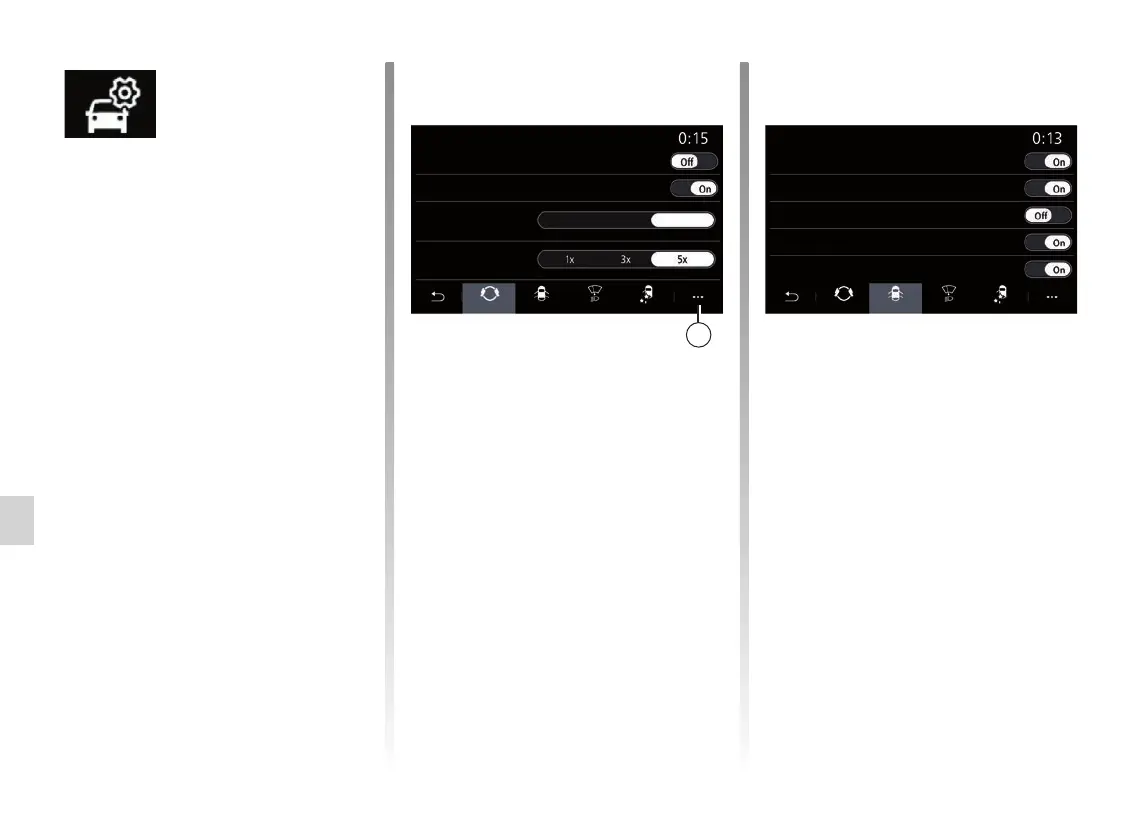
“Driving”
Use this menu to activate/deactivate
the following options:
– “Free wheel in Eco mode”;
– “Gear shift indicator beep”;
– “Turn indicator sound volume”;
– “Turn indicator motorway mode”;
– ...
“Access”
Use this menu to activate/deactivate
the following options:
– “Auto door lock when driving”;
“Car
configuration”
menu
From the “Settings” menu, select the
“Vehicle” tab, then “Car configuration”.
From this menu you can access the fol-
lowing tabs:
– “Driving”;
– “Access”;
– “Wiping and lighting”;
– “Welcome”.
To reset all the pop-up menus, press 1,
then “Reset”.
Note: the available settings may vary
according to the equipment level.
– Hands-free key functions;
– “Approach unlocking / Walk-away
locking”;
– “Walk-away closing sound”;
– “Silent mode”;
– “Auto relock”;
– “Unlocking the driver’s door”;
– ...
Note: some options are available only if
the previous features are activated.
Car configuration Car configuration
Gear shift indicator beep
Approach unlocking / Walk-away locking
Turn indicator sound
volume
Hands-free key functions
Turn indicator motor-
way mode
Walk-away closing sound
Silent mode
Free wheel in Eco mode
Low Method High
Auto door lock when driving
Driving
Driving
Access
Access
Wiping and
lighting
Wiping and
lighting
Welcome
Welcome
1



 To Next Page