7.13
ENG_UD68557_6
Réglages système (XNX - Renault)
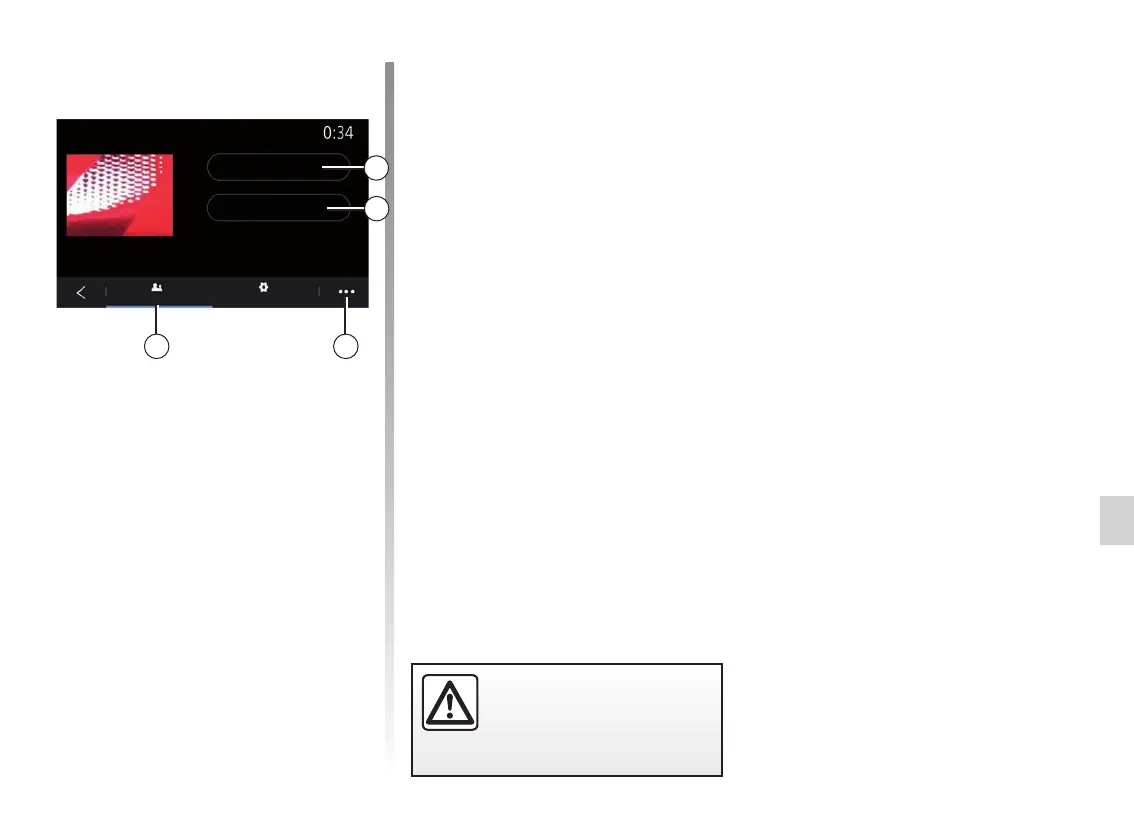
Change the name of user profile
From the “General” tab 32, press the
“Edit name” button 29 to rename the
profile.
Use the pop-up menu 31 to:
– lock/unlock the profile;
– duplicate the profile;
– delete all settings saved with the pro-
file;
– update the profile;
– ...
Change the photo of user profile
From the General tab 32, press Edit
picture 30 to select an image from the
multimedia system or from an external
storage device (USB flash drive). For
more information on viewing photos,
see the “Photo” section.
32 31
SYSTEM SETTINGS (10/10)
30
User profile
Edit picture
Edit name
General Settings
For safety reasons, carry
out these operations when
the vehicle is stationary.
29



 To Next Page