1.21
ENG_UD68532_6
Utiliser la reconnaissance vocale (XNX - Renault)
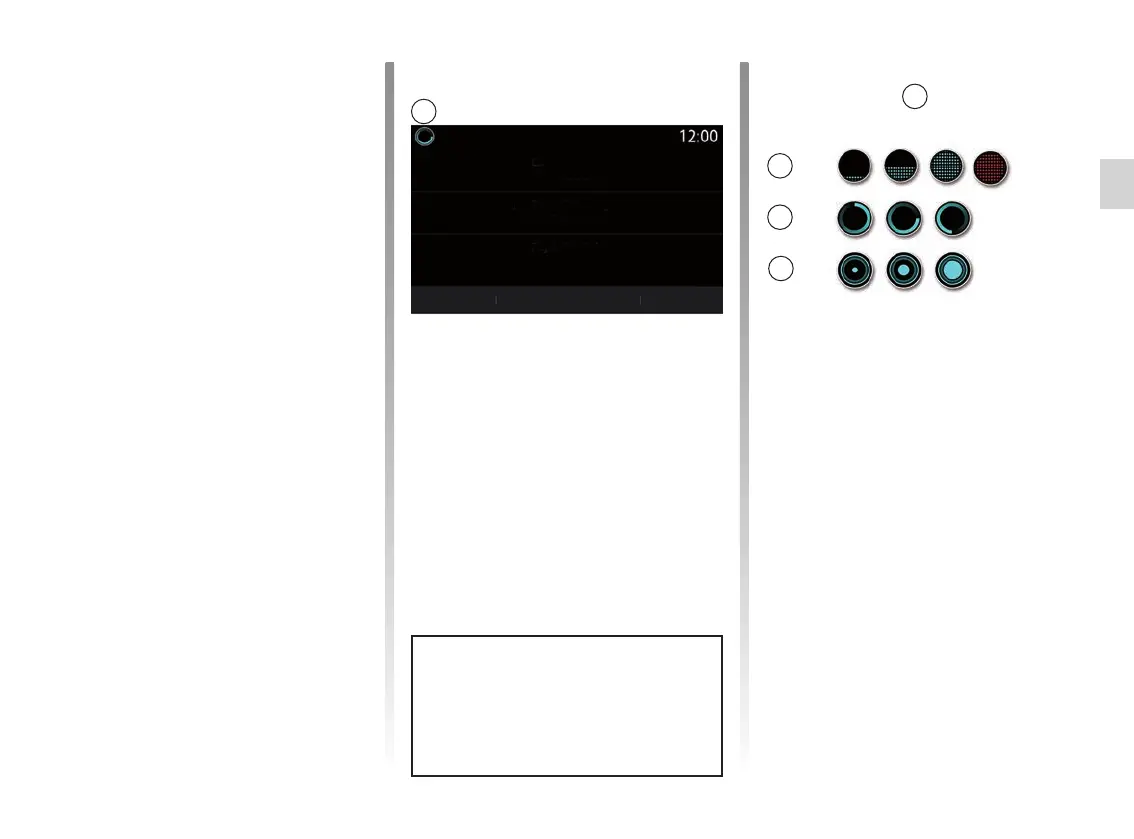
Voice recognition indicator A
The voice recognition indicator A con-
sists of coloured markers and icons.
– The 2 icon informs you that the multi-
media system is listening: the colour
of indicator A indicates the perfor-
mance of the voice recognition;
– low blue marker: average voice
recognition
USING VOICE RECOGNITION (2/10)
Voice Recognition menu
From the main voice control menu, you
can use the voice command to control
the following functions:
– “Phone”;
– “Navigation”;
– “Audio”.
The functions shown in blue on the
screen are valid commands under-
stood by the multimedia system.
A
2
3
4
Phone
Navigation
Audio
Quit
Help
Call Didier
Go to 7, Pasteur Street, Les Ulis
Listen to an artist <Artiste>
Call Didier on their mobile
Find service station
Welcome, what can I do for you?
Radio France station
Using the multimedia
system’s voice recognition
Main voice commands for your
multimedia system
Say “Main screen” or “Back” to return to
the voice recognition main screen.
Say “Quit” to exit the voice recognition
menu.
Say “Help” to hear the details for each
system screen as well as the features
available.
Say: “Next page”, “Previous page”,
“First page”, “Last page” to navigate
within the voice recognition lists.
A



 To Next Page