2.32
ENG_UD64186_5
Réglages de navigation (XNX - Renault)
“POI display”
Activate/deactivate the display of Points
of Interest (POI) on the map:
– “Fuel station”;
– Charging station (for electric and
hybrid vehicles);
– “Parking”;
– “Restaurant”;
– “Accommodation”;
– “Travel and Travel”;
– “Shopping”;
– “Hospital”;
– ...
From the map, you can select the POI
directly. The multimedia system will
suggest several options:
– “Go”;
– “Call”.
For more information, please see
“Points of interest” in the section enti-
tled “Enter a destination”.
NAVIGATION SETTINGS (4/8)
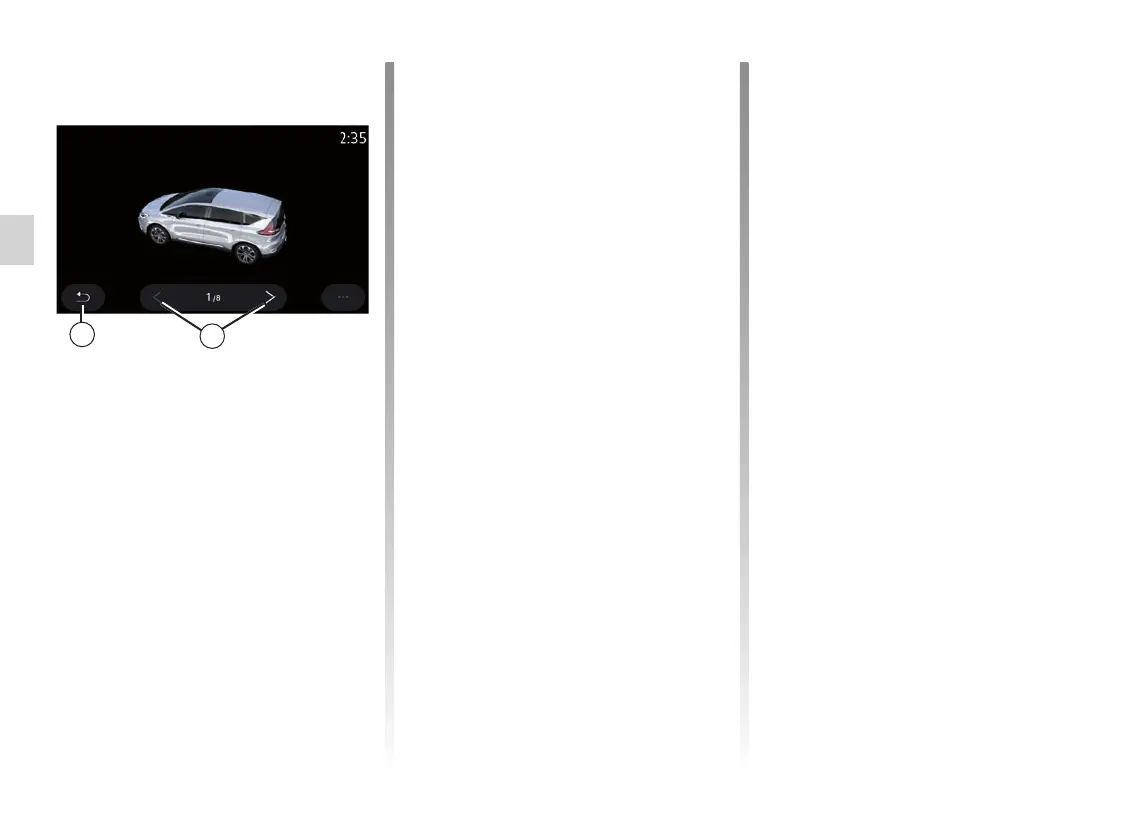
“My car”
You can change the visual representa-
tion of the vehicle by pressing the left or
right arrow 6 and selecting the desired
model.
To confirm your selection, remain on
the desired model and press the return
arrow 5.
“Junction view”
Allow/block Junction view by pressing
ON or OFF.
5
6
Vehicle
“Weather display”
Allow/block the weather view by press-
ing ON or OFF.
“Information about the country”
From the list of countries shown, you
can consult the speed limits in force,
the direction of traffic, speed unit etc.
Pop-up menu
From the pop-up menu 4, you can reini-
tialise the Navigation settings.



 To Next Page