3.3
ENG_UD63787_3
Écouter la radio (XNX - Renault)
Frequency
List Presets
LISTENING TO THE RADIO (2/5)
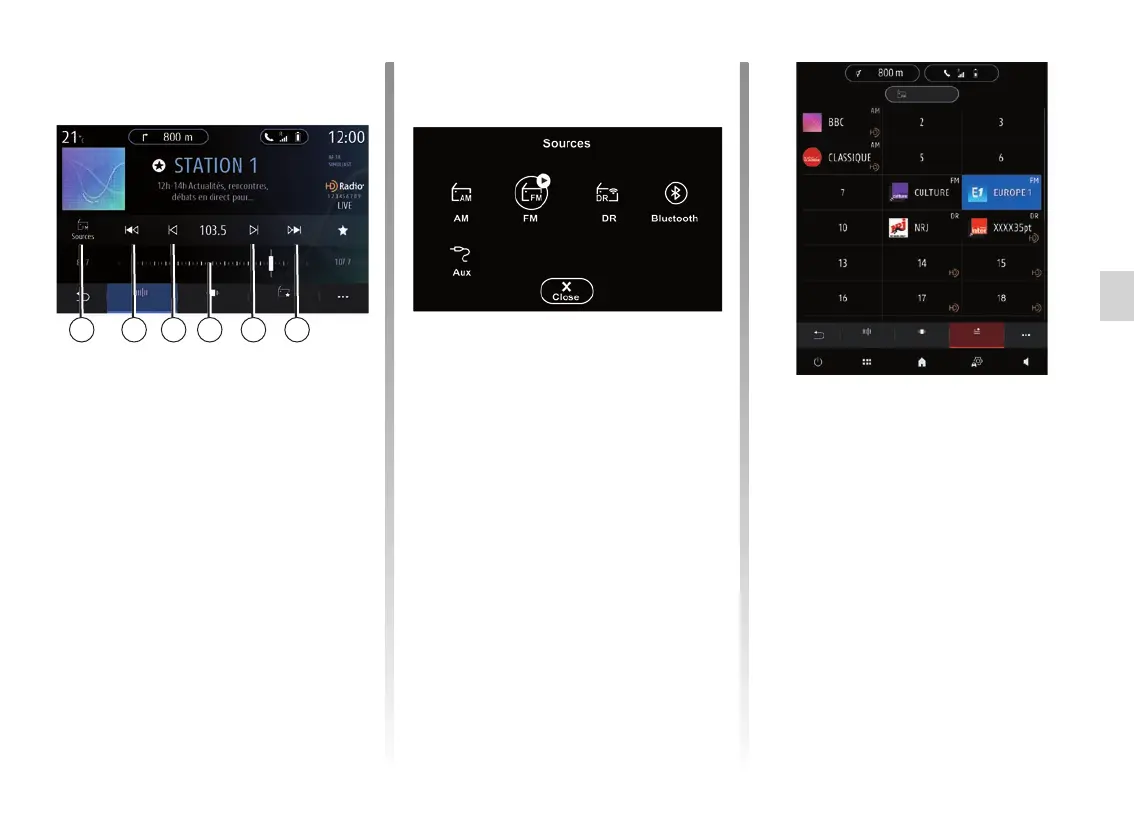
Select a radio band
Select FM, AM or DR (digital radio) by
pressing “Sources” 12 on the multime-
dia screen.
You can also choose the radio band by
using the button on the steering column
control.
Store a radio station as a
preset
Use this function to store the station
now playing.
In “Frequencyˮ mode, press the 6
button or press and hold the logo 1 of
the current station and select a slot
to save it (in one of the pages 13) by
pressing and holding the slot until a
beep sounds.
You can store up to 27 radio stations.
“Frequency” mode
Use this mode to select radio stations
by frequency in the radio band se-
lected. To scan the frequency range,
you have two options:
– search by frequency: scan the fre-
quencies by repeatedly pressing
the 9 buttons or move the cursor on
the selector bar 10;
– search by station: move forwards
or backwards to the next station by
pressing the 8 buttons.
1012 9 98 8
Sources
Freq.
List Presets



 To Next Page