4.12
ENG_UD60757_3
Répertoire téléphonique (XNX - Renault)
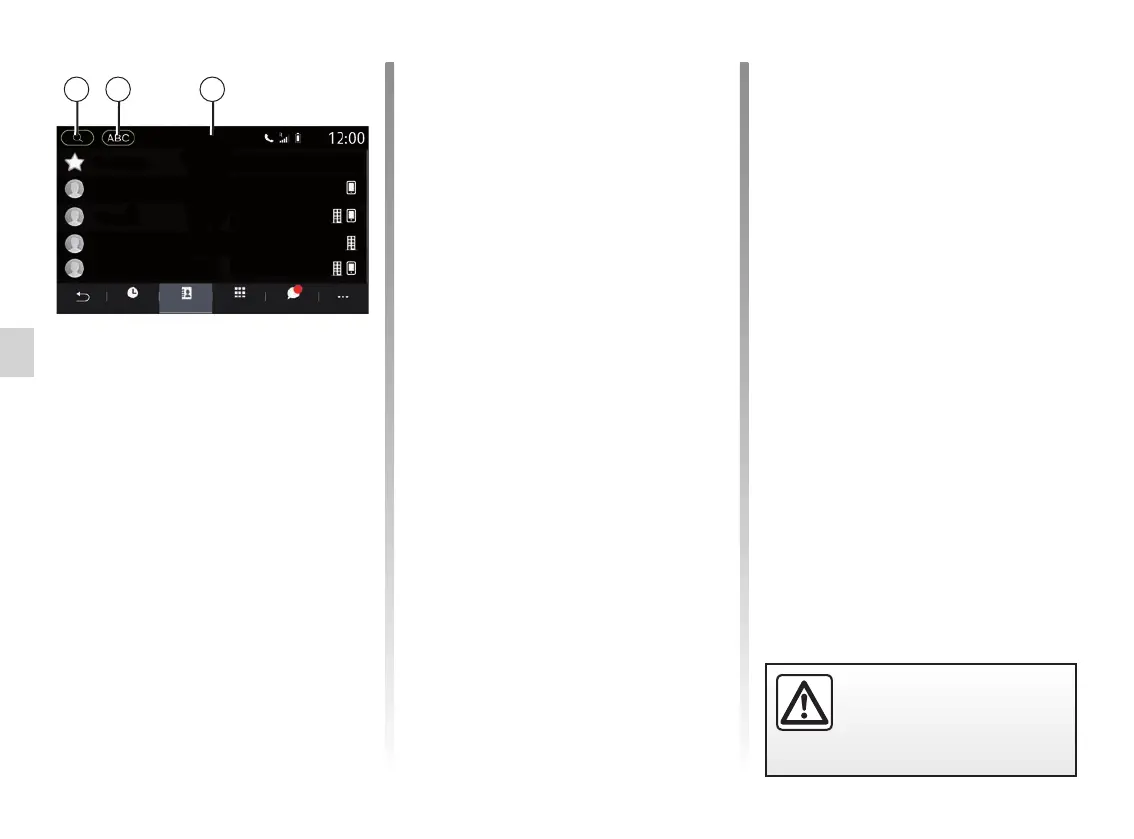
Searching contacts
You can search for a contact by enter-
ing their name or phone number.
Press the magnifying glass 1. Enter
some of the numbers or letters of the
desired contact.
Press on ABC 2. Select just one letter.
The phonebook displays the list of con-
tacts starting with the selected letter.
PHONEBOOK (2/2)
Select the phonebook
If two telephones are connected to the
multimedia system at the same time,
you can select which contact list is dis-
played.
Select the phone from the 3 bar.
Confidentiality
The list of contacts for each telephone
is not stored in the memory by the
hands-free telephone system.
For reasons of confidentiality, each
downloaded contacts list can only be
viewed when the corresponding tele-
phone is connected.
1 2 3
For safety reasons, carry
out these operations when
the vehicle is stationary.
Favourites
Gregory
Mathilde
Alexandre
Bastien
SMSDialPhonebookHistory
Phone_75



 To Next Page