ARTIST .................................................................. (current page)
Bluetooth® portable audio player
pairing ..............................................................(current page)
pairing .................................................................... (current page)
Bluetooth® portable audio player
unpairing ..........................................................(current page)
unpairing ................................................................(current page)
USB socket ............................................................ (current page)
GB.18
ENG_UD29577_3
ULC/Sources audio auxiliaires (ULC - Renault)ENG_NX_1023-3_NX_Dacia_0
Connect the socket of your portable
audio player to the USB input on the
unit.
Once the USB socket of the digital port-
able audio player is connected, the
“USB” menu is displayed.
it may not be possible to connect
certain types of digital portable players.
Connect the socket of your iPod® to the
USB input on the unit.
Once the USB socket of your iPod®
is connected, the “iPod” menu is dis-
played.
use the iPod® cable for exclusive
use of iPod® when connecting iPod® to
the USB socket.
Refer to the section on “Connecting/
disconnecting Bluetooth® devices”.
Once Bluetooth® is connected, the
“BT” menu is displayed.
Depending on the type of portable
audio player, select a folder (MP3
player, USB key) or a playlist (portable
digital music player).
once connected, you can no
longer directly control your portable dig-
ital audio player. You must use the keys
on the system’s front panel.
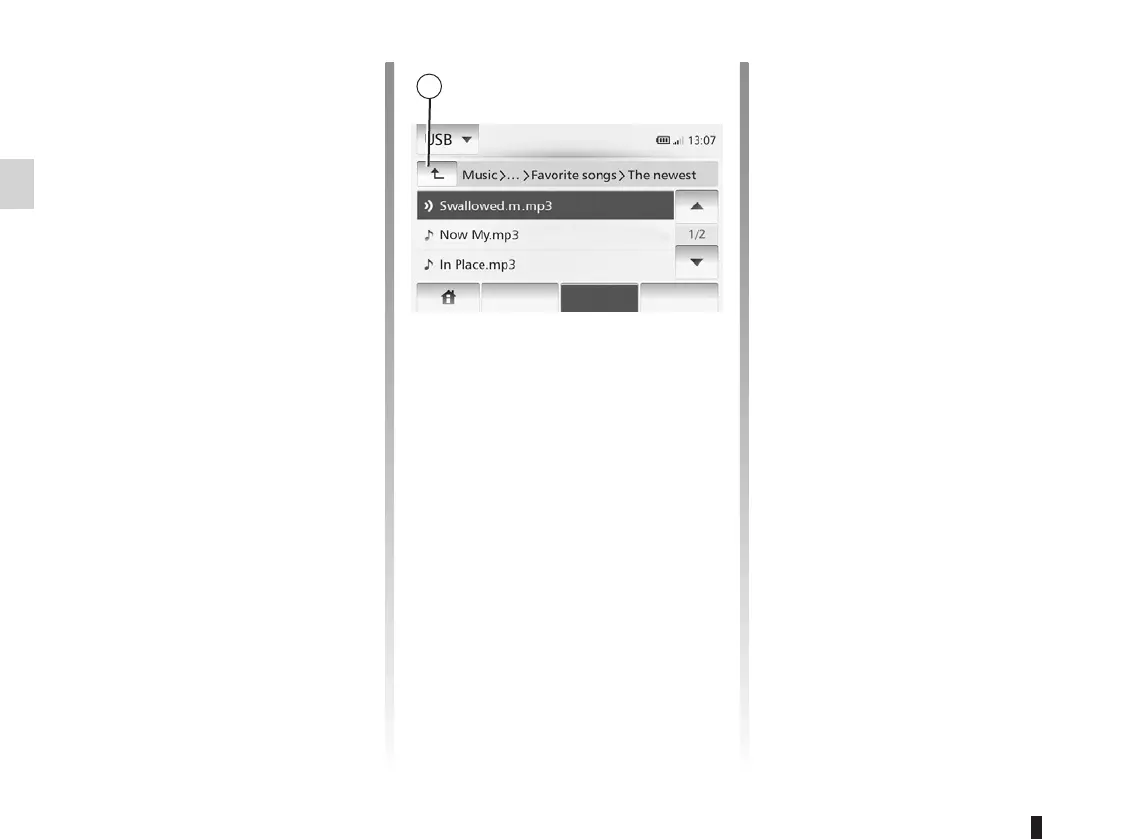
To select an audio track within a folder,
tap “List”.
To go back to the previous level in the
folder hierarchy, tap 4.
By default, albums are listed in alpha-
betical order.
if you connect a USB key, all the
folders will be at the same level on the
tree structure.
Depending on the type of digital port-
able audio player, you can refine your
selection by using folders or files.
Main List Option



 To Next Page