GB.75
DOWNLOADING AND INSTALLING APPLICATIONS (1/4)
R-Link Store is an online shop for
buying applications, services and con-
tent. R-Link Store, available depend-
ing on the country, can be accessed
directly using the multimedia system or
from a computer connected to the in-
ternet.
Note: some products can only pur-
chased via a computer connected to
the Internet on R-Link Store. If so, a
message will be displayed to notify you.
Please refer to “Downloading and in-
stalling applications from a computer”.
Note: some applications are paid. For
further information about buying appli-
cations, please see the general condi-
tions of sale.
Downloading and installing
applications from R-Link
Store
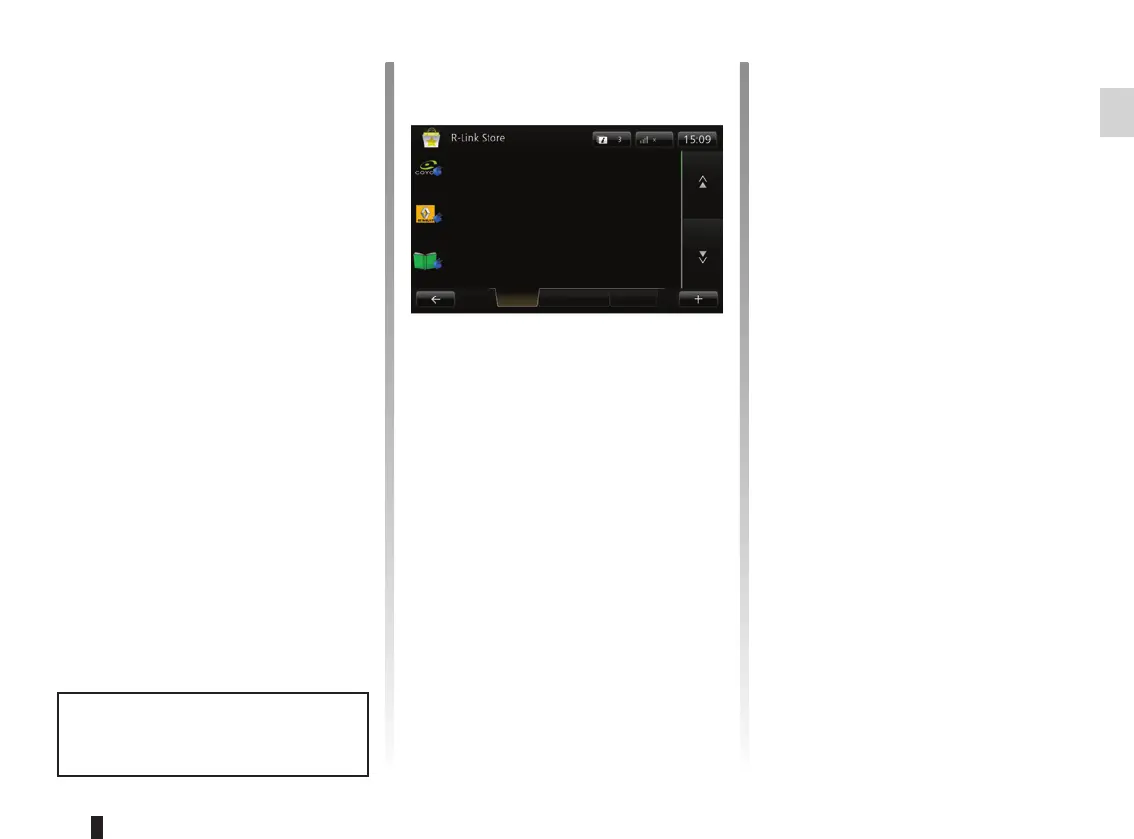
From the “Services” menu, press “R-
Link Store”.
The available applications are classi-
fied in three tabs:
– Selection presents a selection of
applications;
– Top apps classes the applications
by order of popularity;
– Categories shows the applications
by theme: entertainment, maps, etc.
Select an application to get a descrip-
tion.
The “+” menu grants access to the fol-
lowing elements:
– Search enables you to search for an
element using a key word;
– Update enables you to search for
available updates for the applica-
tions, services and content installed;
– My products gives a summary of
the elements bought along with the
expiry dates for the products con-
cerned;
– Legal information displays the legal
information about R-Link Store.
Coyote Pack
Renault
Reader
Digital Pack
Selection Top apps Categories
Renault
Renault
The availability of the services de-
scribed varies depending on the
country.



 To Next Page