GB.21
Controlling navigation with
voice recognition
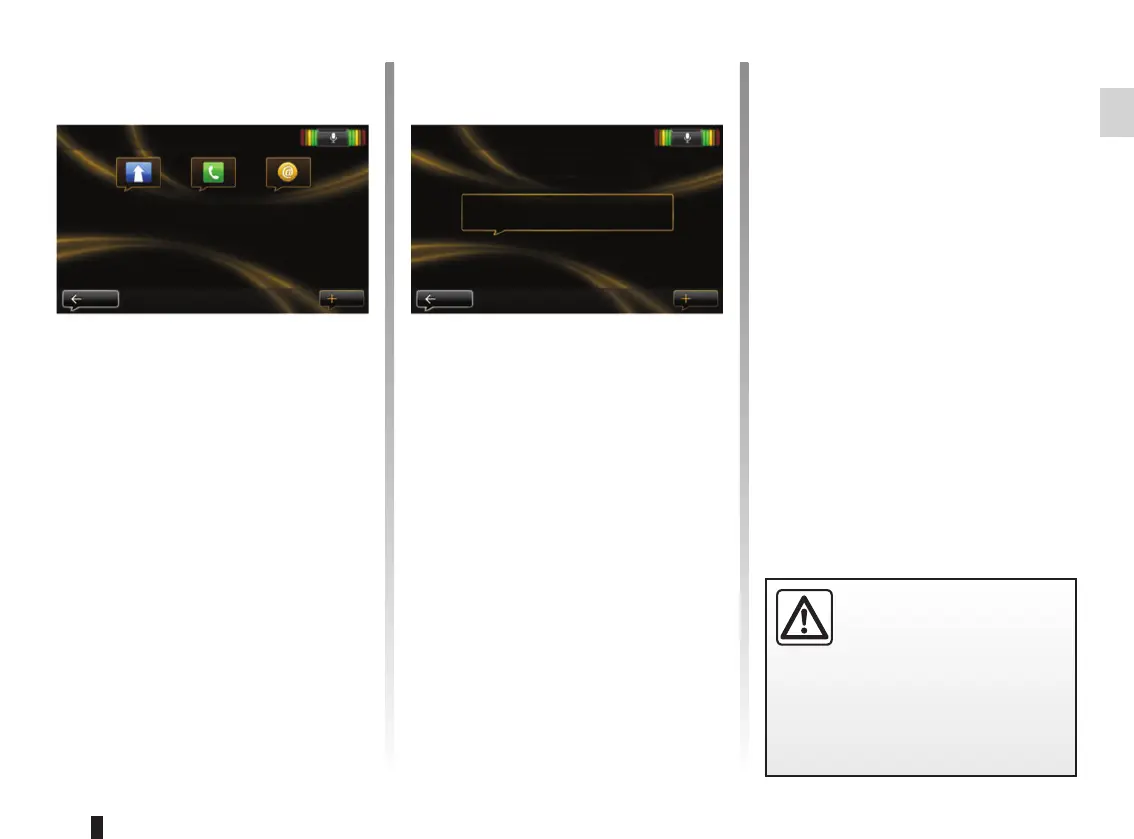
You can enter a navigation address
by the voice control integrated to your
audio system. To do this:
– press the voice control button to dis-
play the main voice control menu;
– when the system beeps, say
“Destination”;
– say “Address” then give the full
destination address (number, street
name, destination town/city);
– the system will give you the address
it has understood - confirm your des-
tination to begin guidance.
Note: speak loudly and clearly. Use the
voice recognition indicator to optimise
voice recognition.
USING VOICE RECOGNITION (2/3)
Precautions regarding
navigation
Use of the navigation
system does not in any way
replace the responsibility or vigi-
lance of the driver when driving the
vehicle.
Note: You can also enter an address or
recent destination from the voice con-
trol main menu. To do this, press the
voice control button, then say “Address”
or “Recent destinations”, and give an
address or select your destination.
New address
For example: 7 Oxford Street, London
Back
Help
Voice control main menu
Destination
Exit Help
Phone Applications



 To Next Page