address book ........................................(up to the end of the DU)
destination ............................................ (up to the end of the DU)
GB.37
ENG_UD29582_3
ULC/Gérer les favoris (ULC - Renault)ENG_NX_1023-3_NX_Dacia_0
Managing the favourites
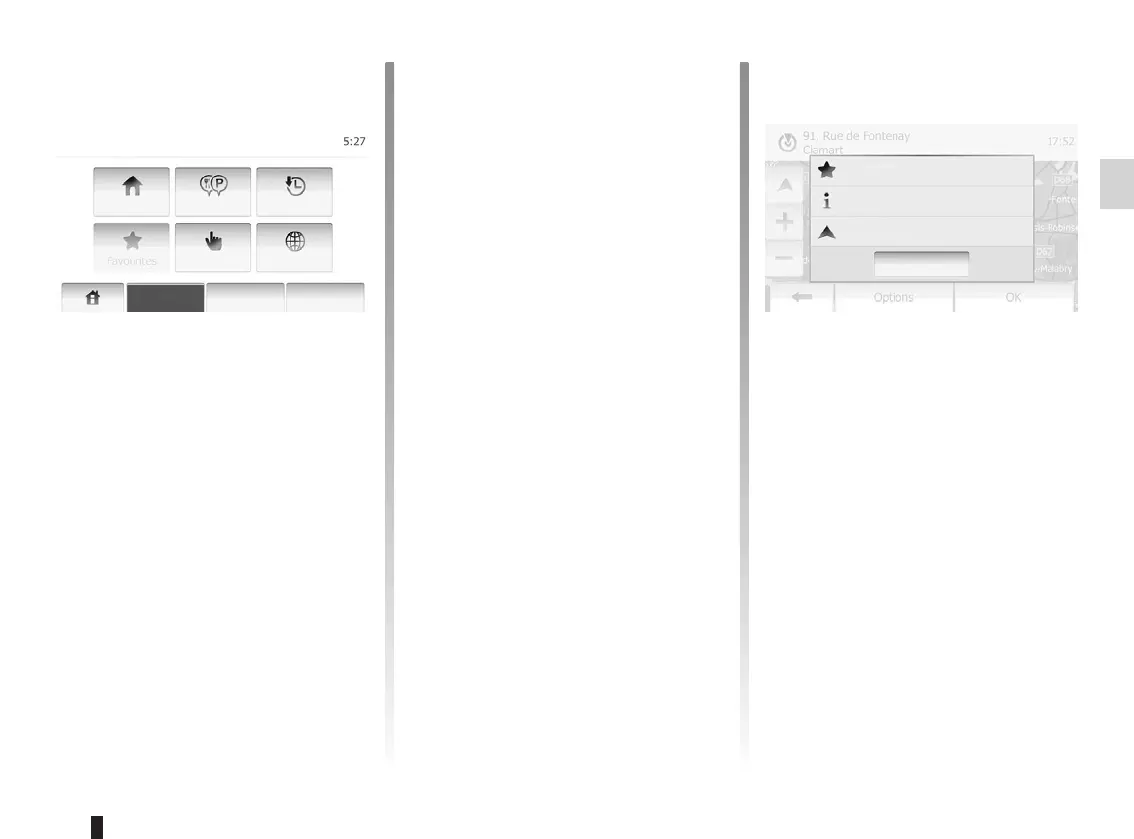
Tap “Home” > “Destination” to access
the destination menu. You have a
number of methods available to enter
a destination:
– Address: refer to the information on
“Entering an address” in the section
on “Entering a destination”.
– Point of interest: please refer to the
information on “Selecting a point of
interest (POI)” in the section entitled
“Entering a destination”.
– Address: refer to the information on
“Entering an address” in the section
on “Entering a destination”.
– History: refer to the information on
“Select a destination from the previ-
ous destinations” in the section enti-
tled “Entering a destination”.
– Find on Map: refer to the information
on “Selecting a destination on the
map” in the section on “Entering a
destination”.
– Coordinate: refer to the informa-
tion on “Entering the coordinate of
the destination” in the section on
“Entering a destination”.
In all cases, once the address is con-
firmed, the system will locate it on the
map. Tap “Options” and then tap “Add
to Favourites” to the destination as fa-
vourites.
Before saving favourites, you can
change the name of the favourite by
using keyboard.
News
Close
Add to Favourites
Back to Car
Navigation
Warnings
Route
Settings
Map Settings
Voice
Settings
Coordinate
Format
GPS
Destination Route Options



 To Next Page