GB.42
RECHARGING STATION
Saving new recharging
stations
When you recharge your vehicle at a
new recharging terminal, it will be auto-
matically saved in the system.
You can also create and manage
your own recharging stations in the
“Settings” menu, by selecting “EV set-
tings”. Please refer to the “Navigation
settings” section.
The “Charging station” menu is only
available on electric vehicles.
Go to the
Recharging station
menu
To access the “Charging station” menu:
– press “Navigation”, then select
“Drive to... ”;
– in the “Drive to...” menu, select
“Charging station”.
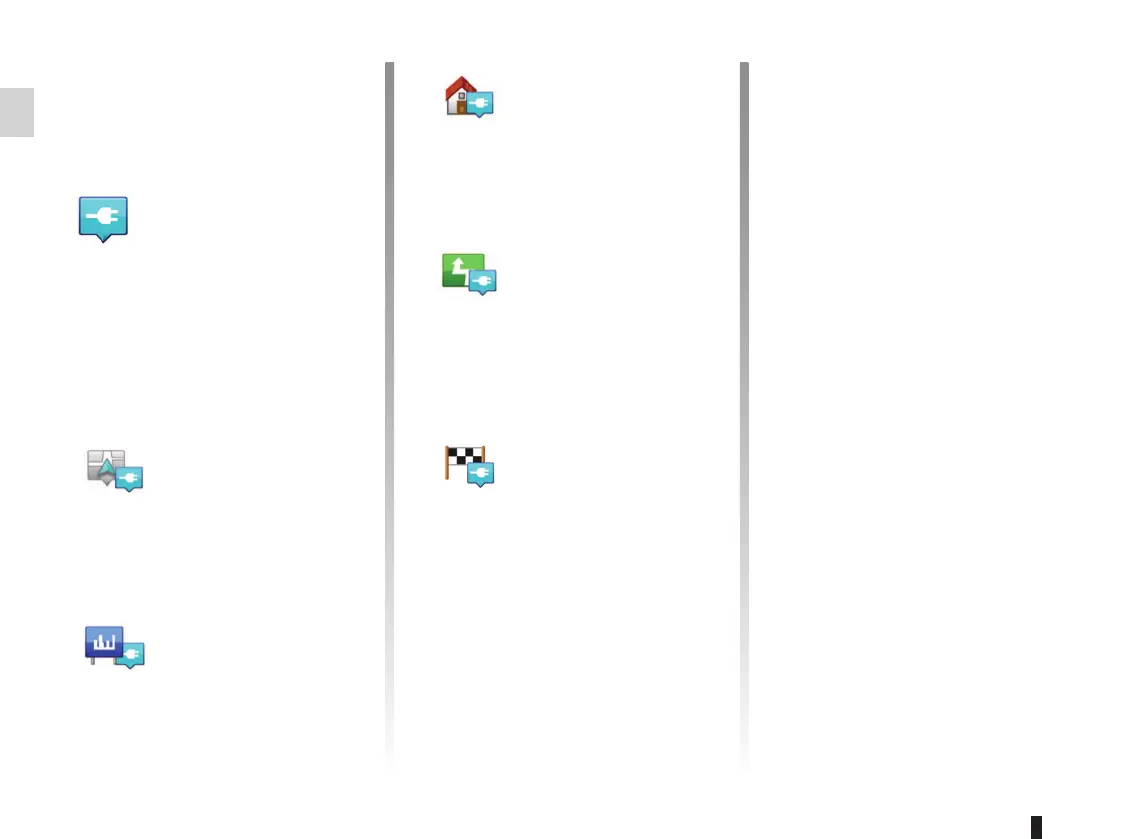
“Near my location”
This option enables you to find the
recharging stations closest to your
current position.
“In city”
Select this service to find recharg-
ing stations in the town/city your are
visiting.
“Near Home”
This option provides a list of recharg-
ing stations close to your home.
“Along route”
This option shows a list of recharg-
ing stations that you can use during
your trip.
“Near destination”
This option gives a list of recharging
stations near your destination.
“Last recharging station”
This option enables you to find the
coordinates of the last recharging
station used.



 To Next Page