GB.79
SERVICES SETTINGS
Accessing the
services settings
From the main menu, press “Services”.
The “Settings” menu enables you to
adjust the following elements:
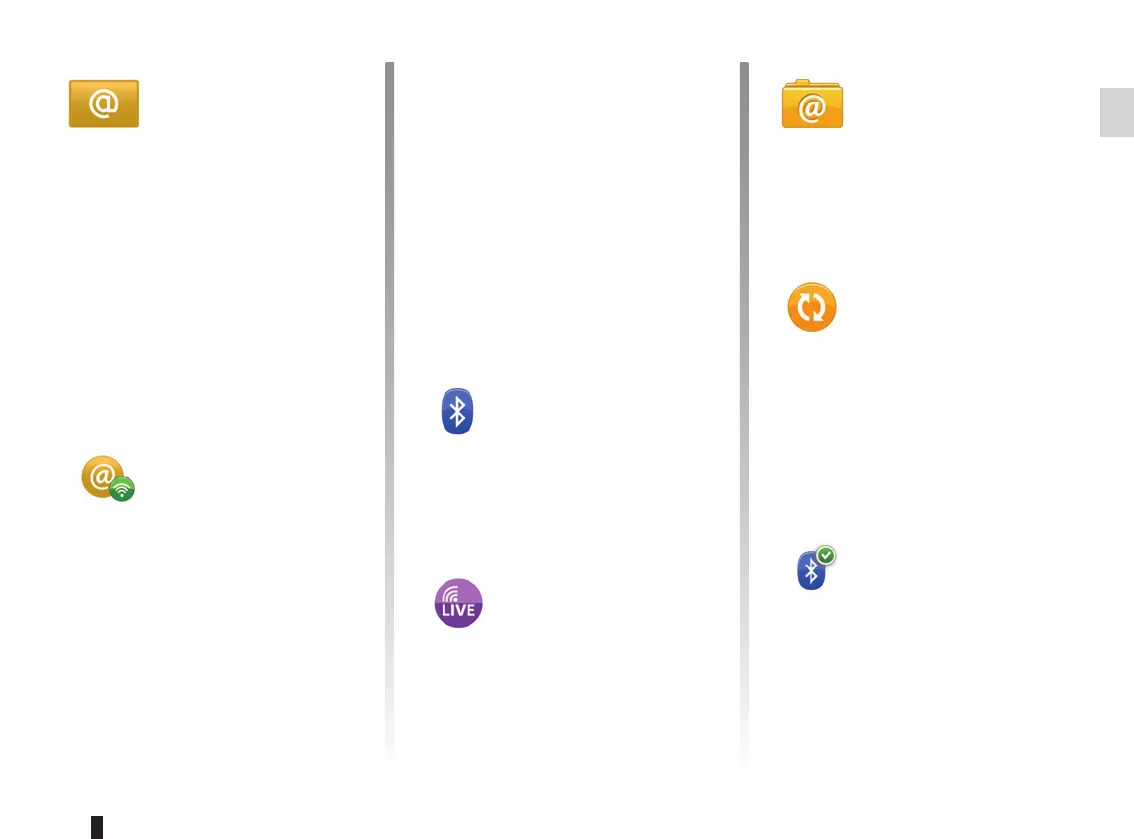
– Applications manager;
– Connectivity manager;
– Navigation services;
– Update applications;
– Data sharing settings;
– Activate/deactivate Bluetooth®.
Applications
manager
The applications manager enables you
to delete application data, uninstall ap-
plications and view the following infor-
mation:
– about;
– system usage;
– confidentiality.
Delete application data
Select the application from which you
wish to delete data, select the first tab,
press “+” then “Delete application data”.
Deleting an application
Select the application you want to
delete, select the first tab, press “+”
then “Delete application”.
Connectivity
manager
This menu enables you to manage your
Bluetooth® peripherals. Refer to the
“Pairing/unpairing a telephone” sec-
tion.
Navigation
services
Refer to the “Navigation services” sec-
tion for more details.
Update
applications
This menu lets you search for installed
application updates, but requires a
valid subscription.
Data sharing
settings
This menu enables you to activate or
deactivate data sharing.
Note: in the event of deactivating data
sharing, certain applications may not
operate correctly.
Activate/deactivate
Bluetooth®
Press this button to activate or deacti-
vate the Bluetooth® on the multimedia
system. A message is displayed to indi-
cate the activation or deactivation of the
Bluetooth®.



 To Next Page